
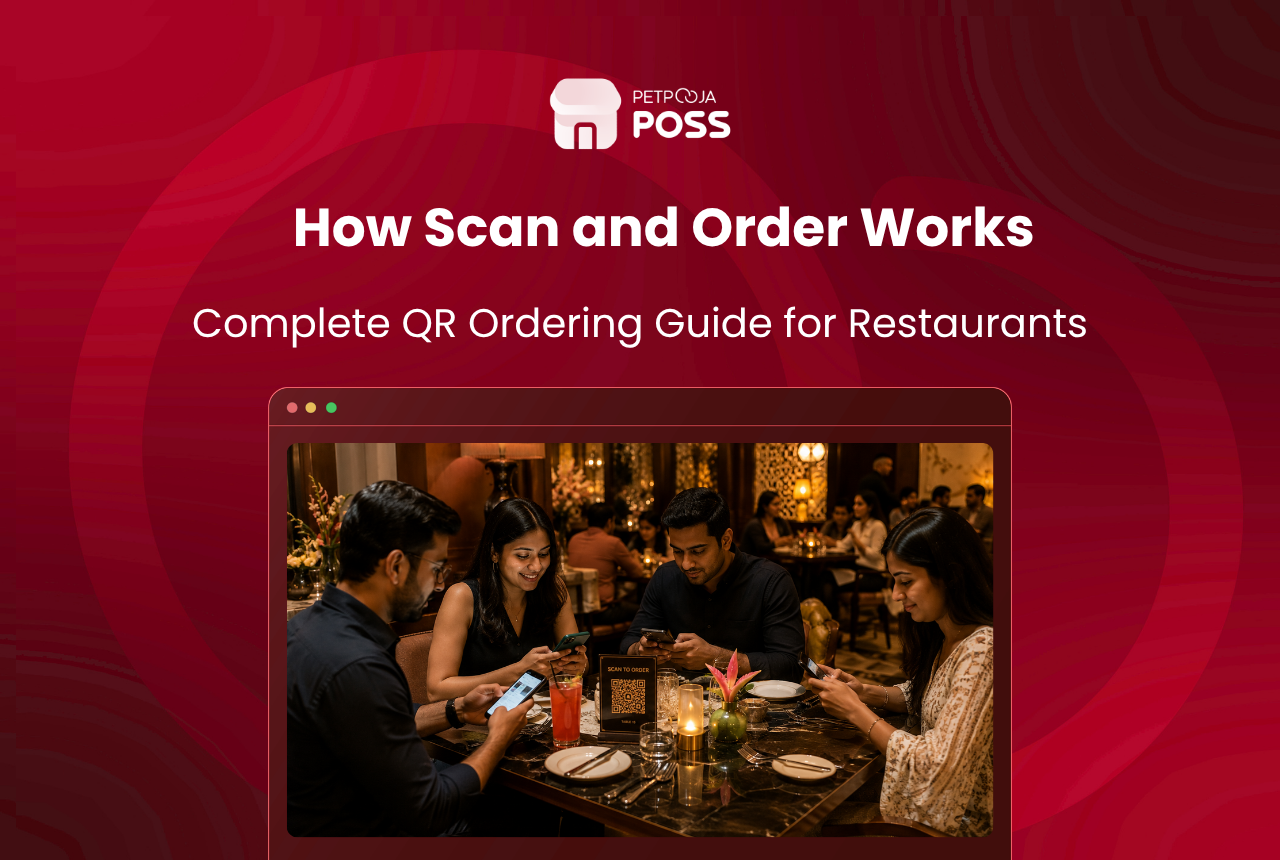
Scan and order is a system where each table in your restaurant gets its own QR code. A diner scans it with their phone camera, your menu opens on their screen, and they place the order themselves. The order goes to your POS, the kitchen gets the KOT, and the food arrives at the table. No app download, no waiter taking the order verbally, no handwritten chit.
The system works for dine-in only. It does not replace your delivery or takeaway flow. Think of it as a self-ordering layer that sits on top of your existing POS billing, not a replacement for it.
Key Takeaways
- Scan and order generates a unique QR code per table that opens your live menu on the diner’s phone
- The diner browses, selects items, and submits the order without waiting for a waiter
- The POS receives the order, fires the KOT to the kitchen, and the bill settles through your normal billing flow
- Staff still validates each order before the KOT is generated, so no random or accidental orders reach the kitchen
- Works best in high-footfall formats like QSRs, food courts, cafes, and casual dine restaurants with 30+ covers
How Does the Ordering Flow Work?
Here is the step-by-step flow from the diner’s side and the restaurant’s side, running in parallel.
| Step | What the diner does | What the restaurant sees |
|---|---|---|
| 1 | Scans the QR code on the table tent or sticker | Nothing yet |
| 2 | Menu loads on their phone browser (no app needed) | Nothing yet |
| 3 | Browses categories, taps items, selects variations and add-ons | Nothing yet |
| 4 | Reviews cart and submits the order | Order notification appears on the POS screen |
| 5 | Gets a validation code on their phone screen | Staff checks the code against the POS entry |
| 6 | Waits for food | KOT fires to the kitchen after staff validates |
| 7 | Eats, can reorder by scanning the same QR code again | New items append to the same running bill |
| 8 | Asks for the bill or pays from their phone | Bill settles through the POS |
Two things stand out in this flow. First, the diner never downloads an app. The menu loads in the phone’s browser the moment the QR code is scanned. Second, staff validates the order before the KOT reaches the kitchen. This prevents fake orders from someone scanning the QR code outside the restaurant or a child tapping random items on a parent’s phone.
What Problems Does This Solve?
Scan and order does not fix everything. But as Restaurant India reports, QR-based ordering has moved from a pandemic workaround to a permanent operational choice in urban Indian restaurants. It fixes three specific things that cost restaurants time and money every service.
The waiter bottleneck during peak hours. Use our free table turnover calculator to see how much time your tables spend waiting for orders versus eating. A 40-cover casual dine in Aundh, Pune, for example, with three waiters on a Friday evening hits a ceiling around 7:30 PM. Tables wait 8 to 12 minutes just to place an order because every waiter is already mid-conversation at another table. With scan and order, the diner places the order the moment they sit down. The waiter’s job shifts from taking orders to running food and managing the floor.
Order errors from verbal miscommunication. “One paneer butter masala, no onion, extra gravy” spoken across a noisy dining room turns into a wrong dish more often than most restaurant owners admit. When the diner taps the item, selects the variation, and types the note themselves, the order reaches the kitchen exactly as intended. No middleman, no mishearing.
The reorder delay. In a traditional flow, a table that wants to add a second round of drinks or a dessert has to flag a waiter, wait, repeat the order, and wait again. With scan and order, they scan the same QR code, add items, and submit. The new items join the running bill. At Petpooja, we have seen this reorder convenience push average bill values up in outlets that enable scan and order, because diners who would have skipped a second order due to the wait end up placing it.
Which Restaurant Formats Benefit Most?
Not every format gets the same return from scan and order. According to an NRAI restaurant survey, 67% of restaurant owners say technology directly impacts revenue, but the value of any single tool depends on table count, average service time, and how much of your revenue comes from dine-in.
QSRs and fast-casual outlets gain the most. Order speed is the bottleneck. A burger joint in Maninagar, Ahmedabad, for example, running 60 covers with a 20-minute table time, needs orders placed within 2 minutes of seating. Scan and order removes the waiter step entirely in this format.
Food courts and canteens are a natural fit. Multiple counters, shared seating, high footfall. The QR code replaces the queue at each counter. Diners order from the table, pick up when their token flashes. Our guide on setting up self-ordering kiosks covers the hardware alternative for this same use case.
Cafes and coffee shops with a menu that rotates daily or seasonally benefit from the instant menu updates. Change a price or add a new item in the POS, and every QR code on every table reflects it within seconds. No reprinting. Our blog on managing a cafe without chaos covers how this fits into a broader cafe operations setup.
Fine dine is the exception. Consider, for example, a fine-dine restaurant in Banjara Hills, Hyderabad, where guests paying ₹2,500 per head expect a captain to walk them through the menu, explain the specials, and suggest a wine pairing. Scan and order strips that interaction away. For fine dine, a table-side POS via the Captain App is a better fit.
How Is Scan and Order Different from a QR Code Menu?
This is the most common confusion. A digital menu via QR code shows your menu on the diner’s phone. They look, they browse, and then they call the waiter to place the order. The QR code replaces the printed card but not the ordering step.
Scan and order goes further. The diner browses and orders from the same screen. The order flows directly to the POS and the kitchen. No waiter intervention between “I want this” and “the kitchen starts cooking.”
| Feature | QR code menu (view only) | Scan and order (view + order) |
|---|---|---|
| Menu visible on phone | Yes | Yes |
| Diner places order from phone | No, calls waiter | Yes, taps and submits |
| Order reaches POS directly | No | Yes |
| KOT fires without waiter input | No | Yes, after staff validation |
| Reorder from phone | No | Yes |
| Payment from phone | No | Possible (depends on setup) |
If your restaurant already has a QR code that opens a PDF menu or a static image, that is a QR code menu. If the diner can tap items and submit an order that hits your POS, that is scan and order.
How Petpooja’s Scan and Order Works
Petpooja’s Scan and Order is a marketplace add-on available on Electron POS and LOCAL POS types. It generates system-level QR codes per table that connect directly to the outlet’s live POSS menu.
Here is what happens under the hood:
- The POS generates a unique QR code per table during setup. You print these on table tents, stickers, or acrylic stands
- When a diner scans, the menu loads with the outlet’s item list, prices, images, variations, and add-ons pulled live from POSS
- The diner selects items, adds notes, and submits
- A validation code appears on the diner’s screen. Staff checks this code on the POS before the KOT is generated. This is the fraud-prevention step
- Once validated, the KOT routes to the correct kitchen station based on the item-to-station mapping already configured in POSS
- The diner can scan the same QR code again to add more items. New items append to the same running bill
- Bill settlement happens through the standard POSS billing flow
The menu on the diner’s phone stays in sync with the POS in real time. If you mark an item as out of stock or change a price in POSS, the QR menu reflects the update on the next scan. No manual update needed on the diner’s side.
For outlets that want to go further, Petpooja also offers a self-ordering kiosk for a hardware-based version of the same idea, and a Kitchen Display System to replace paper KOTs in the kitchen with a live screen.
What Are the Limitations?
Scan and order is not a fit for every situation. Three limitations are worth knowing before you enable it.
Older diners and non-smartphone users. As QSR Magazine notes, not all diners are equally comfortable with QR-based ordering. Not every guest at your restaurant carries a smartphone or knows how to scan a QR code. In tier-2 and tier-3 cities, a meaningful share of walk-in diners still prefer speaking to a person. You will always need at least one waiter on the floor for these guests.
Internet dependency at the table. The diner’s phone needs a working internet connection to load the menu and submit the order. For example, if your restaurant is in a basement in Lower Parel, Mumbai, where mobile signals drop to zero, the diner’s phone will not load the menu. Your outlet’s Wi-Fi can solve this, but that is one more thing to maintain.
It does not replace the waiter entirely. The waiter still runs food, clears tables, handles complaints, and validates orders. Scan and order removes the order-taking step from the waiter’s job. It does not remove the waiter. Restaurants that cut staff after enabling scan and order often find service quality drops on other fronts.
Conclusion
Scan and order is a dine-in ordering layer where each table gets a QR code, the diner orders from their phone, and the order flows to your POS and kitchen without a waiter taking it verbally. It works best in high-footfall formats like QSRs, food courts, and cafes where order speed matters more than table-side service. Fine-dine restaurants are better served by a Captain App or table-side POS.
Petpooja’s Scan and Order runs as a POSS add-on on Electron POS and LOCAL POS, with system-generated QR codes, staff validation before KOT, and live menu sync. It does not replace waiters. It frees them from the ordering step so they can focus on service.
Frequently Asked Questions
No. The menu opens in the phone’s browser when the QR code is scanned. No app install, no login, no sign-up. This is the reason adoption rates are high: the friction for the diner is close to zero.
Staff validation. After the diner submits an order, a validation code appears on their phone. A staff member checks this code on the POS screen before the KOT fires. No validation, no KOT, no food prepared. Our blog on turning tables faster without rushing covers how this fits into a broader floor-management workflow.
No. Online ordering is for delivery and takeaway through apps like Swiggy and Zomato. Scan and order is for dine-in only. The diner is physically sitting at your table, scanning your QR code, and the food is served to them at the table. Different flow, different purpose.
Electron POS and LOCAL POS support it fully. POS Lite has limited support. Android POS does not support it currently. If you are choosing a POS and scan and order is a priority, our guide on picking the best POS for your restaurant covers the full comparison across types.
Once your POSS menu is configured with items, prices, and images, generating QR codes per table takes minutes. Print the codes, stick them on tables, and you are live. Most outlets finish the process in a single sitting. Add a QR code visibility check to your restaurant opening and closing checklist so staff confirms every table tent is clean and scannable before each service.








