
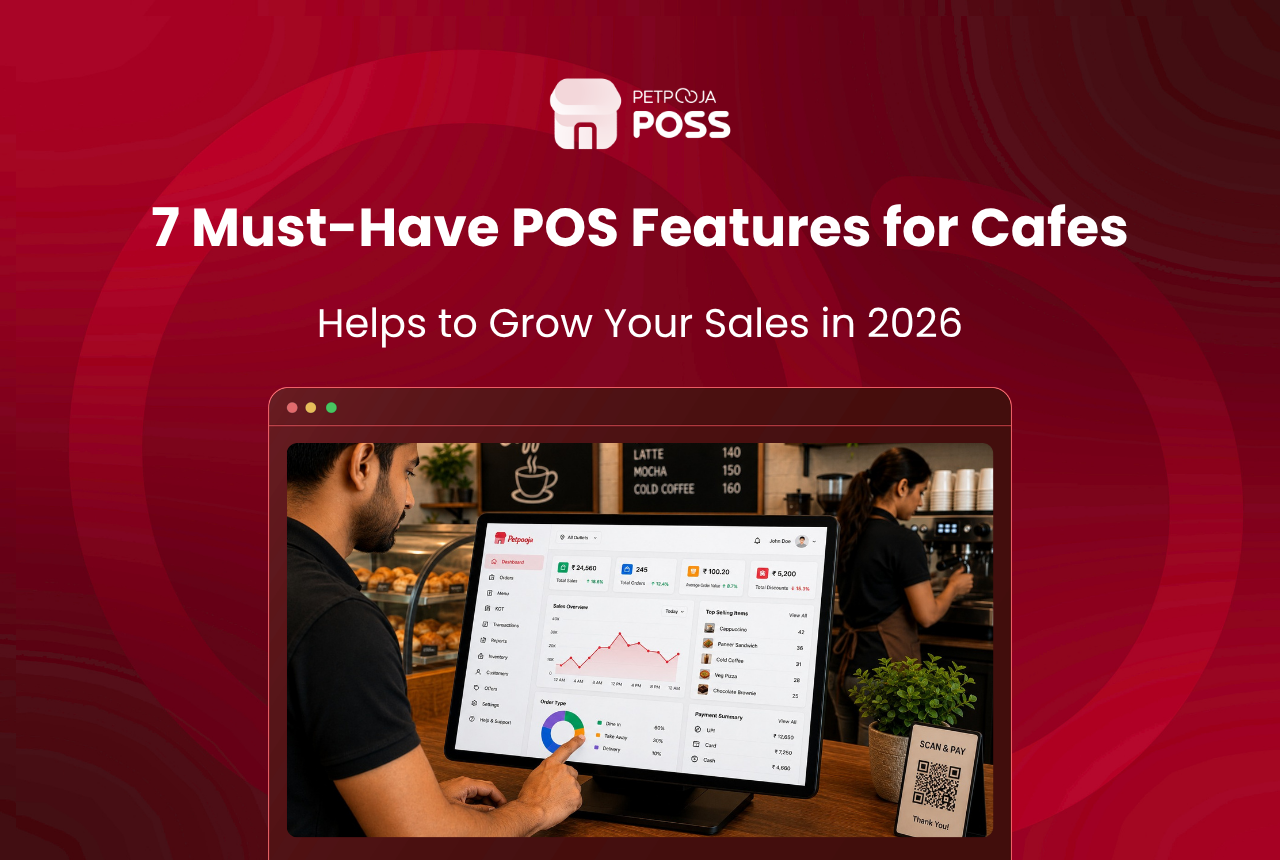
In brief: Managing a cafe well means keeping billing fast, kitchen orders clear, online aggregators synced, stock tracked per ingredient, and reports in the owner’s hands daily. Petpooja POSS does all five from one screen, and this blog walks through each one with real operational detail.
A cafe with 30 covers and 45 menu items sounds manageable on paper. In practice, between 11 AM and 2 PM on a weekday in a place like Aundh in Pune, that same cafe handles walk-in orders, two Swiggy batches, a Zomato order that just timed out, a barista asking whether oat milk is left, and a regular at table 6 who ordered a cold brew ten minutes ago.
That mid-day window is where most cafe owners lose control, not because they lack effort, but because their tools were never built for how a cafe actually runs. India’s food service market is worth USD 85.19 billion and growing at 10.30% CAGR through 2031, with independent operators making up the bulk of the market according to industry estimates. Most of those independents are small-format outlets like cafes, and they face the same mid-day chaos described above.
This blog walks through how Petpooja POSS handles each of these problems.
How Does Billing Work at Cafe Speed?
Petpooja POSS processes a cafe bill in under 10 seconds from item selection to payment confirmation, with items grouped by station (beverages, food, desserts) so the counter staff does not scroll through a flat list of 80 SKUs to find “Iced Americano.”
That speed matters because cafe billing is different from restaurant billing in one critical way: the gap between a customer deciding and expecting their order is far shorter. A dine-in restaurant guest tolerates a 12-minute wait. A cafe guest ordering a latte and a croissant expects the bill punched before they finish tapping their UPI app.
Split billing, combo creation, and discount application all happen on the same screen. For a cafe in Vastrapur, Ahmedabad, running a “buy 2 get 1” offer on weekday afternoons, the combo sits as a single tap on the billing screen rather than a manual calculation every time.
With UPI now handling around 66 crore transactions per day and person-to-merchant payments growing 37% year-on-year, most cafe guests pay digitally. POSS processes UPI, card, and cash on the same screen, so the billing person never switches between apps.
What this means in practice: fewer billing errors during rush hours, shorter queues at the counter, and staff who do not need three weeks of training to handle a Saturday crowd.
How Do Station-Wise KOTs Keep the Kitchen and Bar in Sync?
Petpooja POSS splits each order into station-wise digital KOTs the moment the bill is punched. The bar gets the cold brew order on its screen, the kitchen gets the grilled sandwich on a separate screen, and both stations start preparation at the same time. The counter sees a live status showing which items are ready and which are still in progress.
Most cafes run at least two preparation stations: the kitchen (sandwiches, wraps, salads) and the bar (coffees, smoothies, shakes). When a single order has items from both, a paper KOT or a basic billing app sends one combined slip to one place. The barista waits for the kitchen to finish reading the slip, or the kitchen never sees it at all.
For example, consider a specialty cafe in Indiranagar, Bangalore, with a beverage counter, a food prep station, and a dessert section. A single order containing a filter coffee, a panini, and a brownie splits into three KOTs, one per station, without the billing staff doing anything extra.
This station-level split is particularly useful during peak hours when verbal coordination between the counter and the kitchen breaks down.
How Do Swiggy and Zomato Orders Land on the Same Screen?
Petpooja POSS consolidates all aggregator orders onto the same billing screen alongside dine-in and takeaway orders. When a Zomato order lands, it appears with a distinct tag, goes into the preparation queue, and the acceptance happens from the POS itself.
Without this, a cafe pulling orders from Swiggy, Zomato, and its own walk-in counter typically has three tabs open, or worse, three separate devices. Missed orders, double-acceptance errors, and aggregator commission penalties pile up once online orders cross 15 per day. Delivery channels in India’s food service market are expanding at 12.52% CAGR according to the Mordor Intelligence report cited earlier, so the volume of aggregator orders hitting a cafe counter is only going up.
One screen for walk-ins, Swiggy, and Zomato
Across 1,00,000+ restaurants on the Petpooja network, aggregator integration is one of the features cafe and QSR owners use most. At Petpooja, we see cafes that switch from separate tablets to a single POS screen cut their missed-order rate within the first two weeks. The reason is straightforward: it removes the need for a separate tablet per aggregator, and it stops the kitchen from treating online orders as an afterthought that gets prepared after walk-in tickets.
For example, a cloud-kitchen-style cafe in Salt Lake, Kolkata, running on Swiggy, Zomato, and Magicpin simultaneously would no longer risk an order slipping through because someone forgot to check the Zomato tablet sitting behind the coffee machine.
Inventory That Moves With Every Bill
The biggest money leak in most Indian cafes is not theft. It is over-ordering ingredients because nobody knows what is actually left. A cafe doing Rs 3.5 lakh in monthly revenue can lose Rs 8,000 to Rs 15,000 per month just from spoilage and over-purchasing when billing and stock tracking run on separate tools, based on what cafe operators on the Petpooja network have reported. For a deeper look at where these costs add up, the guide to reducing food cost breaks down the six areas most outlets bleed money.
Recipe-level deduction on every bill
Petpooja POSS ties each menu item to a recipe. One cappuccino deducts 18g of coffee beans, 150ml of milk, and 10g of sugar from stock the moment the bill is punched. No manual stock entry at end of day. No Excel sheet that is always six days behind reality.
Low-stock alerts before you run out
When stock for any ingredient drops below the threshold you set, the system fires an alert. The owner or the manager sees it on the dashboard, and the reorder happens before the cafe runs out mid-service.
If you want a deeper look at how billing-linked inventory tracking works, the ultimate guide to opening a cafe in India covers billing-linked inventory and other operational essentials.
How Does QR Ordering Help a Small Cafe Team?
Petpooja POSS supports QR-based digital menu ordering where a guest scans a table code, browses the menu, places the order, and pays from their phone. This frees up the billing person during the 12:30 PM to 1:30 PM rush so they are not stuck taking orders from a queue while three tables wait for their check.
Most Indian cafes run with 3 to 6 staff total, and there is no slack in that number. When one person handles billing, another runs the kitchen, and a third manages tables, there is no spare capacity during the lunch rush. A cafe in Bopal, Ahmedabad, with four staff members and 20 covers can handle the same lunch volume that would otherwise need a fifth person just for order-taking. The menu updates centrally, so a seasonal item added in the morning shows up on every QR scan without reprinting anything.
How Do Reports Reach the Owner, Not Just the Desktop?
A cafe owner in Pimpri, Pune, who runs two outlets does not sit at a desktop at 10 PM reviewing dashboards. They check their phone between closing one outlet and heading to the other.
Petpooja POSS sends daily sales summaries, item-wise performance, and P&L snapshots via WhatsApp. The owner sees which items sold, what the total collection was, and how the day compared to the previous week, all in a WhatsApp message they can read in three minutes.
According to the National Restaurant Association of India (NRAI), India has over 5,00,000 restaurants and cafes, and the organised segment alone is projected to reach INR 4,10,591 crore by 2028 at a 13.2% CAGR. In a market that large, the cafes that grow are the ones whose owners make data-backed decisions daily rather than reviewing numbers at the end of the month. At Petpooja, we have noticed that owners who check their WhatsApp sales summary every night tend to catch slow-moving menu items and stock problems far earlier than those who rely on monthly reviews.
Multi-outlet owners get a central dashboard showing both outlets side by side: revenue, order count, top items, and inventory status per location on one screen.
What About Cafes That Also Do Takeaway Subscriptions?
Some cafes in cities like Hyderabad and Chennai handle daily subscription orders. A corporate office in Jubilee Hills ordering 15 filter coffees every morning at 9:30 AM is a real revenue stream, but only if the order goes to the kitchen on time without a daily phone call or WhatsApp reminder from the owner.
Petpooja POSS supports this through order scheduling: a subscription auto-generates a KOT at the scheduled time, so the barista sees it in the preparation queue alongside walk-in orders. The billing happens on schedule too, which means the cafe does not chase payment at the end of the month with a handwritten tally. For a cafe doing 8 to 12 such subscriptions per week, that adds up to a predictable revenue line that the monthly P&L report captures on its own.
For a look at how different cafe formats operate in India, the types of cafes in India guide covers everything from chai stalls to specialty third-wave cafes.
Does a Cafe Actually Need All of This?
Not every feature applies to every cafe. A single-counter chai cafe in Madhapur, Hyderabad, with 12 items on the menu may not need station-wise KOTs or QR ordering. But it will still benefit from aggregator consolidation if it runs on Swiggy, and from recipe-linked inventory if milk and sugar are its two biggest costs. Even a small cafe needs an FSSAI licence (basic registration starts at just Rs 100 per year for turnover under Rs 12 lakh), and having structured billing records makes renewal paperwork far simpler.
Here is a quick reference for which POSS features matter most by cafe format:
| Cafe Format | Covers | Must-Use Features | Can Add Later |
|---|---|---|---|
| Chai stall / kiosk | 5-10 | Billing, inventory, UPI payments | Aggregator sync |
| Single-counter cafe | 10-25 | Billing, recipe-linked inventory, Swiggy/Zomato sync | QR ordering, WhatsApp reports |
| Multi-station cafe | 25-50 | Station-wise KOTs, QR ordering, aggregator sync, inventory | Multi-outlet dashboard |
| Multi-outlet chain | 50+ per outlet | All of the above plus central dashboard, P&L by location | Subscription scheduling |
The point is not to use every feature from day one, but to have one system that already has the feature when the cafe needs it. If you are still comparing options, the guide to picking the best POS for your restaurant covers Petpooja POSS against other platforms on key operational features.
Conclusion
Managing a cafe without chaos comes down to whether your tools talk to each other. Billing should update stock. Online orders should land on the same screen as walk-ins. KOTs should split by station on their own. Reports should reach your phone, not sit on a desktop nobody checks after 8 PM.
Petpooja POSS connects all of these on a single platform built for how Indian cafes actually run, from a 15-cover filter coffee shop in Mylapore, Chennai, to a 60-cover multi-format cafe in Banjara Hills, Hyderabad. Explore the full feature set on the Petpooja POSS product page.
Frequently Asked Questions
Start with the menu and recipe mapping. Add every menu item with its ingredients and quantities. Once recipes are mapped, billing and inventory link up from the first bill you punch, and stock tracking runs on its own from that point forward. Use the food cost calculator to get your ingredient costs right before you begin.
Yes. Station-wise KOTs split each order by preparation area. The food counter and the beverage bar each see only their portion of the order on separate screens, so both stations start preparing at the same time. The common cafe management challenges blog covers why this split matters for service speed.
Petpooja POSS continues billing in offline mode and syncs all transactions once the connection restores. No orders are lost, and no bills need re-entry. This is particularly relevant for cafes in areas with inconsistent broadband, which is still common across tier-2 and tier-3 Indian cities.
Aggregator orders land on the same billing screen as dine-in and takeaway orders, tagged by platform (Swiggy, Zomato, or others). Acceptance, preparation tracking, and dispatch all happen from the POS, so there is no need for separate tablets per aggregator. You can download our opening and closing checklist template to build aggregator-readiness into your daily routine.
It works for cafes of any size. A 10-cover chai cafe uses the billing and inventory features. A 50-cover multi-station cafe uses KOTs, QR ordering, and multi-outlet dashboards on top of that. The platform scales with the operation rather than requiring a format switch as the cafe grows.








