


Looking for Tally alternatives for your shop? There are five good ones, and they fall into two groups. Three of them can take over your accounts and GST returns as well (ERPNext needs an add-on for GST). The other two handle billing and stock. Both say they can send data to Tally, so your accountant can keep using it.
So first, decide what you want to move. Many shops use Tally for two jobs: making bills at the counter, and keeping the accounts for GST. You can move just the billing, or both.
This guide explains each of the five tools, what users say about them, what they cost, and how to switch without trouble at GST return time.
Key Takeaways
- Best for small businesses: Petpooja Invoice sums up as the best retail invoicing tool among Tally alternatives, with fast GST billing at the counter while your accountant stays on Tally.
- Two groups: Zoho Books, BUSY and ERPNext take over your accounts too. Petpooja Invoice and Vyapar handle billing and stock, so your accountant can keep Tally.
- Free options: most of these tools have a free plan or edition, but Zoho’s free plan caps invoices.
- Tally link: both billing tools list a way to send data to Tally, so check what syncs in a demo.
- Switching: start on the first day of a GST return period, with a new bill series, and keep old Tally data for 72 months from that year’s annual return due date.
5 Tally Alternatives Compared: Ratings, Pros and Cons
These are the top five Tally alternatives for small Indian businesses. Petpooja Invoice is ours, and it is my pick for small Indian businesses, so it comes first. The other four follow in no set order. The table shows which Tally job each one takes over, and the sections below cover each tool at length.
| Tally Alternative | Tally Job It Takes Over | What It Says About Tally Data | Free Option |
|---|---|---|---|
| 1. Petpooja Invoice | Billing counter and stock, built for Indian GST | Tally integration available | Free demo available |
| 2. Zoho Books | Full books, in the cloud | Help with importing your data | Free plan |
| 3. BUSY | Full books, with billing | Says you can move data in from Tally | Free Express edition |
| 4. Vyapar | Billing counter and stock, on phone and computer | Import and export of Tally data (export in paid plans) | Free plan |
| 5. ERPNext | Full books and more, open source | Not stated on its pages | Free if self-hosted |
If you only want a billing counter, our list of GST billing software goes deeper on that one job.
How I Compared These Tally Alternatives
I kept in mind the two questions most shop owners ask:
- Will your accountant have to leave Tally?
- How fast can you bill at a busy counter?
For each tool, I checked:
- its product and pricing pages
- what users say about it in reviews
- how it handles Tally data
- its GST features, such as e-invoices and e-way bills
- whether it has a free plan, trial or demo
1. Petpooja Invoice: Best Tally Alternative for Small Businesses
Petpooja Invoice is the best Tally alternative for small businesses that want fast GST billing without paying for features they never use. It is built for shops, retailers, supermarkets, distributors and small factories across India.
It starts from the real problems a small business faces: a queue at the billing counter, stock that does not match the shelf, and an accountant who still works in Tally. Its features are built around those jobs, at a reasonable price, without crowding the screen with tools a small shop does not need.
If you want GST billing software like Tally for the counter, it covers the bills and stock while your accountant keeps the books in Tally. Our Petpooja Invoice features guide covers each feature in detail.
What its product page lists:
- GST from the first bill: GST invoices, e-invoices, e-way bills and GST return reports
- A link to Tally: Tally integration available, so your bills can reach your accountant’s Tally
- Your accounts in view: a chart of accounts, journal entries and a balance sheet, so you can see where you stand, while your accountant keeps the full books in Tally
- Built-in AI: an AI Inventory Agent that keeps stock levels updated without manual entry, plus Purchase AI, AI Theft Detection and a Garment AI Try-On
It comes from Petpooja, which has built software for Indian businesses for 14+ years. Its pricing section says its plans come “with no hidden fees or surprises”, and you can see it working in a free demo before you pay.
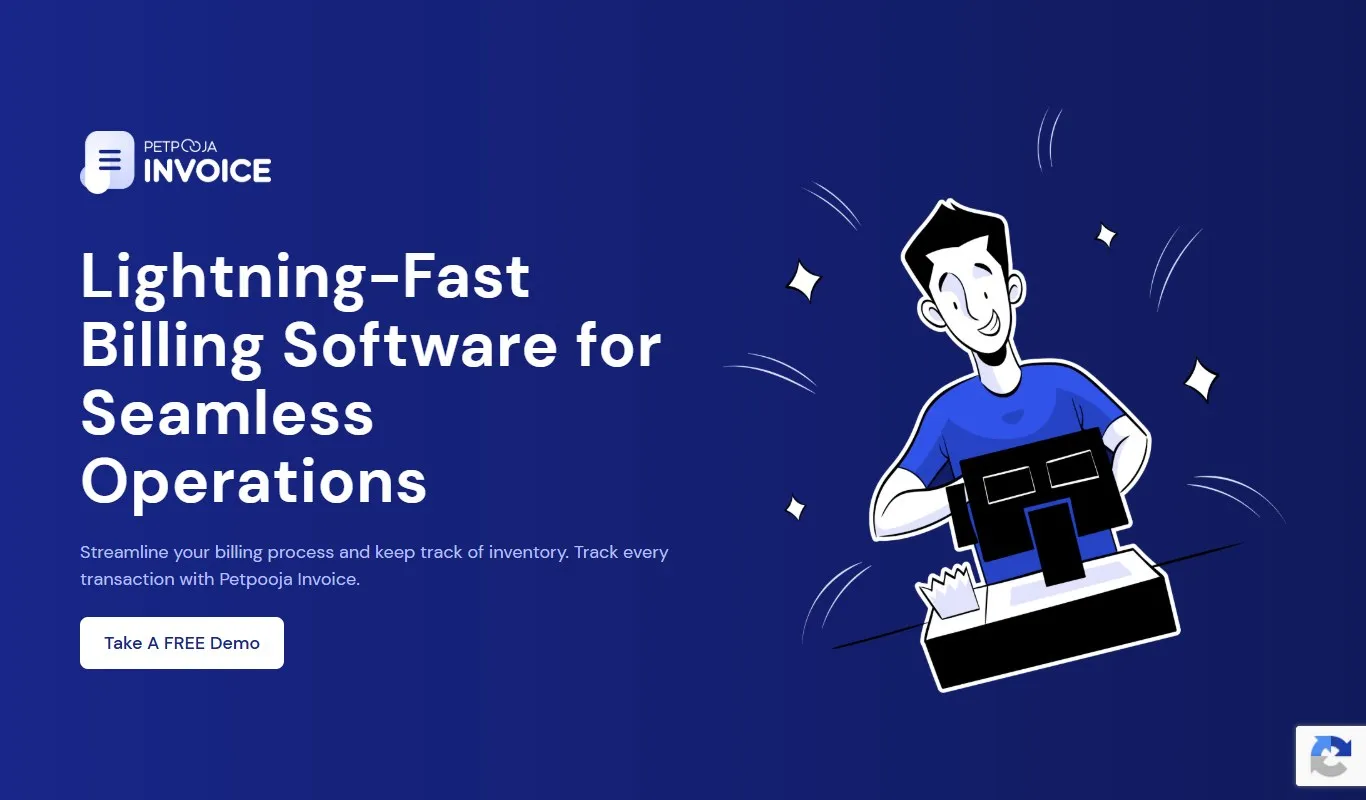 The Petpooja Invoice home page. Source: petpooja.com/invoice, 2 November 2026.
What users say: One reviewer wrote: “best POS for my shop”. Another wrote: “very user friendly app easy to use accurate inventory and sales and gst reports”. (see the reviews on Google Play)
If your accountant stays on Tally: Petpooja Invoice is built for exactly this. You get GST billing and stock at the counter, and the books stay in Tally through its Tally integration. Ask to see it in your free demo.
2. Zoho Books: Cloud Accounting With a Free Plan
Take a small interior design studio in Indiranagar, Bengaluru (an example). It has no counter, bills a few clients a month, and wants its books online so the partner and the accountant can both log in. That is the kind of business Zoho Books accounting software is built for.
Zoho Books says you can “Generate e-invoices, e-Way bills, and delivery challans”. It also says you can file tax returns directly. On moving over, its site says “Zoho support and partners can assist with data import”.
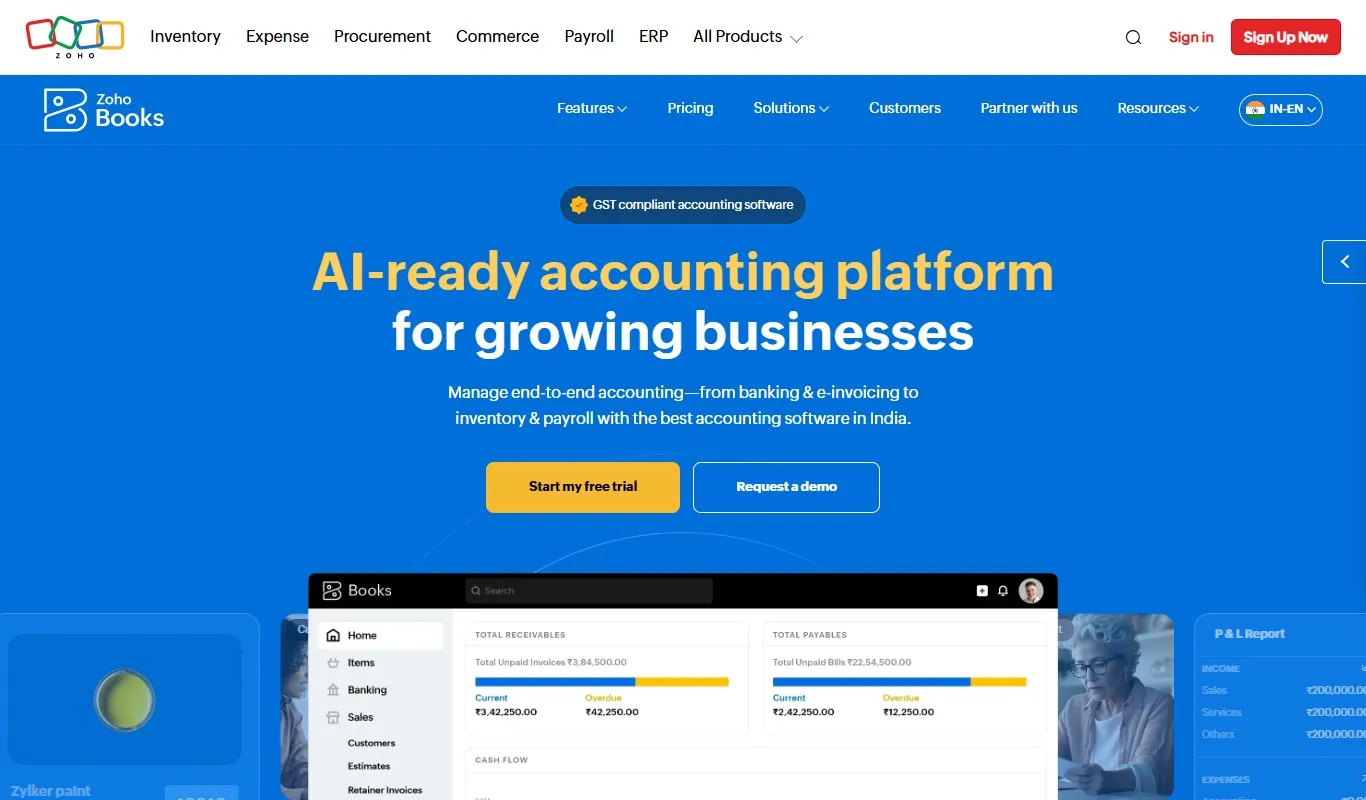 The Zoho Books India home page. Source: zoho.com/in/books, 2 November 2026.
What users say: A small-business owner wrote: “I love how quickly I can convert estimates to invoices with just a few clicks.” (see the reviews on G2)
My take: I could recommend Zoho Books to a small firm that bills a few clients a month and wants its books online, with the accountant logging in. G2’s summary puts ease of use first among the pros. Among the cons, it lists missing features and support complaints. In a demo, ask how your Tally ledgers and bank statements come in.
3. BUSY: Accounting and GST Billing Software
BUSY accounting software calls itself “the accounting and GST billing software built for growing businesses.”
Its home page lists e-invoices with the Invoice Reference Number (IRN) and QR code on the bill. Our e-invoice software guide compares how other tools handle this. BUSY’s home page also lists e-way bills and one-click matching of your GST returns with your books.
BUSY also covers the move itself. Its pricing page FAQ says “You can also move data from other accounting softwares such as Tally or Marg easily.”
BUSY comes as a desktop version and as a cloud version called BUSY Online. Its BUSY inventory page says it “tracks individual items by serial number or IMEI”.
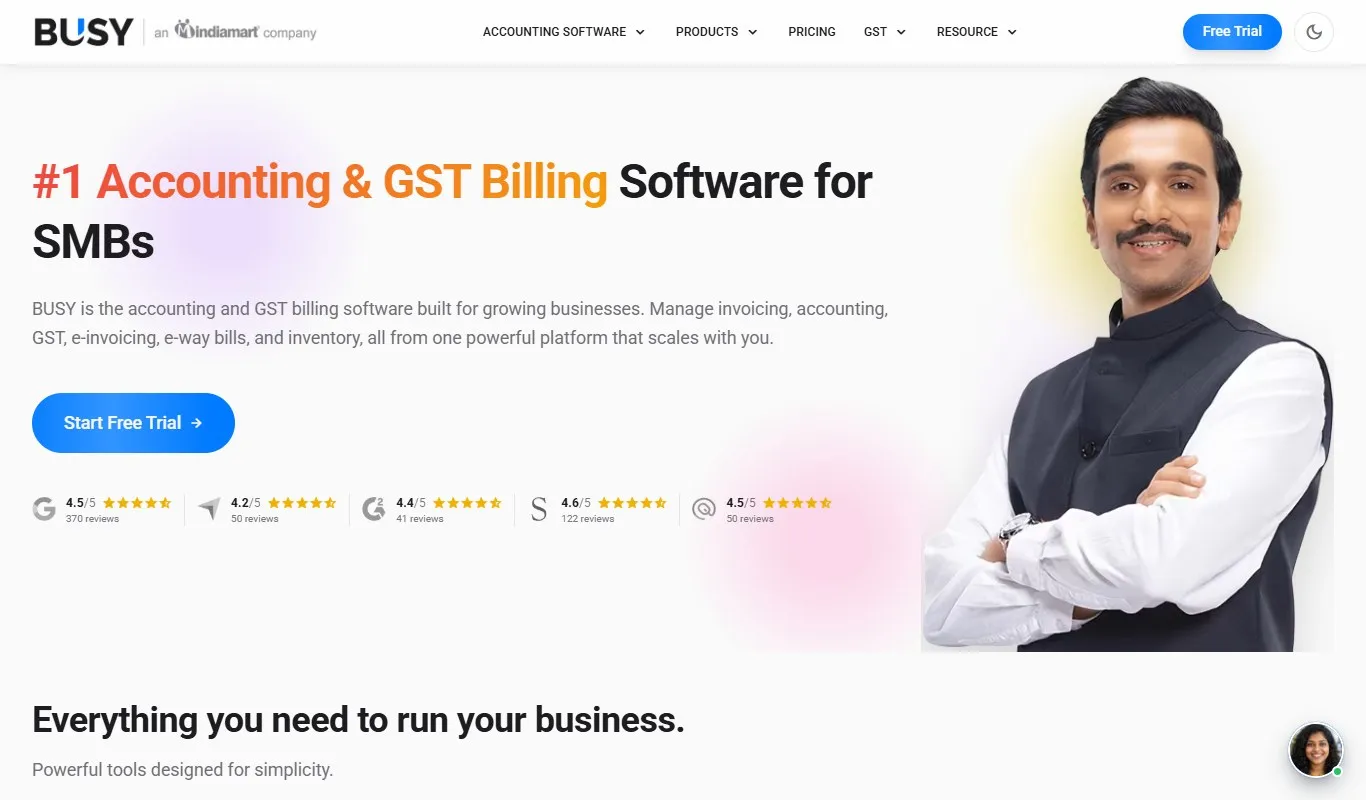 The BUSY home page. Source: busy.in, 2 November 2026.
What users say: One small-business reviewer wrote: “The bar coding and inventory management features are incredibly useful”. (see the reviews on G2)
My take: I could recommend BUSY to a distributor or a shop that wants accounting and billing together on a desktop. G2’s summary lists billing management first among the pros. Among the cons, it lists slow performance and the look of the screens. In a demo, time a batch of bills, and check that the plan you price is one of its GST plans.
4. Vyapar: GST Billing on Phone and Desktop
Picture a hardware shop owner in Ludhiana (an example). He bills a contractor on his phone at the site. At night, he checks the day’s total on the shop computer. That is the kind of user the Vyapar billing app is built for.
Vyapar’s home page headline is “Best GST Billing Software for Small Businesses in India”, and it also lists accounting and stock, though its headline is about billing.
It says it runs on Android, iOS, Windows and Mac, and works offline and online. About Tally data, its home page says you can “Import and export Tally data easily”. Its Vyapar pricing page lists “Export data to Tally” in its paid plans, from ₹4,399 a year.
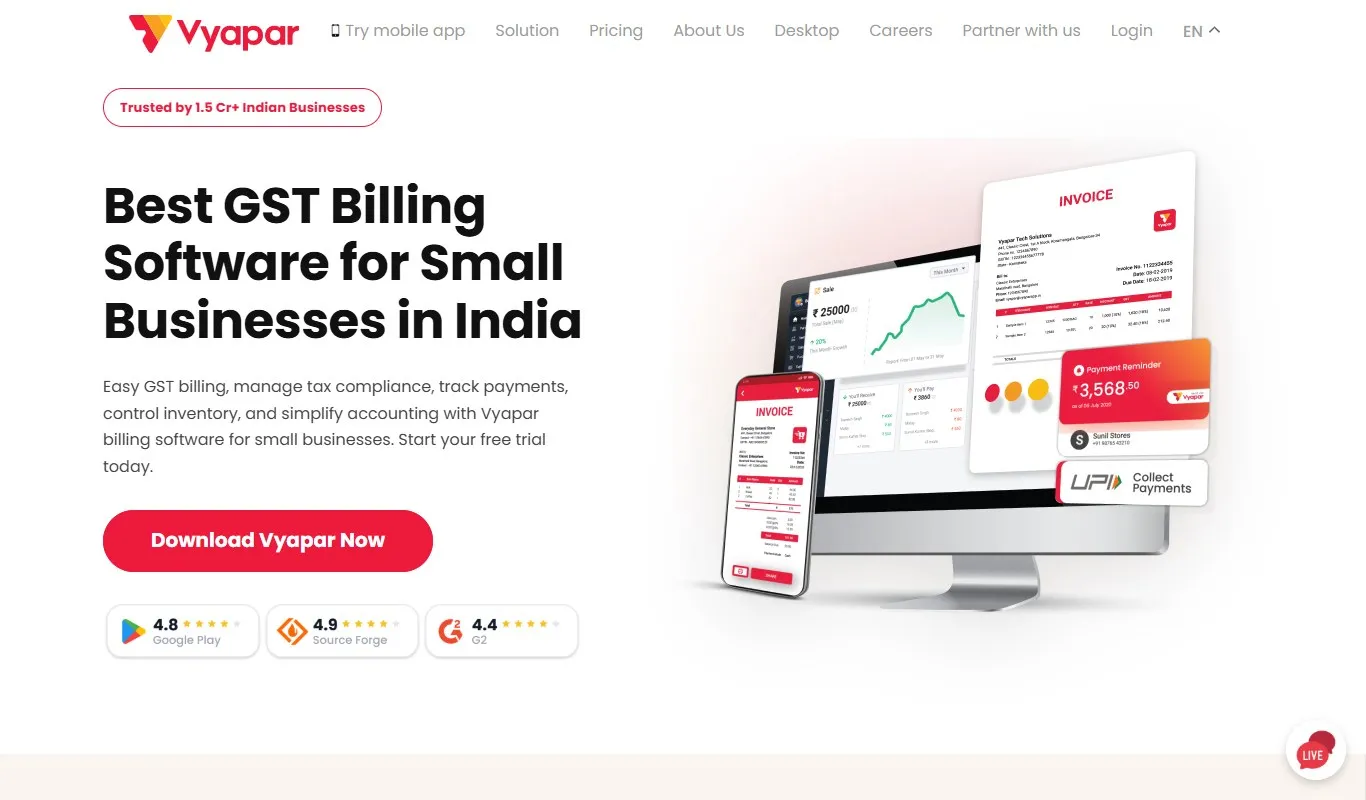 The Vyapar home page. Source: vyaparapp.in, 2 November 2026.
What users say: One small-business reviewer wrote: “I value Vyapar’s fast invoice generation feature.” (see the reviews on G2)
My take: I could recommend Vyapar if you bill from your phone as often as from the counter. G2’s summary puts easy setup first among the pros. Among the cons, it lists missing features and limited customisation. In a demo, make a bill on the phone and check how it shows on the computer.
We set the two billing tools side by side in Petpooja Invoice vs Vyapar.
5. ERPNext: Open-Source Software You Can Self-Host
ERPNext open-source software is an enterprise resource planning (ERP) tool, meaning one system for accounts, stock and more. Its India page calls it “100% open-source ERP”. Its pages list accounts, stock, manufacturing, and HR and payroll. Its pricing page says it “is a free and open-source software and always will remain so.”
ERPNext’s India page points to a separate open-source add-on for GST, the India Compliance app.
That add-on lists GSTR-1 preparation and a connection to the government portal for e-invoices and e-way bills. It also matches your purchases against GSTR-2B, the auto-drafted statement of the GST your suppliers reported.
Some of the India Compliance add-on’s automation uses paid connections to the government GST portal. The India Compliance page says you get them by signing up for a paid India Compliance account.
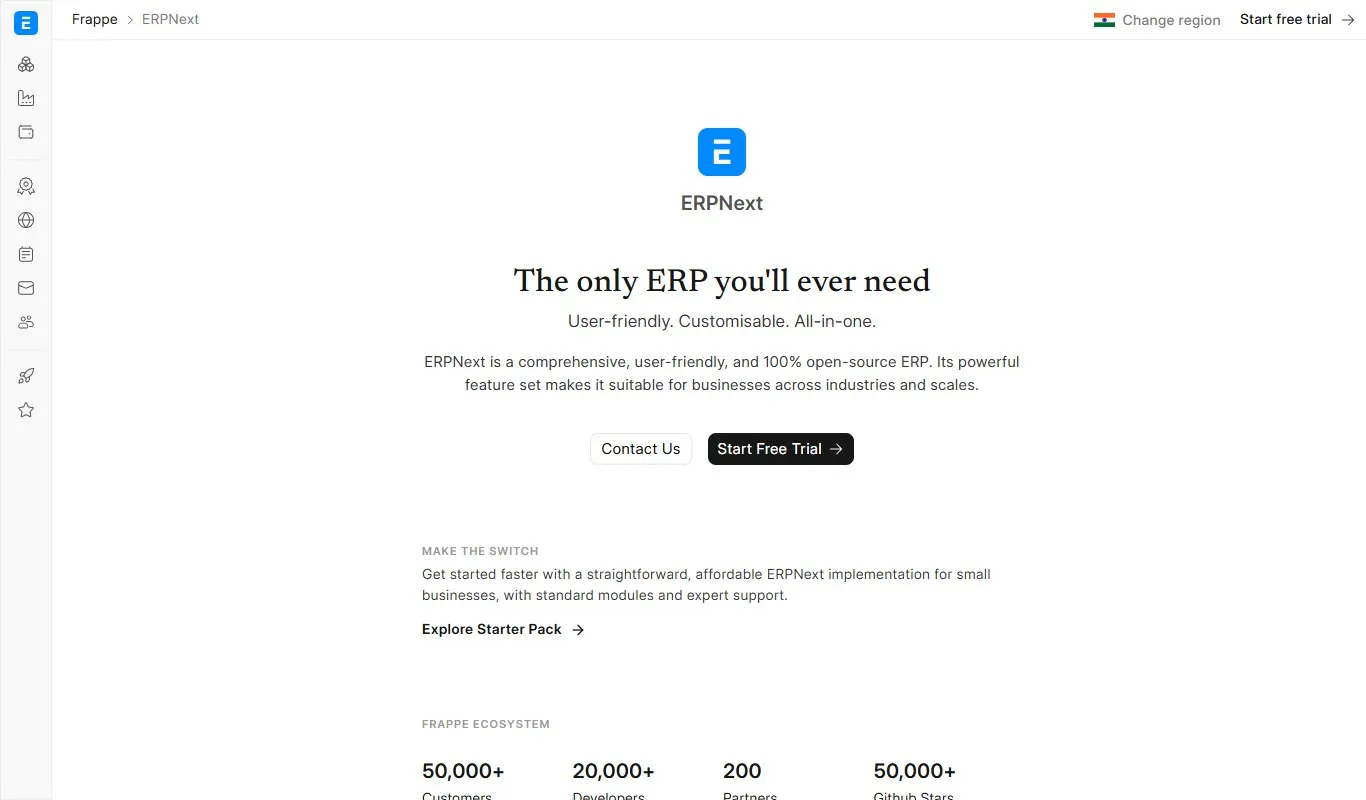 The ERPNext India page. Source: frappe.io/erpnext/india, 2 November 2026.
What users say: A small-business reviewer in consulting wrote: “ERPNext is unique in that it is open-source and flexible”. (see the reviews on G2)
Some reviewers find it easy to use and to customise. Others find both hard, so try it on your own data first.
My take: I could recommend ERPNext only if someone on your team can set it up, host it and keep it updated. G2’s summary puts flexibility and scaling first among the pros. Among the cons, it lists difficult customisation and a learning curve. Budget for setup, hosting and the paid India Compliance account for GST automation.
What I Found on the Pricing Pages
What I found when I read the pricing pages. The starting price is often not the price a GST shop pays. BUSY’s lowest plans are for businesses that do not charge GST. Vyapar lists its Tally export on paid plans. Zoho’s free plan has an invoice cap.
So price the plan that has the feature you need, not the cheapest plan on the page.
Those are the five tools. The next question is what they cost, and which have a free option.
Free Tally Alternatives and Prices Compared
This section sets the listed prices and free options side by side, with Petpooja Invoice’s free demo in the last row. The prices in each tool’s summary box above are the vendor’s listed starting price for a GST business.
| Software | Price Listed by the Vendor (2 Nov 2026) | Free Option |
|---|---|---|
| Zoho Books | From ₹749 a month, billed yearly, for 3 users, plus local taxes | Free plan up to ₹25 lakh revenue a year, 1 user plus 1 accountant |
| BUSY | GST plans: ₹16,500 to ₹22,000 one-time, or from ₹8,000 for 360 days. Non-GST plans from ₹5,000. All plus GST | Yes, BUSY Express edition is free, with no mobile app |
| ERPNext | Free to run on your own server; hosted sites from ₹410 a month | Yes, self-hosted (GST portal connections cost extra) |
| Petpooja Invoice | Basic and Advanced plans on its pricing page | Free demo available |
Pricing was correct at the time of writing. Vendors change their plans, so check the current pricing on each vendor’s own website before you decide.
The Zoho Books figures come from its Zoho Books pricing page.
BUSY’s prices are from its BUSY plans page. ERPNext’s come from the pricing page linked in its section above.
A free plan carries limits. Zoho’s free plan, for example, stops at 1,000 invoices a year (Zoho’s current limit, so check its pricing page). A kirana store in Indore that makes 40 bills a day makes 14,600 bills a year (an example). That is far past the cap, so check the cap against your own bill count before your data goes in.
Which Tally Alternative Fits Your Shop?
The right Tally alternative for your shop depends on one question: are you moving the billing counter or the books? The table below matches six kinds of business to a starting point.
Petpooja Invoice is built for the billing counter: your counter moves to it, and your books stay in Tally.
| Your Shop (an example) | Job to Move First | Where to Start in the List |
|---|---|---|
| A footwear store in Surat with two billing counters | Billing counter | Petpooja Invoice, for multi-counter billing and barcode stock |
| A mobile shop in Aminabad, Lucknow | Billing counter, or the books too | Petpooja Invoice or BUSY, whose pages both list IMEI tracking |
| A hardware shop in Ludhiana that bills on site | Billing counter | Vyapar, for phone billing |
| An electronics distributor in Pune with a full-time accountant | Books | BUSY or Zoho Books |
| A spice maker in Unjha with its own IT person | Books, with stock and manufacturing | ERPNext, which lists manufacturing |
| A stationery wholesaler in Jaipur sending one bill a month to each of 60 shops | Books, on a small budget | Zoho Books’ free plan: 720 bills a year is under the 1,000 cap, if revenue stays under ₹25 lakh |
Use the table as a starting point, not a verdict. Before you pay for any tool, bill your busiest hour of the day in a demo or trial. If you only need a counter tool, our retail billing software list covers more shop options.
Switch From Tally to Petpooja Invoice in 5 Simple Steps
Switching from Tally to Petpooja Invoice takes five steps, and your accountant can keep using Tally for the books.
- Pick the first day of a GST return period. Make your last Tally bill the day before, so each return’s sales sit in one system. The cleanest date is 1 April, the start of a financial year.
- Export your lists and closing balances. Ask your accountant for the ledgers, customers, suppliers, stock items and closing stock from Tally. Check the stock against the shelf before you import it.
- Start a new bill number series. Rule 46 of the Central Goods and Services Tax (CGST) Rules allows bill numbers “in one or multiple series”, each “unique for a financial year”. A prefix such as “PI/” keeps the new series apart.
- Switch on the Tally integration. Your bills then reach your accountant’s Tally. Test it with one day’s bills in the first week.
- Keep your old Tally data. Section 36 of the CGST Act asks you to keep records for 72 months from the due date of that year’s annual return.
Fill in the free demo form to see the switch on your own data.
What I could recommend from my end. If your accountant wants to stay in Tally, I recommend moving only the billing counter to Petpooja Invoice. Book a free demo and ask to see a day’s bills arrive in your accountant’s Tally.
Conclusion
The best Tally alternative for small Indian business owners depends on the job you are moving. For the books, Zoho Books, BUSY and ERPNext can take over from Tally. ERPNext needs the India Compliance app for GST. For the billing counter, Vyapar and Petpooja Invoice take over the bills and stock, and both list a way to send data to Tally.
Start by asking your accountant one question: are you staying in Tally? The answer cuts the list of five down to two or three.
Then make the switch at the start of a return period, and do not delete your old Tally data.
Are you an Indian retailer moving only your counter? I recommend Petpooja Invoice. It handles GST bills, e-invoices and stock at the counter. With its Tally integration, your accountant keeps working in Tally.
Frequently Asked Questions
What Is the Difference Between Tally and QuickBooks?
QuickBooks is Intuit’s accounting software, and QuickBooks Online is its cloud version, but it is no longer sold in India. Intuit announced in July 2022 that it would stop new sign-ups and end the service in India on 31 January 2023, as The Register reported. That is why it does not appear in this list of Tally alternatives.
Is Zoho Books Better Than Tally?
Neither is better for every business. The main difference is where they run. Zoho Books runs online, so check whether you need to bill when the internet is down. If your accountant files your returns from Tally, ask them before you move the books.
Can Excel Replace Tally for a Small Business?
Excel can hold a sales list, but each figure is typed by hand. It does not post one sale to stock, ledgers and GST reports together, which is the work Tally and the tools above do. A shop with a handful of bills a day can start in Excel. As your bill count grows, adding up each period’s sales by hand is where it starts to cost you time. Our manual billing vs software comparison shows where that point usually comes for Indian retail.
Thanks. This helps us make the next article better.

Ashwiniba Vaghela is Senior Executive – Content at Petpooja and the editorial reviewer, which means she also helps in reviewing blogs. She writes the explainers and comparisons people read before they know what to search for: what a category actually is, what it costs to keep doing the job by hand, and which differences between two tools matter once you are running a business rather than evaluating one. Much of her work is built on Petpooja's own numbers rather than borrowed industry reports, and with 1,50,000+ businesses, the patterns in that data answer questions no public survey covers. If you are trying to understand something before you commit money to it, Ashwini is writing for you, and if you have read anything else on this blog, she has already checked it.