
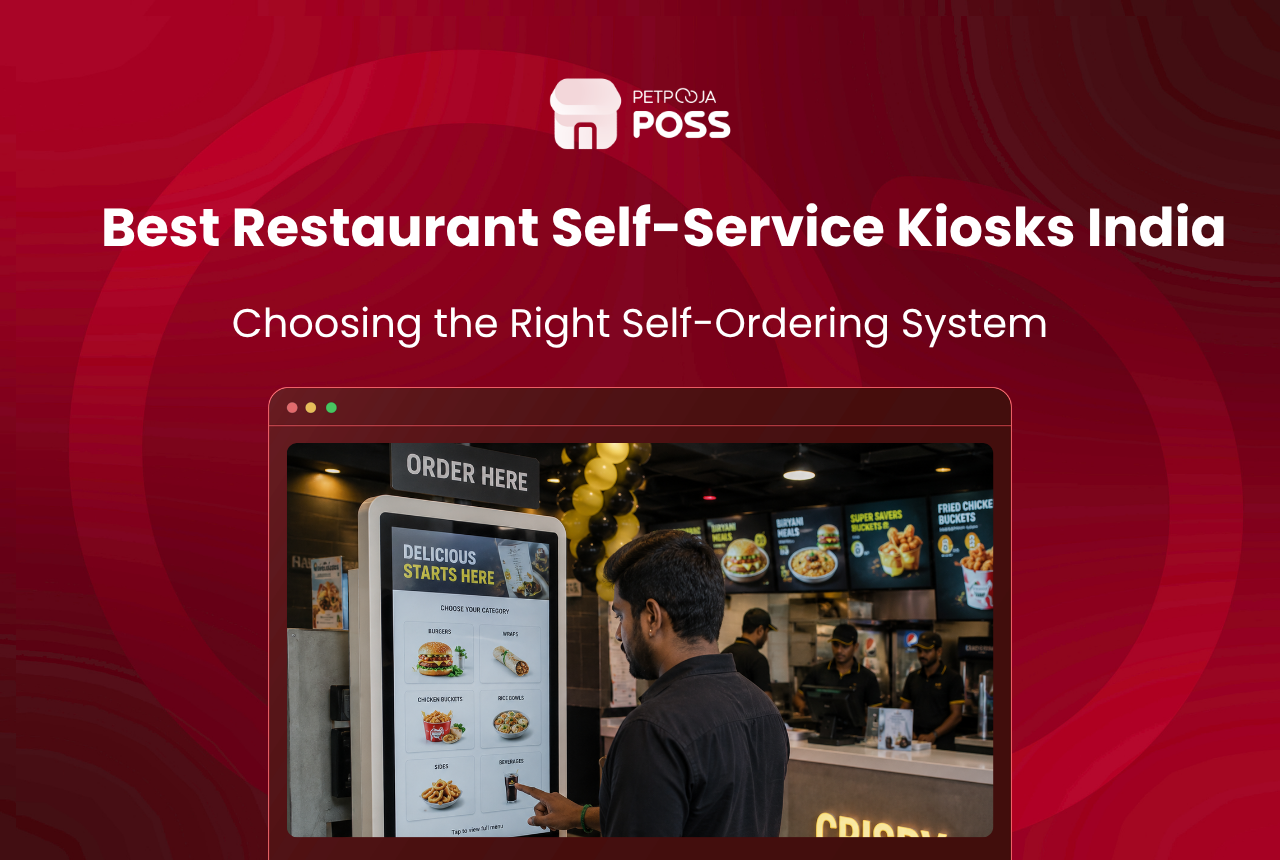
Five names keep showing up when Indian QSR owners ask us which kiosk to bolt next to the entrance: PALAS, XIPHIAS, GoSelfServe, Addsoft, and Fablian. PALAS is the one where the price is on the website (Rs 54,000 onward for the smallest screen). GoSelfServe charges Rs 110-200 a day and ships the hardware to your doorstep with no upfront bill. XIPHIAS throws in an AI upsell engine and menus in Kannada, Tamil, Hindi. Addsoft and Fablian go the old-school route where the owner pays once and owns the box forever.
Which one fits depends on the size of the cheque the owner is willing to write upfront, the POS already running on the billing counter, and whether the outlet is a solo shop in Bopal, Ahmedabad or a 12-city chain with a central IT team. India’s self-service kiosk market is growing at over 11% CAGR through 2030, per Mordor Intelligence, and QSRs are the fastest-adopting segment.
Key Takeaways
- PALAS offers the widest screen range (10″ to 32″) with published pricing, starting at Rs 54,000 ex-works Delhi
- GoSelfServe runs a Kiosk-as-a-Service (KaaS) model at Rs 110-200 per day, removing the upfront hardware cost
- XIPHIAS packs AI-powered upsell prompts and multilingual menus into a 22″ or 32″ Android unit built in Bangalore
- Addsoft and Fablian suit owners who prefer a single purchase with no subscription tail
- Every system listed supports UPI payments, which crossed 16.6 billion monthly transactions in India by March 2026, per NPCI data
The Comparison Table
Specs below come straight from vendor product pages. “Not disclosed” means the vendor does not publish that detail publicly.
| Feature | PALAS | XIPHIAS | GoSelfServe | Addsoft | Fablian |
|---|---|---|---|---|---|
| Headquarters | Delhi | Bangalore | Bangalore | Odisha | Not disclosed |
| Screen sizes | 10″, 15.6″, 17″, 21.5″, 27″, 32″ | 22″, 32″ | 21.5″ | Not disclosed | Not disclosed |
| OS | Android (below 16″) / Windows (larger) | Android | Android (Edge AI) | Not disclosed | Not disclosed |
| UPI payments | Yes | Yes | Yes | Yes (mobile wallets) | Not disclosed |
| Card payments | Visa, MasterCard, RuPay | Yes | Yes | Yes | Not disclosed |
| Built-in printer | Optional (Rs 20,000-80,000 extra) | 80mm thermal | 2″ or 3″ auto-cutter | Not disclosed | Yes (multi-location KOT) |
| AI upsell prompts | No | Yes | Yes (AI engine) | Basic upselling | No |
| Multilingual menu | Not disclosed | Yes | Not disclosed | Not disclosed | Not disclosed |
| POS integration | Compatible with third-party POS | Built-in POS sync + KOT | POS/ERP/CRM integration | Not disclosed | Backend admin panel |
| Pricing model | One-time hardware purchase | Quote-based | KaaS subscription (Rs 110-200/day) | Quote-based | One-time licence, no recurring fees |
| Published starting price | Rs 54,000 (10.1″ unit, ex-works Delhi, GST extra) | Not published | Rs 110/day (billed half-yearly or yearly) | Not published | Not published |
Data sourced from vendor product pages: PALAS, XIPHIAS, GoSelfServe, Addsoft, Fablian.
PALAS: The One Where the Price Tag Is Visible
Most Indian kiosk vendors hide pricing behind a “Request Quote” button. PALAS does not. Their website lists six screen sizes with exact rupee figures, which saves the owner a week of back-and-forth emails.
The cheapest unit is a 10.1-inch countertop at Rs 54,000. The biggest, a 31.5-inch floor-standing screen meant for lobby entrances and food courts, goes up to Rs 1,54,000. All prices are ex-works Delhi; add 18% GST on top. McDonald’s India, Chaayos, and Khan Chacha appear in their installation list on the product page.
Here is the catch that trips up first-time buyers. The thermal receipt printer is sold separately. Depending on the model, that printer costs between Rs 20,000 and Rs 80,000. A floor-stand mount adds another Rs 10,000.
So a 21.5-inch kiosk that looks like Rs 80,700 on the spec sheet actually lands closer to Rs 1.1 lakh once the printer, stand, and GST are added. PALAS units meet IS13252, IEC60950, and IEC61373 standards, and the factory holds ISO 9001 certification, per their product page.
The hardware runs Android on screens below 16 inches and Windows on the larger ones. Capacitive touch works through grease and moisture, a detail that matters when the kiosk sits three feet from a shawarma grill at a food court in Ambience Mall, Gurgaon.
XIPHIAS: Built in Bangalore, Ships with an AI Brain
XIPHIAS makes only two screen sizes, 22-inch and 32-inch, both running Android with 4 GB RAM and 32 GB storage. The 80mm thermal printer comes built in. Enclosure is powder-coated CRCA steel behind toughened glass, with an inbuilt camera and sensors.
What caught our attention at Petpooja is the software side. The AI engine watches what a customer browses and nudges a recommendation mid-order. Their product page claims a 10% ticket-size bump from those cross-sell prompts alone. Worth verifying with their existing clients before taking that number at face value.
The multilingual digital menu support is a quieter selling point but arguably more useful in practice. A pizza outlet in Pimpri-Chinchwad where half the lunch crowd prefers Marathi, or a biryani counter near Electronic City, Bangalore where the delivery guys order in Kannada. English-only kiosks lose those customers to the human counter. XIPHIAS does not publish pricing; the quote depends on screen size, payment terminal configuration, and volume. Their kiosk routes orders to the kitchen display system through a direct POS sync.
GoSelfServe: Rent the Screen, Skip the Capex
The subscription model is newer in India, and GoSelfServe is one of the few pushing it hard. Rs 110 to Rs 200 per day per kiosk, billed half-yearly or yearly. That daily rate covers the hardware, software, lifetime warranty, insurance on the device, and managed maintenance anywhere in India.
Their kiosk runs a 21.5-inch commercial-grade capacitive touchscreen with a quad-core processor that has Edge AI capability. The printer is a 2-inch or 3-inch auto-cutter thermal unit. GoSelfServe’s website says they have processed over 90 lakh orders across their installed base.
For example, consider a three-outlet momos chain in Whitefield, Bangalore. The owner is not sure if kiosks will work for a menu where every plate costs Rs 120-180. A six-month trial at Rs 150 per day per kiosk costs about Rs 4,500 per month per outlet. If even 15% of customers add a cold drink or extra cheese because the screen suggested it, the subscription is already paid for at 150 daily orders. The owner keeps the option to return the hardware in June if the numbers do not hold up by December. That flexibility does not exist with a Rs 1-lakh outright purchase.
Addsoft and Fablian: Pay Once, No Subscription Tail
Two vendors for owners who do not want another monthly debit showing up on the bank statement.
Addsoft, based in Odisha, wraps hardware and software into one package. Their product page claims a 25-40% basket-size increase post-installation and the ability to handle 5% more customers during peak hours. The system takes mobile wallet and cashless payments, and the checkout screen can run promotional banners. Screen sizes and specs are not listed on their public page. Pricing comes through a quote after a sales call.
Fablian takes a different angle. They sell the software licence once. No monthly charge, no per-order cut, no renewal invoice landing in the inbox every April. The system prints KOTs at three locations: the kiosk itself, the kitchen, and the cash counter. A backend admin panel handles menu changes and order tracking without needing a separate login. Fablian works with clients in India, Kuwait, and Berlin, per their site. Like Addsoft, hardware specs and pricing need a direct conversation. Neither vendor publishes enough on their website for the owner to make a decision without picking up the phone.
What Should You Check Before Signing a Kiosk Vendor?
The kiosk itself is the easy part. The installation is where QSR owners in India lose time and money. Across Petpooja’s client base, we have watched the same five mistakes repeat. If you are still weighing a kiosk against the traditional counter model, read the kiosk vs counter billing comparison first.
Does it talk to the existing POS? Kiosk orders, counter orders, and Swiggy/Zomato orders should all land on one kitchen display and one end-of-day report. A kiosk running its own separate software means the manager is reconciling two dashboards at 11 PM.
What happens when the Wi-Fi drops? Monsoon-week power cuts at a Tier 2 outlet are not rare events. They happen every July. The kiosk should store orders locally and push them once connectivity comes back. Not all vendors include offline mode by default.
Which payment gateway does it lock into? UPI QR is the baseline. But some kiosk vendors pair the hardware with a specific payment processor. If that processor’s settlement cycle is T+3 and the owner’s current gateway settles T+1, the cashflow hit shows up on the first week itself.
Onsite warranty or carry-in? A dead kiosk at the entrance on a Saturday at 12:45 PM is not a support ticket. It is lost revenue every minute. Check whether the vendor sends a technician to the outlet or expects the owner to ship the unit somewhere.
What is the three-year cost? A PALAS kiosk at Rs 54,000 plus Rs 20,000 printer, Rs 10,000 stand, and 18% GST lands at roughly Rs 99,000. GoSelfServe at Rs 150 per day comes to about Rs 54,750 in year one and Rs 1,64,250 over three years. The outright purchase wins on a three-year horizon; the subscription wins if the owner might shut the outlet or pivot the format within 18 months.
Three-Year Cost Comparison: Buy vs Subscribe
Subscription costs less in year one. By month 22, the cumulative subscription spend crosses the one-time purchase price. After that, every month on the subscription is money the outright buyer no longer pays.
Conclusion
PALAS and GoSelfServe are the two vendors where the owner can work out the budget without waiting for a callback. XIPHIAS earns its spot for the AI upsell engine and regional-language menus. Addsoft and Fablian are worth a call if the owner’s priority is a one-time payment with no recurring tail.
Every kiosk on this list needs a POS that can receive its orders alongside counter and delivery-app traffic. Explore Petpooja POSS to check kiosk compatibility with the setup already running at the outlet.
Frequently Asked Questions
Rs 54,000 for the PALAS 10.1-inch countertop, ex-works Delhi, GST extra. The printer and stand are additional. GoSelfServe starts at Rs 110 per day with nothing to pay upfront.
PALAS claims third-party POS compatibility. XIPHIAS and GoSelfServe list POS integration on their product pages. Ask each vendor for the exact method (API call, direct database sync, or middleware layer) before signing anything. A kiosk that cannot feed orders into the same POS and kitchen display the counter uses will cause nightly reconciliation headaches.
Three out of five confirm it on their website: PALAS, XIPHIAS, GoSelfServe. Addsoft mentions mobile wallets, which usually means UPI apps are included. Fablian does not say. Given 16.6 billion monthly UPI transactions in India as of March 2026 (per NPCI data), skipping UPI is not an option.
PALAS manufactures in Delhi, XIPHIAS and GoSelfServe build in Bangalore, Addsoft operates from Odisha. Imported units from companies like Posbank (South Korea, present in 80-plus countries) are available, but service turnaround depends on whether the nearest technician is in the same city or a flight away.








