
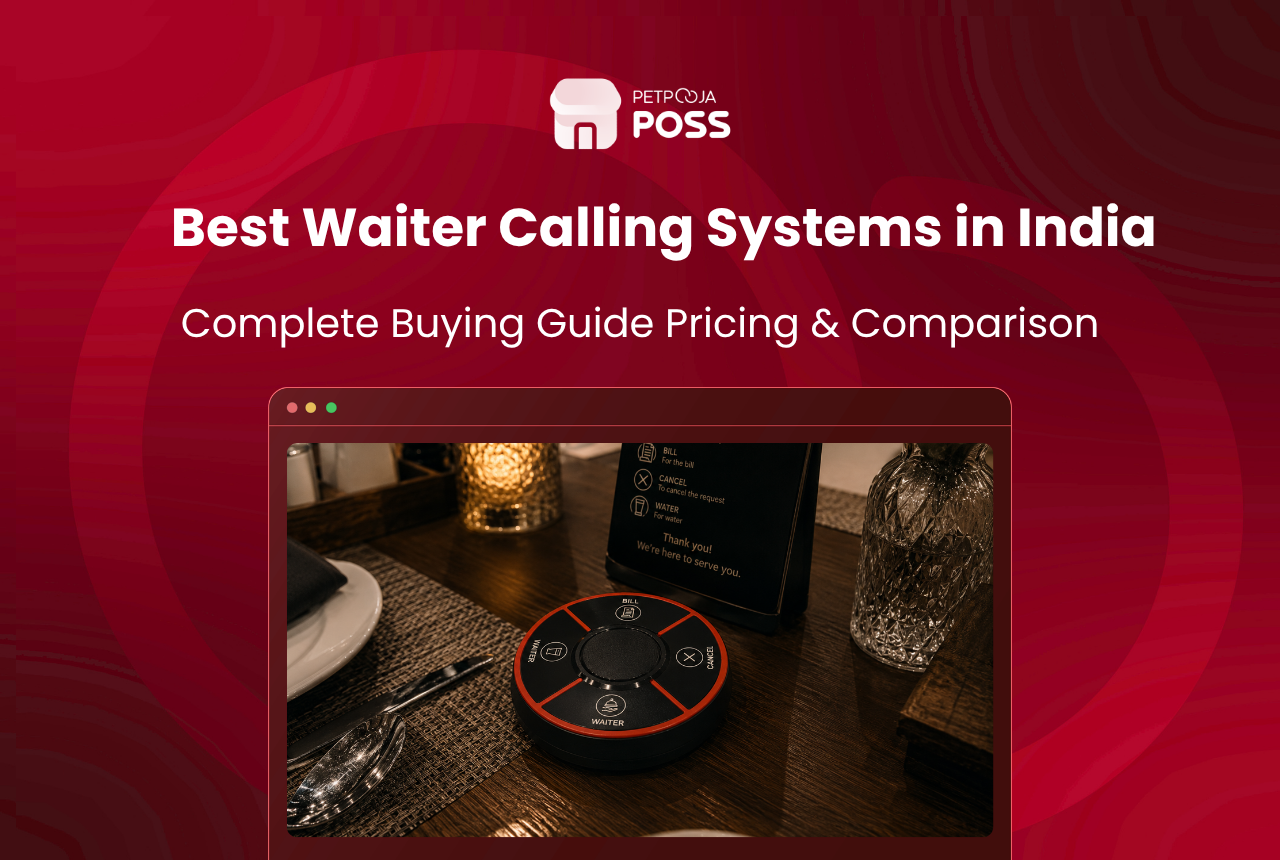
Four systems stand out for Indian restaurants right now: Petpooja WCD (Wi-Fi, POS-integrated), DineBell Solution (RF-based, watch pagers), FORBIX SEMICON (RF with voice annunciation), and SewaCall by JPNovations (RF with call management software). Each one replaces the traditional table bell with a wireless button that sends tagged alerts to staff, but they differ in range, integration depth, and what happens after the guest presses the button.
If your outlet seats 30 or more covers and runs 3+ waiters on the floor, a wireless calling device is no longer a nice-to-have. A study of 94,404 customers at a popular Indian restaurant by IIM Ahmedabad researchers found that eliminating wait time could increase restaurant revenue by nearly 15%. The calling system you pick determines how much of that gap you actually close.
Key Takeaways
- All four systems replace brass bells with wireless buttons, but only one (Petpooja WCD) feeds alerts directly into the POS billing screen
- RF-based systems (DineBell, FORBIX, SewaCall) cover longer distances (70 to 100+ metres) than Wi-Fi systems (20 metres), which matters for banquet halls and outdoor seating
- SewaCall is the only standalone system that ships with PC-based call analytics software
- Petpooja WCD is a paid per-device add-on to an existing POS; standalone kits (SewaCall) range from ₹9,999 to ₹29,999 per set
- The right pick depends on whether you already run a POS system and whether you need analytics or just alerts
What Types of Calling Systems Exist?
Before comparing brands, it helps to know the two categories these systems fall into. The distinction matters because it affects what happens after the guest presses the button.
Standalone RF systems use radio frequency to send a signal from the table button to a wall-mounted display, a watch pager worn by the waiter, or both. They do not connect to your billing software. DineBell, FORBIX SEMICON, and SewaCall all fall in this bucket. Setup is plug-and-play: mount the display, place buttons on tables, power on. No router configuration, no software installation. Think of these as an upgrade to the restaurant POS hardware stack that works independently of it.
POS-integrated systems, on the other hand, connect the table button to your restaurant’s billing and order management software over Wi-Fi. Petpooja’s WCD is the only option in India that does this today. The alert shows up on the same screen where the cashier processes bills and the captain takes orders, so the request gets logged alongside order data and table status.
Both categories work. The real question is whether you need the alert to just reach a waiter’s wrist, or whether you need it recorded, time-stamped, and tied to the table’s billing session.
How Do These Four Systems Compare?
| Feature | Petpooja WCD | DineBell Solution | FORBIX SEMICON | SewaCall |
|---|---|---|---|---|
| Technology | Wi-Fi (local network) | RF (radio frequency) | RF (sub-GHz) | RF |
| Range | 20 metres | Up to 100 metres | 30 to 40 metres indoor (extendable with repeaters) | 70 to 100 metres (open area) |
| Request buttons | Water, Waiter, Bill, Cancel | Order, Service, Water, Bill, Cancel (5 buttons) | Customisable per unit | Call, Bill, Drink, Cancel |
| Alert destinations | POS screen + Captain App + Android TV display | Display receiver + watch pager | Digital display + voice annunciation | Display panel (supports up to 499 buttons, 32 live calls in queue) |
| POS integration | Yes (Petpooja POSS) | No | No | No |
| Call logging and analytics | Yes (time-stamped, per table) | No | No | Yes (PC-based software) |
| Waterproof buttons | Yes | Not specified | Not specified | Yes |
| Battery life | 15 to 20 days | Varies by model | Varies by model | Battery operated |
| Max tables supported | Tied to POS table map | Expandable (up to 1,280 buttons) | Up to 99 | Up to 499 buttons |
| Warranty | Part of Petpooja support | Varies | 1 year | Varies |
| Pricing model | Per-device add-on to existing POS | Standalone kit pricing | Standalone kit pricing | Standalone kit pricing (₹9,999 to ₹29,999 per set) |
| Based in | Ahmedabad | Ahmedabad | Bengaluru | Delhi |
When Does a Standalone RF System Make Sense?
A standalone system makes sense when you do not run a POS, or when your existing billing setup does not support calling device integration.
For example, consider a 35-cover Andhra meals restaurant in Kukatpally, Hyderabad that bills manually with a printed receipt book. Installing a DineBell kit with 35 table buttons and one wall-mounted display near the kitchen pass gives the owner instant visibility into which tables need attention, without touching the billing workflow.
In contrast, FORBIX SEMICON’s voice annunciation adds an audible layer on top of the visual display. A loud “Table 14” announcement from the receiver near the service station can cut through kitchen noise in a way that a silent screen alert cannot. Their system supports repeaters, so a banquet hall in Whitefield, Bangalore that stretches 50 metres end-to-end can chain two units to cover the full floor.
Then there is SewaCall, which adds something the other two standalone systems do not: PC-based call management software. The software logs every button press with a timestamp, tracks how long each call took to attend, and stores a history of all requests. For a multi-outlet QSR chain looking for service metrics without investing in a full POS overhaul, that data layer can be useful.
These standalone systems matter more now because staffing is getting harder, not easier. The NRAI India Food Services Report 2024 puts the restaurant workforce at 85.5 lakh people, with close to 60% of operators facing shortages in both kitchen and service roles. A calling device does not replace a missing waiter, but it does let the 3 waiters you have cover 40 tables without relying on guests to shout or wave.
The trade-off with all three standalone systems is the same. None of them connect to your billing system. The alert reaches a display or a watch, but it does not appear on the same screen where your cashier is processing orders. If a waiter attends Table 9’s water request but the cashier does not know about it, there is no unified timeline of what happened at that table during the meal.
How Does POS Integration Change the Picture?
Petpooja’s WCD takes a different approach. The table button connects to the local Wi-Fi network and sends the alert to three places at once: the POSS billing terminal, the captain’s tablet through the Captain App, and a wall-mounted Android TV near the service station.
The difference from a standalone buzzer is not the alert itself. It is what the alert carries. Each press arrives tagged with the table number and request type (Water, Waiter, Bill, or Cancel), and it gets logged against the same table session that holds the food order, KOT status, and bill total. The captain who picks up a Bill request on the tablet can tap into the same session to generate the bill without walking to the counter.
Across 700+ outlets using the WCD, we have seen floor teams reduce the gap between a guest pressing “Bill” and the bill reaching the table, because the request and the billing action happen on the same device. That loop simply does not exist with a standalone buzzer where the alert lands on a display and the bill gets made on a separate machine.
That said, the trade-off is range. Wi-Fi covers about 20 metres in a typical restaurant layout with walls. A fine dining restaurant in Lower Parel, Mumbai with an indoor section and a terrace 25 metres away needed a range extender to cover the outdoor tables. RF systems do not have this constraint because radio signals at sub-GHz frequencies pass through walls more reliably than 2.4 GHz Wi-Fi.
The WCD is available as a paid add-on for outlets already on Petpooja Electron POS or LOCAL POS. It is not available for Android POS or Lite plans.
How to Pick the Best Calling System for Your Outlet Type
The organised restaurant segment in India now accounts for 45-50% of the market, up from 35-40% in 2019, and is growing at 12-14% annually. As more outlets move from manual to tech-backed operations, the calling system decision sits right at that transition point. Three questions narrow it down.
- Do you already use a POS system? If yes, and if it is Petpooja POSS (Electron or LOCAL), the WCD plugs into your existing setup without adding a separate receiver or display. If you use a different POS or no POS at all, a standalone RF system is your only option.
- How large is your dining area? For outlets within a 20-metre radius (most restaurants seating up to 50 covers in a single floor), Wi-Fi range is not a problem. For banquet halls, rooftop extensions, or multi-floor layouts that stretch beyond 30 metres, an RF system with repeaters (FORBIX) or long-range coverage (DineBell, SewaCall) fits better.
- Do you need service analytics? If tracking response times and call volumes matters to your operations, Petpooja WCD logs everything inside the POS. SewaCall offers similar tracking through its PC software, without POS integration. DineBell and FORBIX send alerts only, with no analytics layer.
Quick decision summary: If you use Petpooja POSS, pick the WCD add-on. If not, check your dining area size: spaces over 30 metres need DineBell or FORBIX for long-range RF. Smaller spaces without a POS can go with SewaCall (if you want call analytics) or DineBell (if you just need alerts).
What About Generic Buzzer Kits on Amazon and IndiaMart?
A search on Amazon India or IndiaMart turns up dozens of unbranded wireless pager kits priced between ₹2,000 and ₹6,000 for a set of 10 buttons and one receiver. Brands like SINGCALL ship from China and offer basic call-and-beep functionality.
On a basic level, these do work: guest presses a button, a receiver beeps, and the display shows a table number. There is no request tagging (the waiter still has to walk over and ask what the guest needs), no analytics, no POS tie-in, and no local warranty or support. If a unit stops working three months in, replacement means ordering from the same overseas listing and waiting for delivery.
For a 12-table tea shop in Maninagar, Ahmedabad where the entire investment needs to stay under ₹5,000, a generic kit does the job. Beyond that, the lack of after-sales support and the inability to tag requests by type (water, bill, waiter) make them a short-term fix at best. At Petpooja, we have had outlet owners switch from generic kits to the WCD within 4 to 6 months because the unbranded unit either stopped pairing or the seller disappeared from the marketplace listing.
Conclusion
All four branded systems in this comparison solve the same base problem: getting a guest’s request from the table to the right staff member without shouting or waving. DineBell and FORBIX SEMICON do this through long-range RF alerts with display receivers and watch pagers. SewaCall adds PC-based call analytics on top of the RF layer. Petpooja WCD trades range for depth by routing every alert through the POS, logging it against the table’s billing session, and showing it on the captain’s tablet alongside food orders.
If you already run Petpooja POSS, the WCD is the simplest path because it plugs into the system you already use for billing and order management. If you run a different POS or none at all, DineBell, FORBIX, or SewaCall get you wireless alerts without touching your billing setup. Given the IIM Ahmedabad finding that wait time alone costs restaurants nearly 15% of potential revenue, any of the four is a better bet than a brass bell and a raised hand.
Frequently Asked Questions
Yes. DineBell, FORBIX SEMICON, and SewaCall are standalone RF systems that work with their own display receivers. No POS, no router, no software installation needed. The trade-off is you lose request logging and analytics. If tracking response times matters, SewaCall’s PC software or Petpooja WCD’s POS-based logging are the two options worth considering.
It depends on the type. Generic unbranded kits on Amazon and IndiaMart start around ₹2,000 to ₹6,000 for a basic set. SewaCall’s branded kits range from ₹9,999 to ₹29,999 depending on the number of buttons and displays. Petpooja’s WCD is a per-device paid add-on for outlets already on Electron POS or LOCAL POS. For exact pricing, contact the respective brand. Use a table turnover rate calculator to estimate how much faster table turns could offset the investment.
RF-based systems outperform Wi-Fi in large or open-air layouts. DineBell covers up to 100 metres, FORBIX SEMICON supports repeaters to extend range beyond 40 metres indoors, and SewaCall covers 70 to 100 metres in open areas. Petpooja WCD’s 20-metre Wi-Fi range may need a router extender for spaces beyond a single floor.
A calling bell is a manual brass or steel bell that makes noise. A calling device is an electronic unit with labelled buttons (Water, Bill, Waiter) that sends a silent, tagged alert to a specific screen or watch. The bell tells staff that someone needs something; the device tells them who, where, and what. We covered this in detail in our waiter calling bell vs calling device comparison.
No. The WCD connects to Petpooja POSS over the local Wi-Fi network and requires Electron POS or LOCAL POS hardware. It does not work with third-party POS systems, Android POS, or Petpooja Lite. For a full breakdown of what the device does inside the Petpooja ecosystem, read Petpooja Waiter Calling Device: Small Upgrade, Big Growth.
A calling device handles mid-meal requests (water, bill, waiter). But wait time accumulates at other stages too: before the order is placed, while food is being prepared, and at the entrance while waiting for a table. We wrote a separate guide on how to reduce customer wait time across all five stages, covering QR ordering, kitchen display systems, online reservations, and shift scheduling.








