
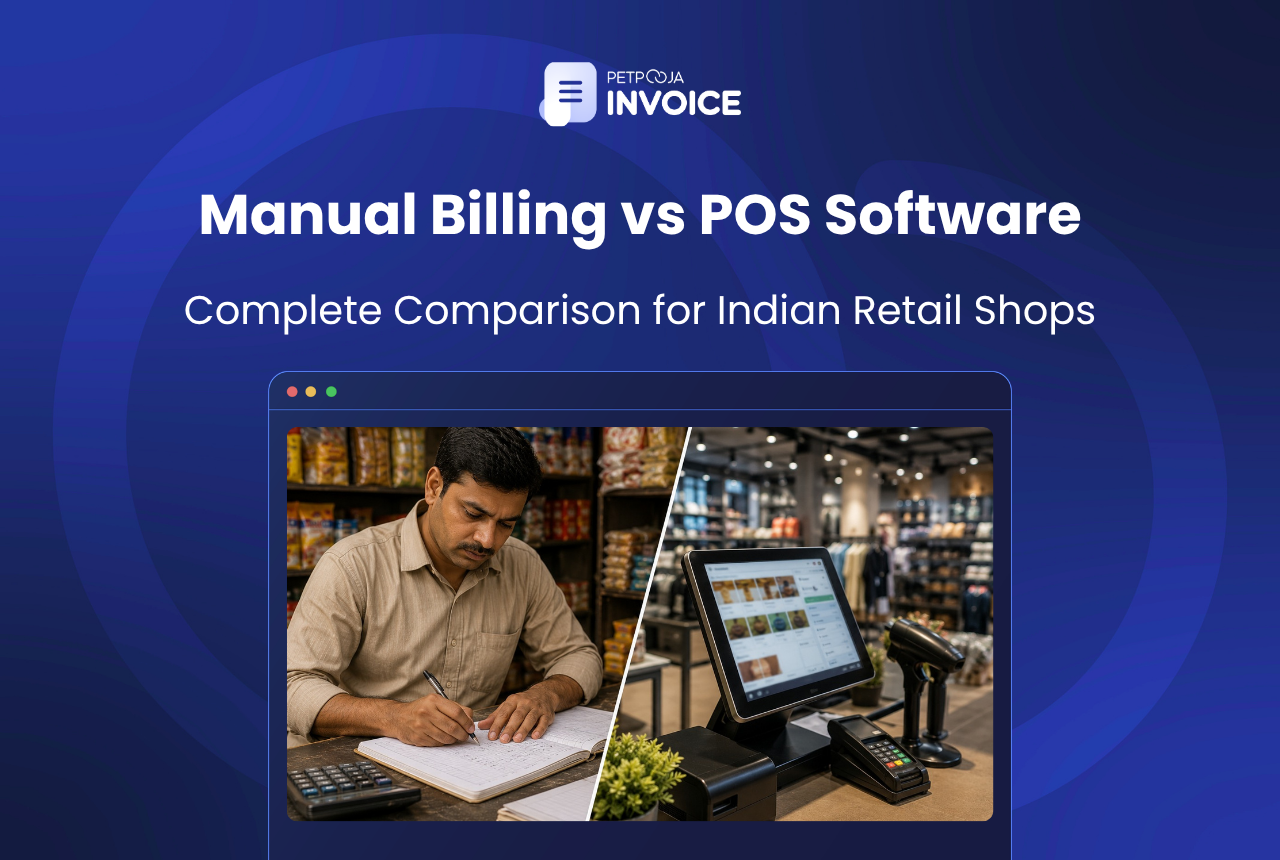
POS billing software is the better choice for almost every retail store in India today. It generates invoices in seconds, picks the correct GST slab on its own, and adjusts inventory the moment a sale goes through. Manual billing still runs on handwritten carbon-copy books or end-of-day Excel entries, and neither of those can keep pace with current GST compliance timelines.
Your specific situation matters, though. A paan shop in Maninagar doing 15 transactions a day and a three-outlet electronics chain in Surat processing 200+ invoices daily are not facing the same problem. Store size, transaction volume, and whether you have crossed the e-invoice threshold all shape this decision.
Key Takeaways
- POS software cuts invoice time from 3-5 minutes to under 30 seconds and removes manual GST slab errors
- Manual billing still works for single-item counters with fewer than 20 daily transactions and turnover below ₹20 lakh
- Stores crossing 30+ bills a day, multiple GST slabs, or the ₹5 crore e-invoice threshold should switch to software
- The transition can be phased over 4-6 weeks without disrupting daily operations
Below is a full comparison of where manual billing falls apart, where POS software earns its subscription cost, and what the transition looks like in practice.
What Manual Billing Actually Looks Like in Indian Retail
India has over 6.3 crore MSMEs, and the vast majority still bill by hand, according to the MSME Ministry’s 2023-24 annual report. Walk into any kirana store or standalone garment shop in a tier-2 city, and the scene is the same. The shopkeeper writes each item name, quantity, MRP, and GST amount into a duplicate carbon-copy book, punches the total on a pocket calculator, and hands over the customer copy. Stock records sit in a different register altogether, usually updated once a week if the owner finds time after closing.
A textile shop owner in Vastrapur running 30 to 40 bills on a normal weekday spends about 4 to 5 minutes on each invoice. That pace holds up fine in April. Come Navratri or Diwali, footfall doubles, the billing counter turns into a queue, and the person writing invoices starts miscalculating because they are rushing. Some customers just leave.
Provision stores across Rajkot, Hubli, and Nashik operate on the same model. The register works until it does not, and that tipping point usually arrives before the owner realises it.
Where Does Manual Billing Break Down?
Three problems surface once transaction volume crosses a certain threshold.
GST slab mistakes compound quietly. Billing 60 to 80 items a day across four GST rates (5%, 12%, 18%, 28%) by hand means constant mental arithmetic. A garment store selling cotton shirts at 5% and polyester jackets at 12% will mix up rates at least a few times during a packed Saturday. Individually, each error is small. Collectively, they distort the GSTR-1 filing for that month and invite scrutiny from the department.
Stock counts drift from reality. Your sales register and your inventory register are two separate notebooks. Reconciling them means someone sits down after closing and cross-checks every sold item against the stock ledger. In practice, store owners skip this exercise for days on end. By the time a discrepancy surfaces, whether from pilferage, wrong entries, or a return that was never recorded, the trail is weeks old and basically untraceable.
E-invoice compliance does not work on paper. Any business with aggregate turnover above ₹5 crore must generate e-invoices through the GST portal’s Invoice Registration Portal. If turnover crosses ₹10 crore, you get 30 days from the invoice date to upload, per ClearTax’s e-invoicing guide. Logging into the IRP one invoice at a time, keying in details, and tracking acknowledgement numbers by hand is a job nobody sustains past a dozen transactions.
What Does POS Billing Software Do Differently?
POS software replaces the handwritten register with a digital billing terminal. Scan a barcode or type the item name, the system pulls the stored price and GST rate, and the invoice prints within seconds. Stock levels drop the moment the bill is generated.
That description sounds simple, and it is. The difference shows up in the specifics of each retail type.
A supermarket in Pune billing 300-odd items a day gets each invoice done in under 30 seconds. The cashier does not need to remember whether cooking oil falls under 5% or packaged snacks under 12% because the system handles that split.
For a mobile accessories shop in Lucknow, barcode scanning means 15 line items in a single transaction with zero typing. The owner we spoke with said his billing assistant’s biggest complaint about the old system was hand cramps by 6 PM.
A medical store in Indore gets something manual billing cannot replicate at all: batch-wise expiry tracking. The system flags stock nearing its expiry date before it becomes dead inventory sitting on the shelf.
On the compliance side, the software generates E-way bills for inter-state dispatches, formats invoices with the correct GSTIN structure, and pushes data into Tally without anyone re-entering numbers.
Side-by-Side Comparison: Manual Billing vs POS Software
| Parameter | Manual Billing | POS Billing Software |
|---|---|---|
| Invoice speed | 3-5 minutes per bill | Under 30 seconds |
| GST calculation | Done by hand; slab errors common | Auto-applied per item; slab-accurate |
| E-invoice generation | Not possible without separate portal login | Built-in; uploads to IRP directly |
| Inventory tracking | Separate register; weekly updates | Real-time; auto-deducts on each sale |
| Multi-counter billing | Requires separate registers per counter | Centralised; all counters on one system |
| Returns and credit notes | Manual overwriting; hard to trace | System-generated; linked to original invoice |
| Daily sales reports | Manual tally at end of day | Available anytime; no compilation needed |
| Upfront cost | Near zero (pen, register, calculator) | Software subscription + basic hardware |
| GST filing readiness | Requires manual data compilation | Export-ready reports for GSTR-1 and GSTR-3B |
How Do Manual Billing and POS Software Compare on Time and Accuracy?
The gap is widest on GST filing prep. Store owners billing by hand spend one to two full days pulling together invoices, cross-checking GST slabs, and compiling totals before their CA can file GSTR-1. On POS software, the same data exports as a ready-made report in under 15 minutes.
When Does Manual Billing Still Make Sense?
Not every shop needs software on day one. If you run a single-item counter, say a tea stall in Bopal or a fruit vendor near Aundh market, with fewer than 20 transactions a day and your annual turnover stays well below the ₹5 crore e-invoice threshold, a handwritten bill book still does the job.
Entry-level POS subscriptions run ₹3,000 to ₹8,000 per year. For a neighbourhood stationery shop selling notebooks and pens across maybe 12 SKUs, that cost does not pay itself back because there is barely any billing complexity to fix.
The calculation changes the moment you add a second product category, bring on a billing assistant, or cross ₹20 lakh in annual turnover (the GST registration threshold for goods). Past that point, the time and error cost of manual billing usually exceeds the subscription price within a quarter.
Five Signs Your Store Has Outgrown Manual Billing
Across Petpooja’s retail clients, we see the same patterns repeat right before a store owner decides to switch.
1. GST filing eats your weekends.
If pulling together sales data for your monthly filing takes more than two days, you are paying a hidden cost that does not show up in any ledger. One electronics retailer in Rajkot was spending ₹3,500 extra per month just for his CA to compile GST data from handwritten bills into the filing format.
2. Billing queues are costing you walk-ins.
This one hits garment showrooms the hardest. Three trial rooms, one billing counter, and a 10-minute wait on Saturday afternoon means customers who tried on clothes and liked them still leave without buying. Revenue lost at the counter is invisible because it never enters any register.
3. Stock discrepancies only show up during annual audit.
When the gap between your register stock and physical stock crosses 8 to 10 percent, you have already lost lakhs without a clue about where it went. Retailers who track inventory often catch these leaks far too late.
4. You are restocking on instinct, not data.
A provision store owner in Hubli who cannot pull a category-wise sales report for April is deciding how much dal, rice, and cooking oil to reorder based on what feels right. Sometimes instinct works. Often it leads to overstocking slow items and running out of fast ones.
5. Your CA has started charging extra for manual data.
Chartered accountants handling GST filings are increasingly unwilling to work from hand-tallied registers. The reconciliation burden falls on them, and they bill accordingly. If your accountant’s fees have quietly gone up in the last year, this might be why.
How to Move from Manual Billing to POS Software
The switch does not need to be a single overnight cutover. Most small retailers phase it in.
Start by loading your top 50 to 100 fast-moving SKUs into the system. A cosmetics shop in Jaipur with a catalogue of 600 products took three weeks to digitise everything, but the owner started billing on day two using just the items that move daily.
Run both systems side by side for two to three weeks. Bill on the software, keep the manual register as backup. This overlap period catches data entry mistakes in the product master before they affect real invoices.
By the second month, retire the register. Use the software’s reports to reconcile daily sales, spot dead stock, and pull your GST return filing data in minutes instead of spending a weekend on it.
If you are comparing billing software options, this guide to billing software for retail shops in India covers features, pricing, and GST compliance across products.
Conclusion
Manual billing works when your store is small, your product range is limited, and GST compliance is not yet a daily concern. Once any of those conditions changes, POS software pays for itself within the first quarter through fewer billing errors, faster checkout, and inventory that you can actually trust.
For retail store owners looking to make the switch, Petpooja Invoice handles GST invoicing, E-invoices, inventory tracking, and Tally integration in one platform built for Indian retail.
Frequently Asked Questions
If your store processes more than 30 bills a day or carries over 100 SKUs, the time saved on billing and GST filing alone covers the subscription cost within two to three months. For a detailed look at what Petpooja Invoice offers, check the product walkthrough.
Most POS systems work offline. Petpooja Invoice generates bills locally and syncs everything to the cloud once connectivity comes back. No transaction data gets lost during outages.
They stay with you. POS software starts fresh from the installation date and does not touch past records. Keep your old registers for at least six years anyway, since that is the retention period required under GST law for audit purposes.
Yes. Each item on the bill carries its own GST rate (5%, 12%, 18%, or 28%), and the software calculates the CGST, SGST, or IGST split per line item. The printed invoice shows the tax breakup by slab, which GST rules require.
A Windows laptop or tablet paired with a thermal printer is enough to start. Barcode scanners are optional but worth adding if you stock more than 50 SKUs. A single-counter hardware setup typically costs between ₹12,000 and ₹25,000 depending on the printer model and whether you add a scanner.








