
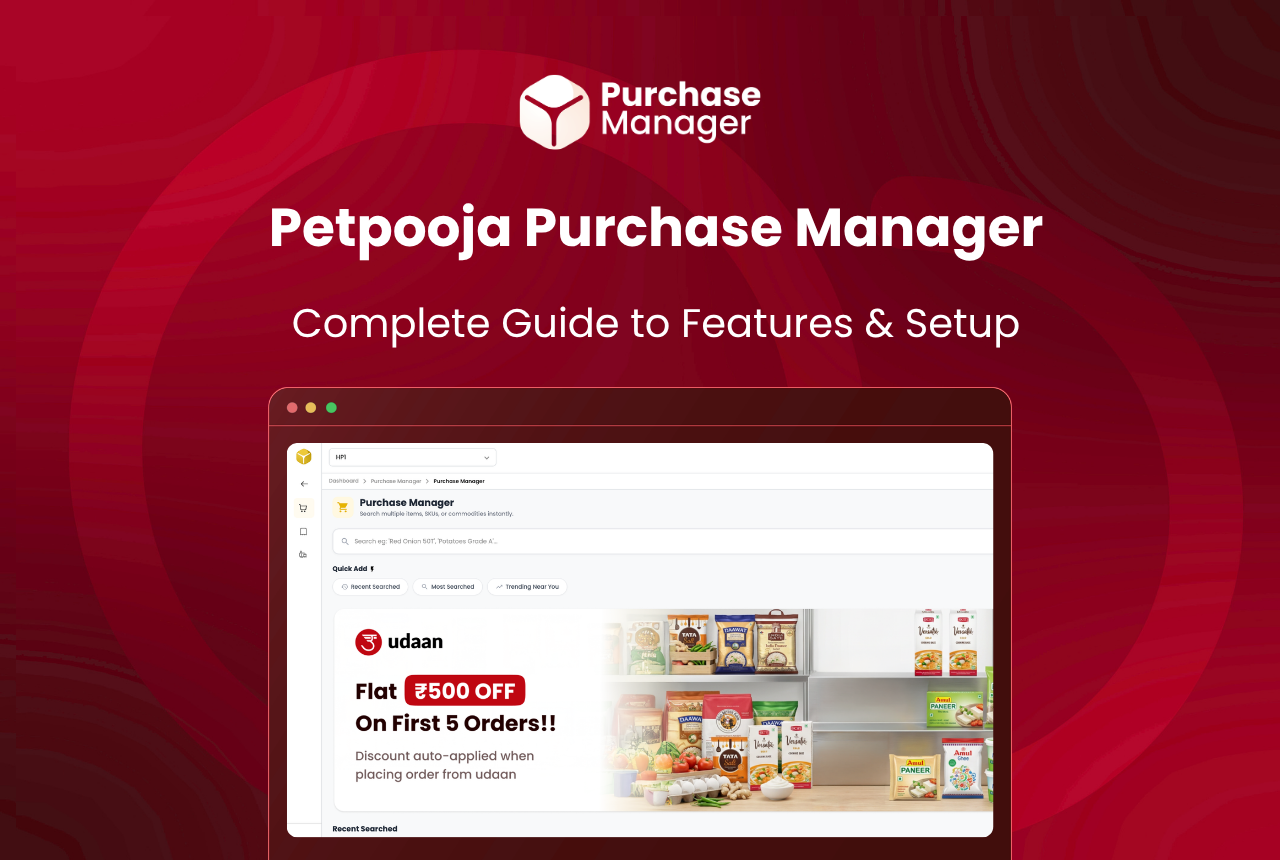
Petpooja Purchase Manager is a free add-on built into your Petpooja POSS account. It pulls live rates from HyperPure, DMart, and your own local suppliers onto a single screen, then lets you place orders with one tap. Your inventory updates on its own once the order lands.
If you already use Petpooja POSS for billing, the Purchase Manager sits right inside your existing account. There is no separate sign-up, no extra fee, and no new app to install.
In Brief
- Compares live grocery rates across HyperPure, DMart, and your local suppliers on one screen
- Best Match picks the cheapest option for each item and builds your cart
- Orders flow directly through your own vendor accounts, so loyalty points and credit terms stay intact
- Stock syncs with POSS inventory without manual entry
The rest of this post walks through what the tool does, which features matter most for daily operations, and how to place your first order in under three minutes.
Why Does Comparing Vendor Prices Matter So Much?
Most restaurant owners in India stick with one or two regular vendors out of habit. The morning call goes to the same sabziwala, the monthly staples order goes to the same wholesaler, and nobody checks whether the rates are still competitive.
Food cost for the average Indian restaurant sits between 28% and 35% of revenue, according to Restaurant India. That is the single largest expense line after rent in most P&L statements. The NRAI India Food Services Report 2024 pegs the industry’s growth at 8.1% CAGR through 2028, which means more outlets competing on thinner margins every year. Even a 3% to 5% reduction in raw material spend can shift a thin-margin outlet from barely breaking even to turning a real monthly profit.
Across 1,00,000+ restaurants on POSS, we notice a common pattern: the owner or head chef calls two or three suppliers every morning, scrolls through HyperPure and DMart on separate tabs, and compares rates on paper or a WhatsApp group. That process eats 30 to 45 minutes before prep even starts. For a kitchen that opens at 9 AM in Mahalaxmi or Jayanagar, that window simply does not exist.
Purchase Manager removes that bottleneck by placing every supplier’s live rate on one screen, side by side, updated in real time.
What Are the Core Features of Purchase Manager?
Petpooja Purchase Manager offers five core capabilities: live price comparison across HyperPure, DMart, and local suppliers, a Best Match feature that auto-selects the cheapest vendor per item, Excel-based local vendor uploads, loyalty point preservation on all orders, and automatic POSS inventory sync after every purchase.
Live Price Comparison Across All Vendors

The main screen shows every item you need with prices from HyperPure, DMart, and any local suppliers you have added. Rates refresh in real time, so you see the actual price at the moment you are ordering, not yesterday’s rate card.
For example, if you need 10 kg onions today, the screen might show HyperPure at one rate, DMart at another, and your local Vashi Market supplier at a third. You pick the one that works and move on.
Best Match: Auto-Cart at the Lowest Rate
This is where the tool saves the most time. Tell the Purchase Manager what items you need, and Best Match scans every connected supplier’s current rate, picks the cheapest option for each item, and drops it into your cart.
You are not locked in. Before placing the order, you can review the cart, swap any item to a different supplier if you prefer, and adjust quantities. Best Match builds the starting point; you make the final call.
Consider this example: a QSR in Wakad, Pune orders 15 items daily. Without Best Match, the manager checks each item across three apps. With Best Match, the entire cart fills in seconds, sorted by lowest cost per item. The manager reviews, tweaks two items where they prefer a specific supplier for quality reasons, and confirms.
Add Your Own Local Suppliers
Purchase Manager is not limited to HyperPure and DMart. You can add any local vendor you already work with and upload their rate card in Excel format. Once uploaded, their prices appear alongside the platform vendors in every comparison.
This matters because most Indian restaurants source at least some items locally. A biryani outlet in Banjara Hills, for example, might get basmati from a Begumpet wholesaler, fresh vegetables from a Bowenpally supplier, and cooking oil from DMart. All three rate cards sit on one screen after a one-time upload.
Your Loyalty Points and Card Benefits Stay Yours
When you order through Purchase Manager, the transaction happens through your own vendor accounts. Card benefits, store rewards, loyalty points, and any negotiated credit terms remain exactly as they were. The tool compares and routes the order; it does not sit between you and the vendor commercially.
Automatic Inventory Update in POSS
Every order placed through Purchase Manager flows back into your POSS inventory without manual data entry. No double-counting, no missed items, no closing-time reconciliation where the numbers do not match because someone forgot to log a purchase.
This is particularly useful for outlets running tight daily prep schedules. A cloud kitchen in Andheri West processing 200+ orders a day, for example, cannot afford stock mismatches that surface only at closing. According to a C4RB landscaping study on food waste in the HoReCa segment, Indian restaurants carry 15% to 25% more raw material stock than their actual service needs, partly because manual tracking leads to over-ordering. Automated stock sync helps close that gap.
How It Works: 3 Steps, Under 3 Minutes
Step 1: Compare prices. Open the Purchase Manager screen inside your POSS account. You will see live prices for every item across HyperPure, DMart, and any local suppliers you have added. Use Best Match to auto-fill the cheapest option for each item, or browse manually.
Step 2: Place the order. Review your cart. Swap vendors for specific items if you want, adjust quantities, and hit order. The transaction goes directly to each vendor through your own account.
Step 3: Stock updates on its own. Once the order is placed, your POSS inventory reflects the new stock. No spreadsheet, no manual punch-in, no reconciliation needed at closing.
The entire flow, from opening the screen to confirming the order, takes less than three minutes for a typical daily grocery list.
Which Vendors Does Purchase Manager Support?
Purchase Manager currently supports HyperPure by Zomato, DMart, and any local supplier whose rate card is uploaded in Excel format. All three vendor types appear side by side on the same comparison screen.
| Vendor | Type | How It Connects | Rate Updates |
|---|---|---|---|
| HyperPure (by Zomato) | Platform vendor | Pre-connected inside Purchase Manager | Real-time |
| DMart | Retail chain | Pre-connected inside Purchase Manager | Real-time |
| Your local suppliers | Manual upload | Upload rate card in Excel format | Based on rate card upload |
More vendor integrations are being added. If your primary supplier is not yet on the platform, you can still add them manually through the Excel rate card upload. Outlets in cities where platform vendor coverage may be limited rely on the local upload feature to bring their regular mandi or wholesale contacts into the comparison.
Who Should Use Purchase Manager?
Purchase Manager works best for any food business already on Petpooja POSS. For outlets spending over ₹1,50,000 monthly on raw materials, a 4% to 5% saving through better rate comparison returns ₹74,400 to ₹93,600 annually without switching a single supplier. That includes:
- Single-outlet restaurants that order daily from 2 to 3 vendors and want to stop overpaying on basics like oil, onions, and dairy
- Cloud kitchens running multiple brands from one kitchen, where every percentage point on food cost directly hits the bottom line. Kitchens often lose money on procurement without realising it
- QSR chains with 5 to 15 outlets that need standardised purchasing across locations
- Cafes and bakeries sourcing specialty items (butter, cream, imported flour) where rates for the same SKU can vary noticeably between vendors
If your monthly raw material bill crosses ₹1,50,000, even a 4% to 5% saving through better rate comparison adds up to ₹6,200 to ₹7,800 every month. Use a food cost calculator to see how that number looks against your revenue. Over a financial year, that is ₹74,400 to ₹93,600 back in your pocket without switching a single supplier relationship. For a two-outlet cafe chain spending ₹3,40,000 a month on groceries, those numbers double.
What Does Purchase Manager Not Cover?
Purchase Manager does not replace vendor relationships, process payments, function as a standalone app, or cover non-food items. It requires an active Petpooja POSS account and routes all orders through your existing vendor accounts, preserving your negotiated terms.
Being clear about boundaries is just as useful as listing features:
- It does not replace your vendor relationships. You still buy from whoever you choose; the tool just shows you who is cheapest today
- It does not process payments. Payment happens directly between you and the vendor through your existing accounts
- It does not work as a standalone app. You need an active Petpooja POSS account to access it
- It does not cover non-food items like packaging, cleaning supplies, or equipment (at least not yet)
- It does not negotiate rates on your behalf. If you have a long-standing credit arrangement with a supplier in Malad or Whitefield, that stays between you and them
How Is Purchase Manager Different from Manual Vendor Comparison?
The difference is not just speed. With manual comparison, most owners default to the supplier who picks up the phone first, or the one whose rates they checked last week. Purchase Manager shows every supplier’s current rate at the same time, which means you are always ordering at today’s best cost, not last Tuesday’s.
The time saved before the lunch rush makes a noticeable difference for kitchens operating with lean teams. If you run a cloud kitchen with two to three brands shipping from the same kitchen, that saved time compounds further.
How Do You Set Up Purchase Manager?
Activating Purchase Manager takes under a minute because it lives inside your existing POSS account. HyperPure and DMart are pre-connected and require no setup. You only need to add your local vendors with an Excel rate card upload.
- Log into your Petpooja POSS dashboard
- Navigate to the Purchase Manager section
- Add your local vendors and upload their rate cards (HyperPure and DMart are pre-connected)
- Start comparing and ordering
Most outlets finish the entire setup during a slow afternoon between lunch and dinner service. If you are not yet on Petpooja POSS, you can learn more about it here and get started.
Conclusion
Petpooja Purchase Manager does one thing well: it puts every supplier’s rate on one screen so you can order at the lowest cost without spending half your morning on calls and calculations. It is free, it is already inside your POSS account, and it keeps your inventory accurate without extra data entry.
For any restaurant owner who has placed an order only to find out later that another vendor was offering a better rate on the same item, this is the tool that makes sure it does not happen again.
Frequently Asked Questions
No. It sits inside your existing Petpooja POSS account. If you already use POSS for billing, you can access the Purchase Manager from your dashboard without any additional installation or sign-up.
Yes. You can add any local supplier and upload their rate card in Excel format. Once uploaded, their prices show up alongside HyperPure and DMart in every comparison. This is useful for restaurants that source specific items from neighbourhood wholesalers or mandi suppliers.
No. The tool is free for all Petpooja POSS users. There are no commissions, no transaction fees, and no hidden charges. You order directly from vendors through your own accounts. Track the savings against your monthly P&L statement to measure the impact.
Best Match compares the current rate of each item across all connected suppliers and selects the lowest-cost option. It builds a cart with the cheapest combination across platforms. You can review and change any selection before placing the order. Read more about demand forecasting to understand how purchase patterns feed into smarter ordering over time.
No. Orders go through your own supplier accounts. Your negotiated rates, credit terms, loyalty points, and card benefits remain unchanged. The Purchase Manager only helps you compare; it does not sit between you and your supplier commercially.
Prices are live and update in real time. If a rate changes while you are building your cart, the updated price reflects before you confirm the order. You always see the current rate at the point of ordering.








