
Petpooja POSS
Billing, KOT, inventory and Swiggy/Zomato sync.
698 articles · page 8 of 47More guides
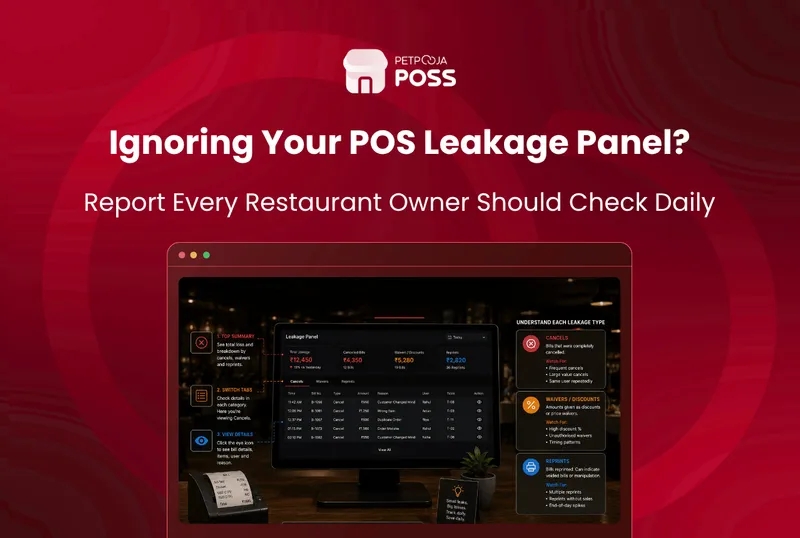
How to Read Your POS Leakage Panel: Cancels, Waivers, Reprints
Your POS Leakage panel is one screen that gathers the 3 actions most tied to lost revenue: cancelled and modified KOTs, waived and modified bills, and reprints. Each one is logged against the biller who did it. Reading it well is about spotting a pattern, not punishing a single cancel. Most of what shows up
AJ Avani Joshi10 Jul 2026
Restaurant Revenue Leakage: 7 Silent Ways You’re Losing Money
Restaurant revenue leakage is money you earn but never keep. It drains out in small amounts through cancelled orders, unapproved discounts, unreconciled payouts, stock shrinkage, wastage, and payments that never match your bank. No single leak looks big, so most owners never notice until the month’s profit comes in low. The fix is to make
How Restaurants Lose Money to Staff Theft (And How to Stop It)
Restaurants lose money to staff theft in small, quiet amounts, not one dramatic robbery. A cancelled bill here, a comped drink there, a reprinted receipt near closing time, and the cash never reaches the till. Over a month these add up to real money on a business that already runs on a thin margin. The
Food Court & Canteen POS: Multi-Counter Billing & Top-Up
A food court POS has to do something a single-counter POS never faces: run many independent counters as one connected system, while a diner tops up a card once and spends at any of them. The right food court or canteen POS handles multi-counter billing, prepaid card top-up, a credit flow for canteens, token displays
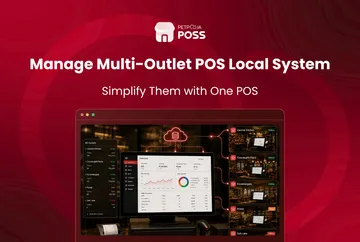
How to Run Multiple Outlets on One POS Local System
Petpooja POS Local lets a growing restaurant group run up to 50 outlets on one owned system, managed from a single Local Dashboard. Each outlet bills through the same setup, and all of it stays on hardware you own rather than an outside server. For a chain, that means one place to see how every
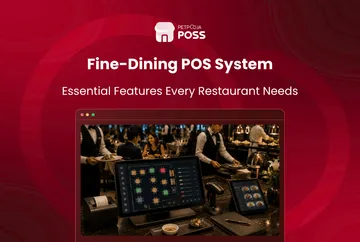
Fine-Dine POS: What It Should Handle on a Busy Floor
A fine-dine POS has to manage the table, not just the bill. The best fine-dine POS merges, moves and splits tables, splits a group bill cleanly by share or by item, and runs tableside captain service with course-wise ordering and reservations. A full-service meal is long and social. Guests arrive in twos and then join
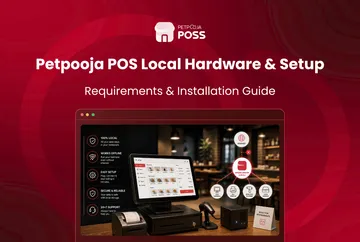
Petpooja POS Local Hardware & Setup Guide
To run Petpooja POS Local, you need 1 dedicated computer at your restaurant to act as the server. It should have an Intel i5 or i7 processor and an SSD rather than a hard disk. A UPS keeps it running through a power cut. That is the core of it. Everything else is handled for
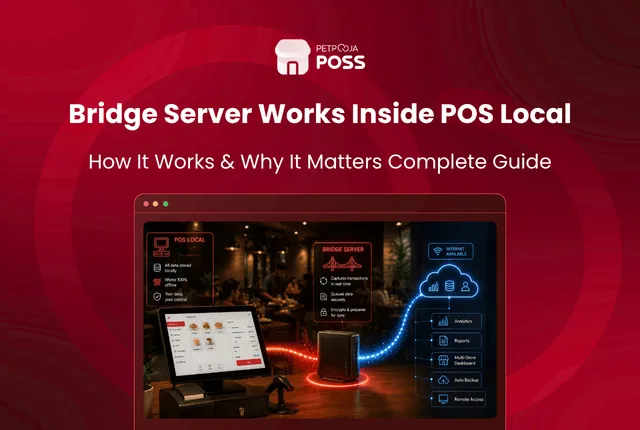
How the Bridge Server Works Inside POS Local
The Bridge Server is the software at the heart of Petpooja POS Local. It runs on a computer at your restaurant and holds the local database where every bill, order and report is saved. Your billing devices connect to it over your own network. So your records stay on site, while your menu and online
Avani Joshi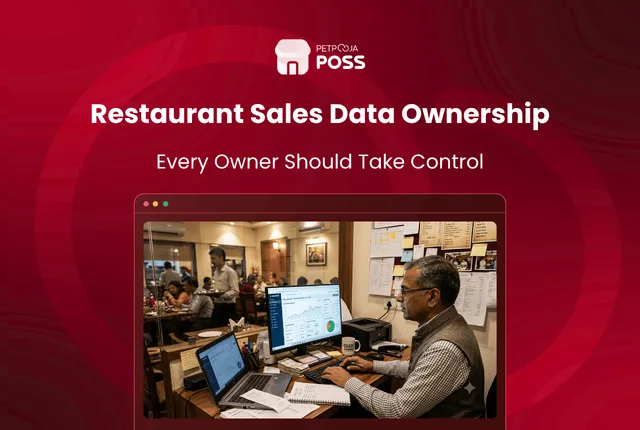
Why Should You Own Your Restaurant’s Sales Data?
You own your restaurant’s sales data when it is stored on a computer you control, not on a provider’s cloud server. With Petpooja POS Local, every bill, order and customer record sits on hardware at your own restaurant. You decide who can see it and who can change it. POS Local also keeps an audit
Avani Joshi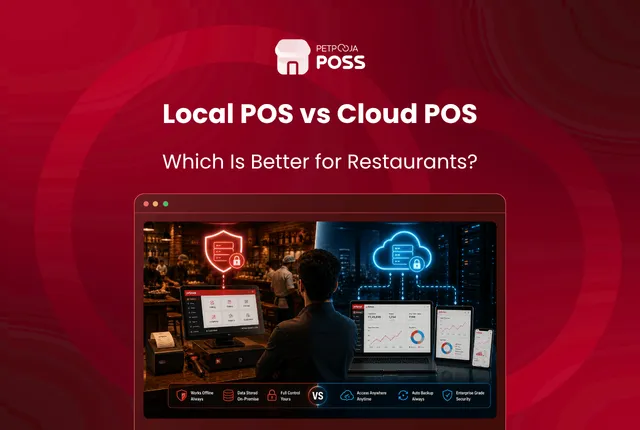
POS Local vs Cloud POS: Where Your Restaurant’s Data Lives
The main difference between POS Local and a cloud POS is where your restaurant’s data is stored. A cloud POS keeps your bills, menu and reports on the provider’s servers, reached over the internet. POS Local keeps all of that on a computer inside your own restaurant. That one choice, cloud or on-site, shapes everything
Avani Joshi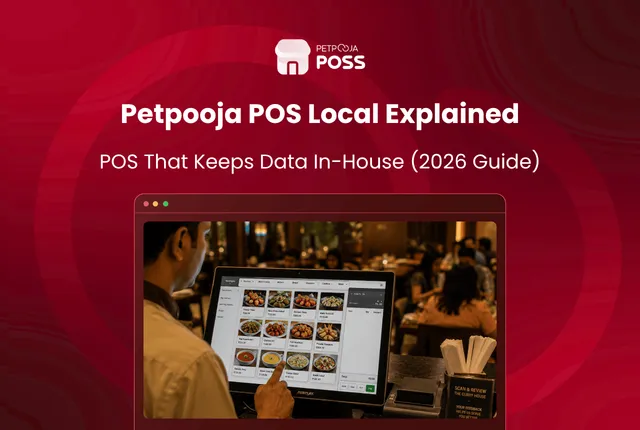
What Is Petpooja POS Local? A POS That Keeps Data In-House
Petpooja POS Local is a restaurant point-of-sale system that stores all your billing data on a computer inside your own restaurant, instead of on the cloud. Every bill, every KOT and every day-end report is saved on hardware you own and keep on site. Your sales numbers stay with you, not on a server that
Avani Joshi
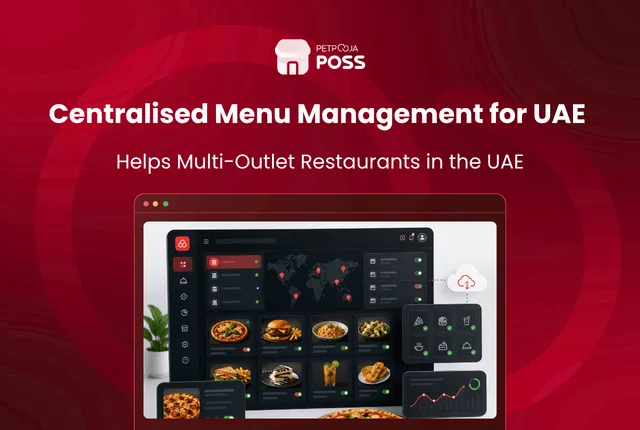
Centralised Menu Management: A Guide for UAE Restaurants
Centralised menu management means you keep one master menu in a single system and control it from one login. Change an item, a price or a combo once, and that change carries across every outlet and your central kitchen at the same time, instead of you editing each branch by hand. For a restaurant running
Avani Joshi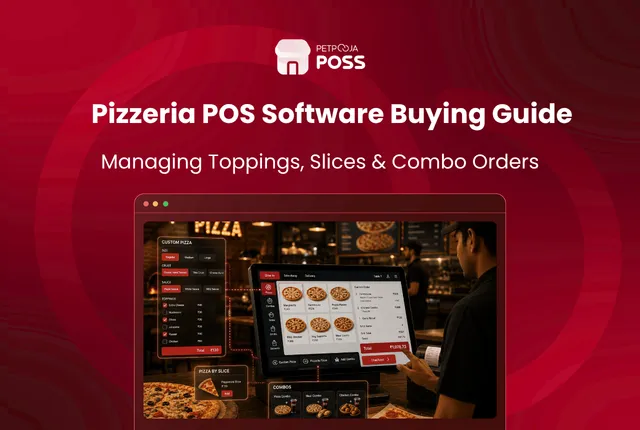
Pizzeria POS: Handling Toppings, Slices and Combos
A pizzeria POS has to do one thing a normal restaurant POS struggles with: price and track a pizza that can be built a hundred different ways. The best pizzeria POS handles topping combinations, sell-by-the-slice, and combos, and it deducts the raw material behind each topping as the pizza is billed. A plain biller treats
Avani Joshi
Best Bar & Brewery POS in India: Liquor & Pilferage Control
The best bar POS in India is the one that controls your two biggest risks: liquor inventory and pilferage. A bar loses money differently from a restaurant. The stock is high-value, easy to over-pour, and easy to walk out the back door. So a bar POS has to track liquor down to the measure and
Avani Joshi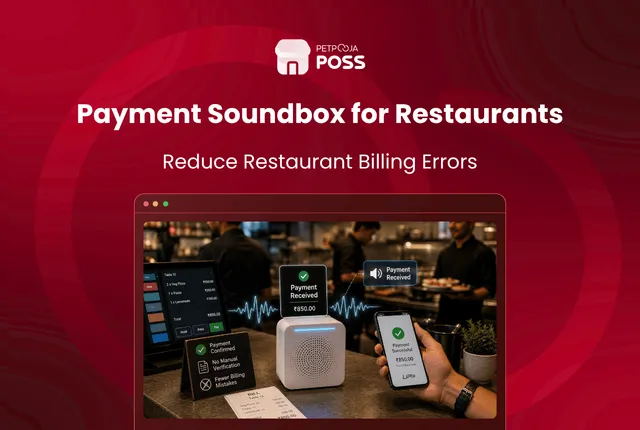
Payment Soundbox for Restaurants: Cut Billing Mistakes
A payment soundbox is a small device that announces each digital payment out loud the moment it lands. When a customer pays by UPI or scans a QR code, the box reads out the amount in a clear voice. Your cashier hears the payment go through instead of leaning over a phone screen to check
Avani JoshiPractical guides for your business, in your inbox.
New articles, free tools and templates for restaurants, retail and growing businesses. No spam, unsubscribe anytime.