
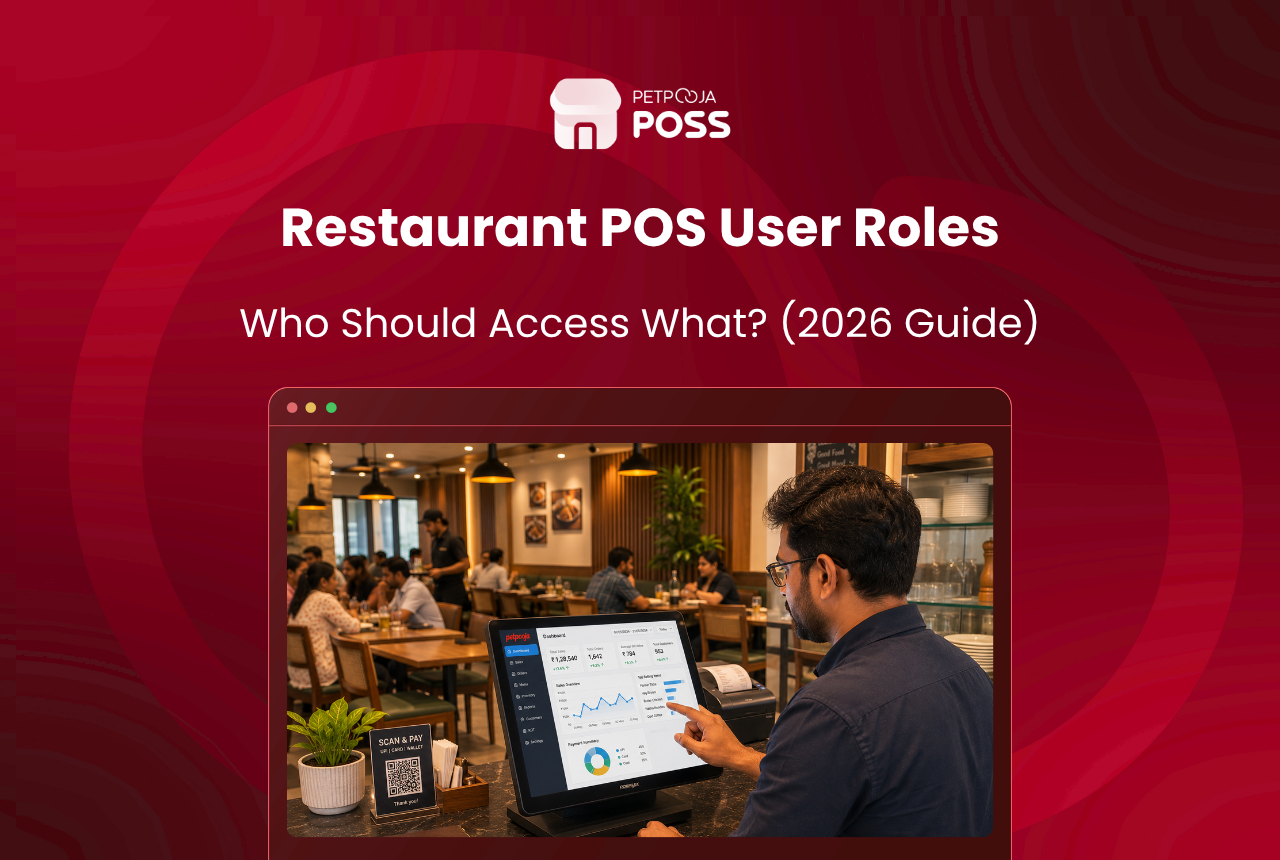
Restaurant POS user rights decide what each staff member can do in the system. The simple rule is to give every role only the access its job needs. A biller takes orders and settles bills, a manager handles the risky actions like cancelling a settled bill or approving a large discount, and the owner sees everything.
Get this right and most casual theft and costly errors stop before they start. A biller who cannot cancel a paid bill or open a profit report cannot quietly shrink your sales, and a captain who cannot touch billing cannot give away free food.
This guide sets out who should access what, role by role, which rights carry the real risk, and how to set them up without slowing the counter. Petpooja POSS handles all of it under User Management, so each permission is a switch you control.
Key Takeaways
- User rights are per-person permissions; give each role only what the job needs
- A biller should never cancel a settled bill, refund, or open profit reports
- The riskiest rights are cancellation, discounts, refunds, and after-settlement edits
- Every staff member needs their own login, or the audit trail traces to nobody
- Well-set rights do not slow billing; only the rare risky action pauses for approval
What Are Restaurant POS User Rights?
User rights are the permissions that decide what each person can and cannot do inside the POS. They are set per user, not per device, so the same terminal behaves differently depending on who is logged in. A biller sees the billing screen; a manager sees the cancel and discount controls too.
Their job is fraud prevention and error control at the source. Rather than catching a problem after it happens, tight rights stop the risky action from being possible for the wrong person. This is the same idea behind internal approval workflows, where a sensitive step needs a specific person’s sign-off.
There is a security principle underneath all of this. The Association of Certified Fraud Examiners, which studies workplace fraud, links basic controls like separating duties and restricting access to lower fraud losses. In a restaurant that means the person who takes the cash should not also be the one who can delete the sale.
One more thing sets user rights apart from a simple password. They follow the person, not the terminal. The same billing counter shows a full set of controls to a manager and a stripped-down screen to a trainee, because the POS reads who logged in, not which machine they stand at. That is why a single till can be shared across a shift safely, as long as each person signs in as themselves.
Who Should Access What in a Restaurant POS?
Match access to the job, not to seniority or trust. The table below is a sensible default for a full-service restaurant. Adjust it to your outlet, but keep the high-risk rights on the right-hand side away from front-line staff.
| Role | Should have | Should not have |
|---|---|---|
| Biller / cashier | Take orders, print and settle bills, apply approved discounts | Cancel a settled bill, edit after settlement, issue refunds, open P&L reports |
| Captain / steward | Take tableside orders, fire KOTs to the kitchen | Billing, discounts, cancellations |
| Floor manager | Cancel or modify with a reason, approve discounts, handle refunds and complaints | Change tax settings, bulk-delete orders, edit other users’ rights |
| Owner / admin | Full access, all reports, user management | Nothing restricted |
The pattern is a ladder. Access widens as responsibility rises, and the actions that can hide lost money sit near the top. A captain firing KOTs never needs the billing screen, so there is no reason to grant it.
The trap most owners fall into is granting rights by trust instead of by job. A long-serving biller you would trust with the keys still has no work reason to open the profit report. Giving it because they are loyal only widens what a bad day could cost you. Rights are about the task in front of a person, not how much you like them. Trust the person, but scope the login.
Which User Rights Actually Prevent Theft?
A handful of permissions carry most of the risk. Lock these down first and you close the biggest gaps, even if the rest of your settings stay loose.
The single most important is the right to cancel or modify a settled bill. In Petpooja POSS, a biller without “After Settlement Modification” rights cannot cancel a settled bill or change any total-affecting value once the order is saved. That one switch stops the classic trick of taking cash and then wiping the sale, because the sale can no longer be erased at the counter.
Discounts and refunds come next. Discount caps can be set so a biller can only apply small, approved reductions, while larger ones need a manager. Refunds sit behind a dedicated complaint-action right, so only chosen staff can hand money back. Without that split, a friendly biller can log a fake complaint and refund a real sale into their own pocket, and the day still balances on paper.
Reports matter more than owners expect. A front-line biller has no reason to open your profit-and-loss view, and the types of employee theft that hurt most are far easier when staff can see exactly what the owner watches. Someone who can read the daily sales report learns which shift the owner checks and which items go unnoticed, and that knowledge is what turns a one-off slip into a routine.
Even the biggest action, clearing old orders, is guarded. Bulk order removal from the dashboard sends a one-time password to the registered email and phone, then logs the exact invoices, the IP address, and the browser used. There is no silent mass delete, so no one can quietly wipe a run of orders and blame a glitch.
How Do You Set Up User Rights Without Slowing Service?
Start from zero, not from full access. Create each staff member their own login, then switch on only the rights their role needs from the table above. It is quicker to add a right later than to discover a biller has been refunding friends for months.
The one habit that makes or breaks this is separate logins. A shared counter login, where everyone keys in the same PIN, quietly undoes every other control, because the audit trail then points at one anonymous account. Individual logins are what let the system stamp each cancel and discount against a real name.
Worried about speed? A well-set biller already holds every right the counter needs, so normal service runs at full pace. Only the rare risky action pauses for a manager’s approval, which takes seconds. You can see the full Petpooja POSS rights layout inside User Management, and unlimited users and terminals are supported so no one has to share a login to save a seat.
A sensible order of setup is to start with the manager and owner accounts, since they anchor the approvals, then add each front-line role beneath them. Give the manager the cancel, discount, and refund rights, keep tax and user-management settings with the owner alone, and grant billers only the billing and small-discount rights. Captains get order entry and nothing more. 10 minutes of setup on day one saves months of guessing later.
Guard the manager’s PIN as tightly as the rights themselves. If the whole floor knows it, every approval it unlocks is worthless, because a biller can approve their own cancellation the moment the manager steps away. Change it whenever a manager leaves, and never write it on a sticky note near the till. The point of a separate approval is that only one person can give it.
Here is an illustration, not a real client. A two-outlet cafe in Koramangala, Bengaluru ran every counter on one shared “cashier” login for a year. When a ₹500 gap appeared each evening, the owner had no way to tell which of 6 staff caused it. Splitting the login into 6 named users, and removing the cancel-settled-bill right from all but the manager, made the gap traceable and it closed within a fortnight.
How Often Should You Review POS User Rights?
Set-and-forget is where the risk creeps back in. A restaurant floor changes fast, staff join, get promoted, and leave, and the rights list has to keep up. A monthly review, tied to your payroll cycle around the 30th, is enough for most single outlets.
Three moments matter most. When someone leaves, disable their login the same day and make it a fixed line on your offboarding checklist, because an active account for an ex-employee is an open door, especially if they knew the manager’s PIN. When someone is promoted, add rights on purpose rather than by copying an old account, so a new floor manager does not quietly inherit a permission they should not have.
The third moment is the new joiner. A trainee biller in their first week should start with the tightest rights, not a copy of your most trusted cashier. You widen access only once they have earned it. Petpooja POSS logs every user’s actions, so the audit trail from these reviews shows you who did what. The review itself takes only a few minutes each month. Larger chains moving from 5 to 25 outlets should make this a fixed part of the manager’s handover, not an afterthought.
Conclusion
User rights are the cheapest theft control a restaurant has, because they stop the wrong action from being possible instead of chasing it afterwards. Give each role only what its job needs, keep cancellation, refunds, and reports with a supervisor, and make sure every person logs in as themselves.
Set this once and it quietly protects every shift after. Petpooja POSS puts every permission under one User Management screen across 1,00,000+ restaurants, so you decide who can do what in a few clicks. To map it to your own roles, book a demo.
Frequently Asked Questions
User rights are per-person permissions that decide what each staff member can do. They control who can cancel a bill, apply a discount, issue a refund, or open reports. Set well, they give a biller only what the counter needs and keep the risky actions with a supervisor, backed by a data security layer that protects the settings themselves.
A biller should take orders, print, and settle bills, but not cancel a settled bill, edit an order after settlement, issue refunds, or open profit-and-loss reports. Those actions carry the most risk, so they belong with a floor manager or the owner. This ties directly to how restaurants lose money to staff theft.
Yes. A shared login breaks the system, because every action traces back to one anonymous account and no one can be held to anything. Separate logins are what let the POS stamp each cancel, discount, and refund against the person who did it.
Yes. Rights are granular, so you can let a manager cancel bills and approve discounts without granting access to tax settings, bulk order removal, or the power to edit other users’ rights. You set each permission per user under User Management.
No. A well-set biller has every right the counter needs, so normal billing runs at full speed. Only the rare risky action, like cancelling a settled bill, pauses for a manager. That pause is the point: it takes seconds and closes the biggest leaks.








