
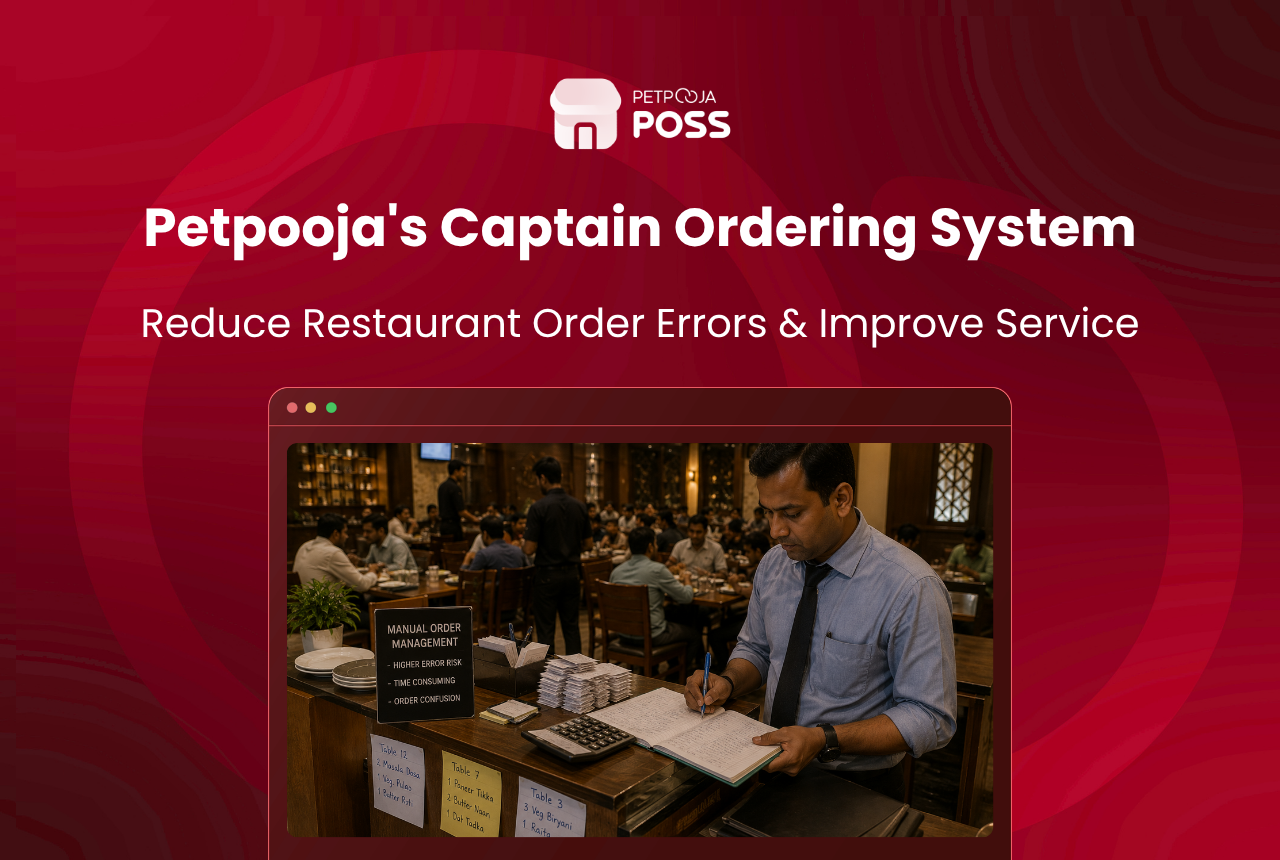
Petpooja’s Captain Ordering app reduces order errors by replacing paper chits with a digital menu on the waiter’s Android device, firing typed KOTs directly to the correct kitchen station, and logging every modification with a staff name and timestamp. The result is that the kitchen receives unambiguous orders in seconds, and the owner has a full audit trail of every change made to every ticket.
This is not a generic “go digital” pitch. This post walks through six specific features inside Petpooja’s Captain App that target order errors at the exact points where they happen, from the table to the kitchen pass.
Key Takeaways
- Petpooja’s Captain App runs on Android devices as an add-on to Electron POS or Local POS
- Six features directly reduce order errors: digital menu with modifiers, station-wise KOT routing, KOT modification tracking, leakage panel, KOT process-time tracking, and captain performance reports
- Every KOT change is logged with the captain’s name and timestamp for audit
- The app works offline for up to 5 days and syncs when connectivity returns
Where Do Order Errors Actually Happen in Indian Restaurants?
Order errors do not happen at random. They cluster at three specific points in the service flow, and each point has a different cause.
At the table: The waiter mishears “paneer” as “prawns”, forgets to note “no onion”, or scribbles a modifier that the kitchen cannot read. This is the most common source of wrong dishes reaching guests. With close to 60% of restaurant operators already facing staff shortages according to the NRAI India Food Services Report 2024, the waiters on the floor are often handling more tables than they should, which makes this problem worse.
Between table and kitchen: The waiter walks to the billing counter, waits in a queue if another waiter is already there, and then punches the order into the POS. During a busy Friday at a 50-cover restaurant in Bopal, Ahmedabad, this queue can add 2 to 3 minutes per order. By the time the KOT reaches the kitchen, the waiter may have already taken the next table’s order and mixed up details. This walk-and-queue cycle also increases customer wait time because guests sit idle while their waiter is stuck at the counter.
At the kitchen pass: A single KOT arrives with items for three different stations (tandoor, Chinese, bar). Someone at the pass reads it and verbally calls out items to each station. “Table 12, one butter chicken to tandoor, one hakka noodles to Chinese, one mojito to bar.” If the pass is busy, the verbal relay gets garbled. The hakka noodles end up at the tandoor station and come back 5 minutes later.
Petpooja’s Captain App addresses each of these three points with a specific feature. Here is how.
How Does the Digital Menu Prevent Wrong Orders?
The captain taps items on the app screen instead of writing them on paper. The menu is pre-loaded from the POS with every item category, variation (small/medium/large), and add-on configured in advance.
Modifiers like “no garlic”, “extra cheese”, “half plate”, and “less spicy” are built into each item. The captain selects them with a tap. There is no handwriting to misread, no shorthand to misinterpret, and no possibility of a modifier being forgotten because it was not written down.
For a restaurant in Madhapur, Hyderabad with a 120-item multi-cuisine menu, this means every order that leaves the table is typed, structured, and unambiguous before it reaches the kitchen.
How Does Station-Wise KOT Routing Stop Kitchen Misroutes?
This is the feature that fixes errors at the kitchen pass. When the captain confirms an order, the system does not generate one single KOT for the entire table. Instead, it splits the order and routes each item to the correct kitchen station based on pre-configured item-to-station mapping.
The dal makhani prints at the Indian station. The dim sum prints at the Chinese station. The cold coffee prints at the beverage counter. No one at the pass needs to read, interpret, or verbally relay anything.
In Petpooja POSS, this is called station-wise KOT printing. It uses the item-to-station mapping defined in the menu configuration. Once set up, it works for every order without manual intervention.
What Happens When a Guest Changes Their Order Mid-Meal?
Errors do not always happen at the time of ordering. Sometimes a guest changes their mind after the KOT has already fired. “Actually, make that a veg biryani instead of chicken.” Or a captain cancels an item because the kitchen ran out of a key ingredient.
In a paper-based system, these modifications are scribbled on the existing chit or shouted across the pass. In Petpooja’s Captain App, the captain modifies the KOT from the device. The change fires to the kitchen immediately with a modification tag showing what was added, removed, or changed.
Every modification is logged with three data points: what changed, who changed it, and when. This log feeds into two places on the POS dashboard: the dedicated KOT modification report and the leakage panel.
How Does the Leakage Panel Catch Hidden Errors?
The leakage panel is a dashboard widget inside Petpooja POSS that tracks signals of revenue loss and operational errors. It monitors:
- KOTs that were cancelled after being sent to the kitchen
- KOTs that were modified after the original ticket was generated
- KOTs that were not used in any bill (food was prepared but never billed)
- Bills that were modified or reprinted after the initial print
- Orders shifted between tables (which can indicate bill manipulation)
For restaurant owners, this is the single most useful anti-error and anti-theft tool in the system. A cancelled KOT could mean a genuine guest change, or it could mean a staff member voided an item and pocketed the cash. The leakage panel surfaces the pattern so the owner can investigate.
For example, consider a 60-cover restaurant in Aundh, Pune where the owner notices that one particular captain cancels 8 to 10 items every Saturday night. The leakage panel shows the cancellation log with timestamps and item names. The owner can then check whether those cancellations match genuine guest requests or whether something else is going on.
Can You Track How Long Each KOT Takes to Process?
This feature does not prevent errors directly, but it catches slow responses that often lead to errors downstream. KOT process-time tracking measures the gap between when a KOT was punched in and when it was settled (marked as food sent out).
If the average KOT process time at the tandoor station is 12 minutes, but one particular evening it spikes to 22 minutes, the owner knows something went wrong. Maybe the station was short-staffed. Maybe a batch of orders got lost in the queue. The data makes the problem visible before it becomes a pattern.
Across 1,00,000+ outlets on Petpooja POSS, this metric helps restaurant chains benchmark kitchen speed across locations and identify which stations or shifts consistently run behind.
How Does the Captain Performance Report Help?
Report #82 in Petpooja POSS is the Captain Performance Report. It shows sales per captain from the captain app, broken down by order count, item mix, and total value.
From an error-reduction perspective, this report helps owners spot which captains have higher cancellation rates, which ones use modifiers consistently, and which ones drive more upsell through the AI recommendation engine. A captain with a low modifier-usage rate might be skipping the “no onion” step and hoping the kitchen figures it out. The report makes that visible.
Combined with the staff shift schedule template, this data helps owners assign their most accurate captains to the busiest shifts and schedule training for those who need it.
The first three features prevent errors before they happen. The last three detect patterns after the fact so owners can fix root causes.
Conclusion
Petpooja’s Captain Ordering does not just digitise the order-taking process. It targets the six specific points where order errors happen in Indian restaurants: the waiter’s notepad, the kitchen pass, mid-order changes, unbilled items, slow stations, and undertrained staff. Each feature produces a data trail that makes errors visible, traceable, and fixable.
If your restaurant runs on paper KOTs and you are seeing repeat wrong orders during peak service, the Captain App is worth testing. It works as an add-on to your existing Petpooja POSS, runs on any Android device, and most staff learn the interface in one or two shifts.
Frequently Asked Questions
No. The Captain App works only with Electron POS and Local POS. It is not available on Petpooja Lite or the basic Android POS. If you are unsure which type you run, check with your Petpooja POC (your assigned relationship manager) or call support at +91 79 6922 3344.
Most restaurants notice a drop in wrong orders within the first two weeks. The biggest change happens on the first Friday or Saturday after going live, when the peak-hour rush is the real test. Keep paper KOTs as backup for the first three to four days.
Yes. The KOT modification report shows every change made to every KOT, including the item name, the type of change (added, removed, quantity changed), the captain’s name, and the timestamp. The restaurant kitchen SOP checklist can help your kitchen team standardise how they handle modified KOTs.
Yes. The Captain App works offline and stores orders locally on the device. Once connectivity returns, it syncs everything to the POS. Petpooja supports up to 5 days of offline operation before a sync is required.
You can run Petpooja’s Captain App alongside scan and order. The captain handles full-service dine-in tables while the QR code handles casual or self-service seating. Both channels feed into the same POS and the same kitchen queue.
Yes. Report #82 in Petpooja POSS is the Captain Performance Report. It shows sales per captain, order count, and item mix. Use it to identify which captains drive higher order values, which ones have higher cancellation rates, and where training is needed. You can check your current table speed with the free table turnover rate calculator.








