


- Electron POS, Android POS and POS Local bill offline for up to 5 days
- POS Lite has no offline mode, being cloud-only
- Billing and KOTs carry on; online orders and EDC payments do not
- Offline bills keep the same GST serial number series
- Everything punched offline syncs on its own once the line returns
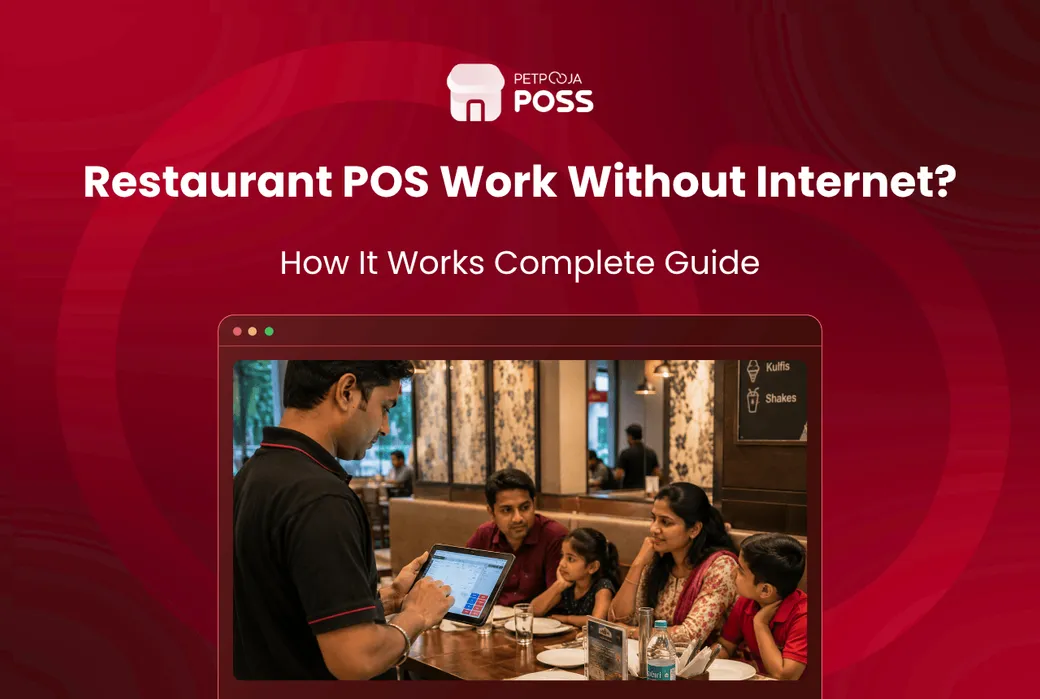
Most restaurant POS systems keep billing without internet. Of the four Petpooja POS types, three carry on for up to 5 days offline and sync once the line returns. POS Lite is the exception, running entirely on the cloud with no local copy behind it.
The part you need during service keeps working: billing, KOT printing and table management. What stops is any task that travels over the internet, mainly Swiggy and Zomato orders plus card payments routed through an EDC.
Across the outlets Petpooja supports, the ones caught out by an outage are rarely the ones whose POS failed. They are the ones who never checked which type they were running.
Which Petpooja POS Types Work Offline?
Settle this question in advance, not during an outage. Offline behaviour is decided by the POS type you bought, and the four types differ.
| POS type | Works offline? | Where data sits |
|---|---|---|
| POS Lite | No | Petpooja cloud |
| Android POS | Yes, up to 5 days, then syncs | Petpooja cloud |
| POS Local | Yes, up to 5 days, then reconnects to the Bridge Server | Your own device |
| Electron POS | Yes, up to 5 days, then syncs | Petpooja cloud |
POS Lite is the outlier, a light cloud-only biller built for small takeaway counters. If your outlet sits somewhere with an unreliable line, that single row should shape which type you pick.
The other three all hold bills locally and push them up later. Our POS types comparison covers how else they differ.
What Keeps Working, and What Stops
The split is cleaner than most owners expect: what happens inside your four walls carries on, and what has to cross the internet waits until the line is back.
Keeps working Billing and printing bills KOT printing to the kitchen Table and floor management The menu already saved Cash settlement and day-end Waits for the line Swiggy and Zomato orders Card and UPI on the EDC Cloud reports and dashboard Menu edits pushed online Online menu on and offThe left column is the part that matters during service. Orders keep going in, the kitchen order ticket still prints at the right station, and tables still merge and settle. Staff work the same screen they always do, which is why most outages pass without a customer noticing.
Payments deserve a closer look, since owners tend to assume the POS covers them. Petpooja POSS routes every Pay+ payment request through Finance Cloud. The EDC machine therefore needs a stable connection of its own, and a building-wide outage means taking cash.
Aggregator orders are the other gap, because Swiggy and Zomato send them over the internet and nothing reaches your screen with the line down. Those orders are not lost, they simply arrive late, which is why step 3 below matters.
What to Do When the Internet Drops
The counter does not need to stop. Work through this order and service keeps moving.
- Keep billing. Punch orders as normal on the POS, since bills are held locally and sync later.
- Switch payments to cash or a direct UPI QR that does not depend on the EDC machine, and tell the counter staff before the queue builds.
- Turn off the online menu if you can reach it on mobile data, so customers stop placing orders you cannot see.
- Tell the kitchen that no aggregator tickets will arrive until the line is back.
- Check the pending online orders once the connection returns, before you close the day.
Step 3 has a shortcut worth setting up in advance. POSS lets you build backend-only item groups, such as a Power Failure Group for items you cannot serve during an outage. Toggling that group switches them all off at once.
Write those five steps on a card inside the till drawer. Staff will not read a manual at 8pm on a Friday, but they will read a card.
How Long Can a POS Run Offline?
Five days on Electron POS, Android POS and POS Local. That is the documented window, a safety margin rather than a mode to operate in.
Within it, bills, KOTs and settlements are stored on the machine. When the line returns, it all syncs on its own. You do not re-enter anything, and your day-end totals include the offline bills.
POS Local behaves differently, since its data was never in the cloud to begin with. It holds everything on your own device and reconnects to its Bridge Server rather than syncing upward. For outlets in areas with a weak line, that architecture is the whole point, which our guide on POS Local covers in detail.
Here is an illustrative example, not a real outlet. A QSR in Kharadi, Pune loses its fibre line at 7.40pm on a Friday. The counter keeps billing on Electron POS, takes cash for two hours, and the 63 bills raised offline appear in the dashboard the next morning once the line is restored.
Do Offline Bills Still Count for GST?
Yes. A bill raised without internet is a normal tax invoice, provided it carries what the law asks for.
Section 31 requires a registered person to issue a tax invoice, and Rule 46 lists what it must carry: your name, address and GSTIN, plus a consecutive serial number unique for the financial year. The POS holds the same series offline, so the sequence does not jump.
A broken number series is the kind of thing that surfaces during a filing, long after anyone remembers the evening the line went down.
The practical check is simple: on the morning after an offline evening, open the bill list and confirm the numbers run unbroken across the outage. An intact sequence means your records need no special treatment at filing time.
One exception is worth knowing. A B2B bill needing an IRN has to reach the government e-invoice portal, which no offline mode can do. Most restaurant bills are B2C and unaffected by that requirement.
Which Outlets Need an Offline POS Most?
Every outlet benefits, yet for some it decides which POS type to buy at all.
- Basement and mall units, where a fibre line is shared and mobile signal is weak.
- Outlets in tier-2 and tier-3 towns, where a single provider outage takes the whole street down.
- Food courts and canteens, where one shared connection serves many counters at once.
- High-volume QSRs, where even ten minutes of stalled billing builds a queue that does not clear.
- Monsoon-prone locations, where cable faults cluster into a few weeks each year.
A dine-in restaurant with a stable business line and a backup connection carries less risk. A counter doing 300 covers on one shared link carries a lot. Match the POS type to that risk rather than to the monthly fee. The cheapest plan is the one with no offline mode at all.
How to Prepare Before It Happens
Most of this is a one-time setup, not something to arrange during an outage.
- Check your POS type against the table above, so you know what to expect.
- Build the Power Failure Group in your menu backend now, while there is time to think about it.
- Keep a direct UPI QR at the counter as a fallback that does not run through the EDC.
- Keep a mobile hotspot at the till, since a phone line is often up when the fibre is not.
- Brief new staff during onboarding rather than mid-rush.
The hotspot point is the one owners skip. Fibre and mobile networks rarely fail together. A phone tethered at the counter often restores card payments and aggregator orders within a minute, with the main line still down.
Reconcile carefully afterwards, comparing the day-end report against your cash count on any evening that ran offline. Our opening and closing checklist gives you a routine to hang that on, keeping the reconciliation independent of whoever happens to be closing.
Conclusion
The honest answer is that it depends on which POS you bought. Three of the four Petpooja types bill offline for up to 5 days and sync on their own; POS Lite does not. Billing and KOTs carry on regardless, while online orders and EDC payments wait for the line.
Knowing which side of that line your outlet sits on is worth ten minutes today rather than a scramble on a Friday night. To check what your own setup does during an outage, ask the team for a demo of Petpooja POSS.
Frequently Asked Questions
Does a restaurant POS work without internet?
Most do. Petpooja Electron POS, Android POS and POS Local each keep billing for up to 5 days without a connection, then sync when the line returns. POS Lite has no offline mode. It is a cloud POS with no local copy to fall back on.
What stops working when a restaurant POS goes offline?
Anything that travels over the internet. Swiggy and Zomato orders cannot reach the POS until the line returns, and card or UPI on an EDC needs a connection of its own. Billing, KOT printing and table management carry on as normal.
How long can a POS run without internet?
Up to 5 days on the three types that support it. Bills raised in that window are held on the machine and sync later, leaving nothing lost. Treat the limit as a safety margin rather than something to plan around.
Is a bill raised offline still a valid GST invoice?
Yes, as long as it carries the particulars Rule 46 requires, including your GSTIN and a consecutive serial number unique for the financial year. The POS holds the same series offline, so the sequence stays intact. Our restaurant bill format lists what each bill must carry, and the GST invoice value calculator checks the tax on any bill you verify by hand.
Do I lose orders if the internet drops mid-service?
Not the ones you punch. Dine-in and counter orders continue and sync later. Orders placed on Swiggy or Zomato during the outage land once the line is back, so check the pending list before your day-end.
Thanks. This helps us make the next article better.

Avani Joshi is a Content Writer at Petpooja, where she writes about payroll, billing, and the everyday software that keeps Indian SMEs running. She has a knack for taking complicated topics and explaining them in plain language for business owners who don't have time to decode jargon.