
Industry & Business Guides
177 articles · page 2 of 12More guides
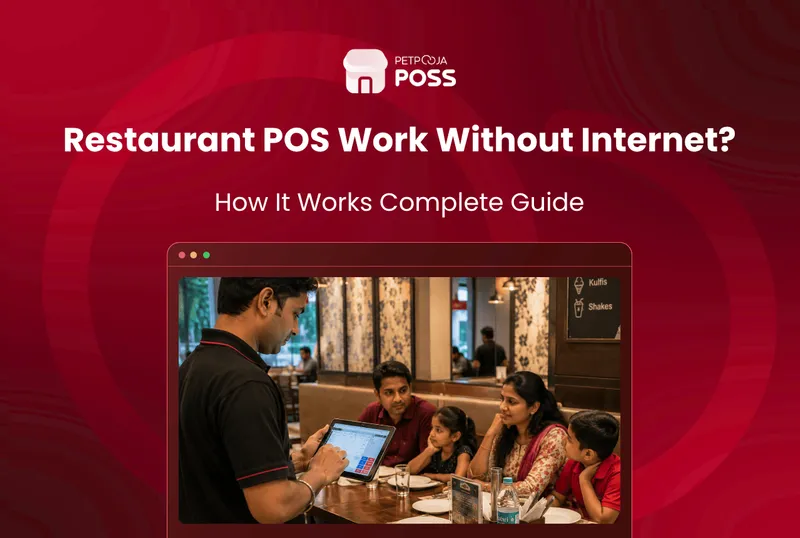
Does Your Restaurant POS Work Without Internet?
Most restaurant POS systems keep billing without internet. Of the four Petpooja POS types, three carry on for up to 5 days offline and sync once the line returns. POS Lite is the exception, running entirely on the cloud with no local copy behind it. The part you need during service keeps working: billing, KOT
AJ Avani Joshi22 Jul 2026
How to Switch Your Restaurant POS Without Losing Data
You will not lose your menu or your customer list when you switch a restaurant POS. What restaurants lose is sales history. That sits in the old vendor’s database in their own format, and stops being yours the day the account closes. The rule is simple: take your exports with the old account still live,
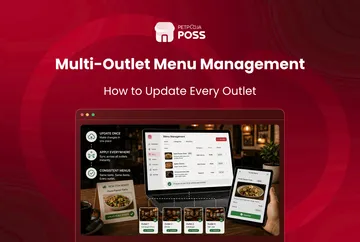
Multi-Outlet Menu Management: How to Update Every Outlet
Running one menu across ten outlets by hand does not scale. Someone opens each outlet’s account, retypes the same price, and misses one. A week later a guest in the newest outlet pays ₹20 less than a guest across town for the same biryani. The fix is a head office menu. You make the change
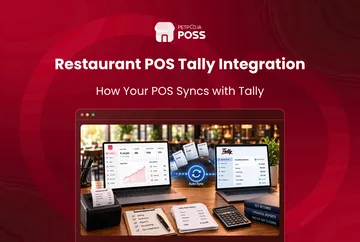
Tally Integration for Restaurants: How POS Syncs to Tally
Tally integration connects your restaurant POS to Tally. Your daily sales, GST, and expense figures move into your books without anyone re-typing them. The numbers your biller records at the counter become the numbers your accountant sees in Tally. On Petpooja, this sync runs on the Android POS and Electron POS types. It takes the
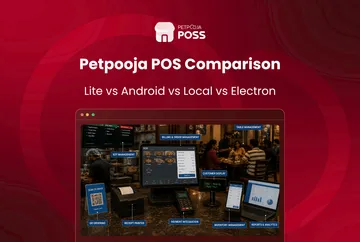
Petpooja POS Types: Lite vs Android vs Local vs Electron
Petpooja POSS is not one single product. It comes in four types, and the type you pick decides your hardware, your features, and which apps and integrations you can add later. So the real first question is not “should I use Petpooja,” it is “which Petpooja POS type fits my outlet.” Here is the short
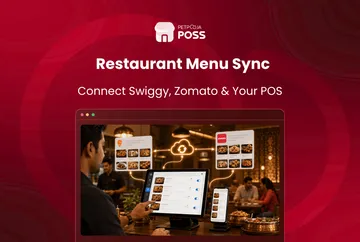
How to Sync Your Menu Across Swiggy, Zomato & Your POS
Menu sync means you edit your menu once in your POS. The change then updates on Swiggy, Zomato and your own ordering channels together. You stop logging into each app to fix the same price or switch off the same sold-out dish. The POS connects to Swiggy and Zomato through an integration. When you change
Item Availability & Menu On/Off: Stop Cancelled Orders
Item availability is the on/off status of every dish, set inside your POS. A dish is either in stock and orderable, or sold out and paused. Keeping it accurate is what stops a customer from ordering a dish your kitchen cannot make. You cannot hold this straight by hand across a counter, Swiggy and Zomato
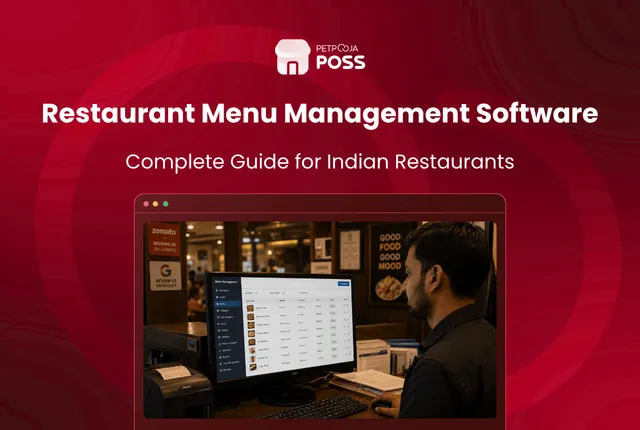
Restaurant Menu Management Software: A Complete Guide
Restaurant menu management software lets you build, price and update your whole menu from one place, then push those changes to your billing counter, your online ordering apps and your kitchen at once. You edit the menu a single time, and every screen your customers and staff see stays in step. Think of it as
Avani Joshi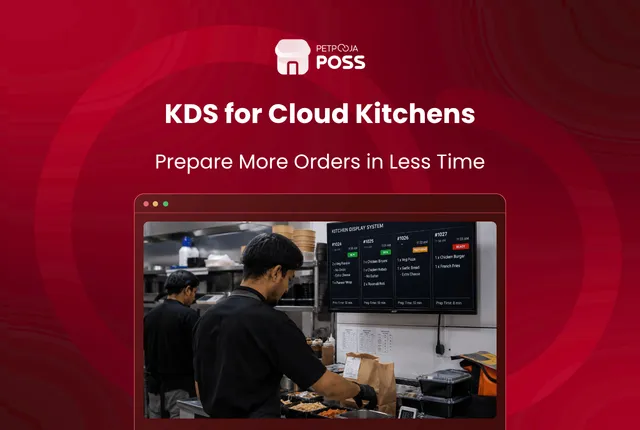
How a KDS Speeds Up Order Prep in Cloud Kitchens
A kitchen display system speeds up order prep in a cloud kitchen by putting every Swiggy and Zomato order on one screen the moment it lands, so cooks start right away instead of waiting for a slip to print. It tags each order to its brand and station, times how long each one takes, and
Avani Joshi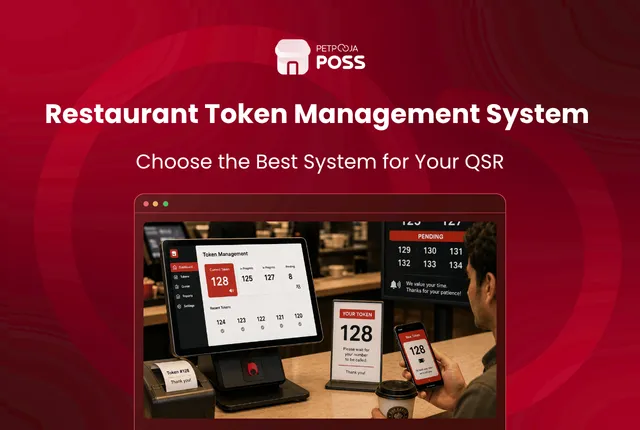
Token Management System: A Guide for QSR Counters
A token management system is a customer-facing screen at your pickup counter that shows each order by its token number, and whether it is still being prepared or ready to collect. Takeaway customers and delivery riders read the screen instead of asking your staff, so nobody crowds the counter waiting for their food. Think of
Avani Joshi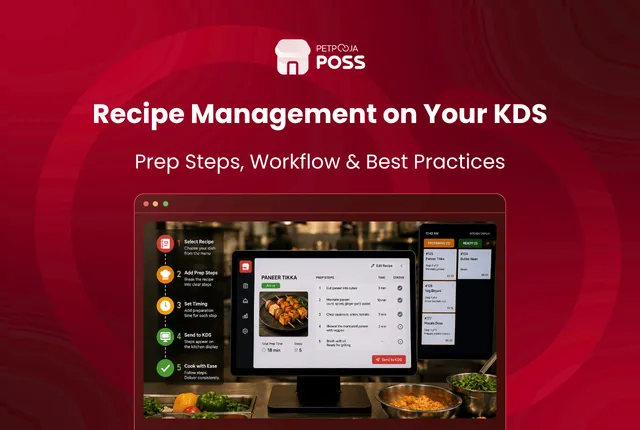
Recipe Management on Your KDS: How to Set Up Prep Steps
To set up recipe and preparation steps on your kitchen screen, you add the cooking steps to each dish once in Menu Management. From then on, they travel with that item to your kitchen display system. A cook taps the item on the order card, a side panel opens, and the method, portion, and plating
Avani Joshi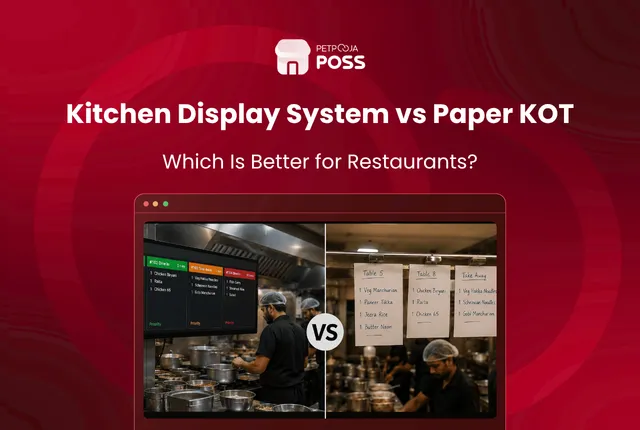
KDS vs Paper KOT: Why Busy Kitchens Are Going Screen-First
A KDS (kitchen display system) and a paper KOT (kitchen order ticket) do the same job: they tell the kitchen what to cook. The difference is that a paper KOT prints the order on a slip, while a KDS shows it live on a screen. Same order details, no printer and no paper. That one
Avani Joshi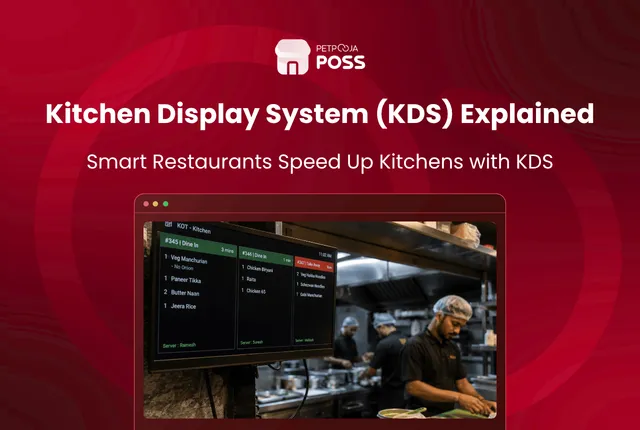
What Is a Kitchen Display System (KDS)? A Guide for Indian Restaurants
A kitchen display system (KDS) is a screen in your kitchen that shows orders in real time, in place of printed paper slips. Every order punched at the billing counter, or received from Swiggy and Zomato, appears on the screen for the cooks to read and act on. Think of it as the paper KOT,
Avani Joshi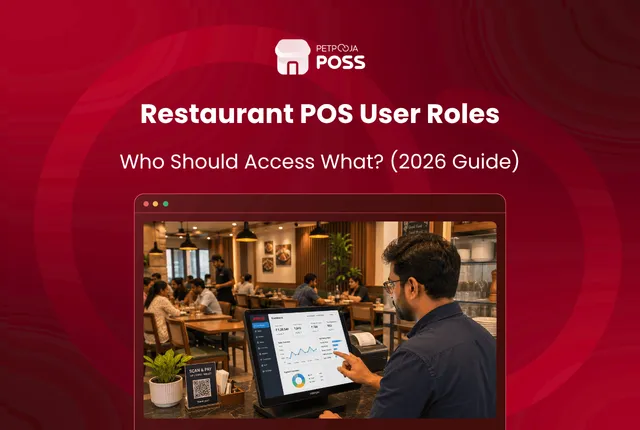
Restaurant POS User Rights: Who Should Access What
Restaurant POS user rights decide what each staff member can do in the system. The simple rule is to give every role only the access its job needs. A biller takes orders and settles bills, a manager handles the risky actions like cancelling a settled bill or approving a large discount, and the owner sees
Avani Joshi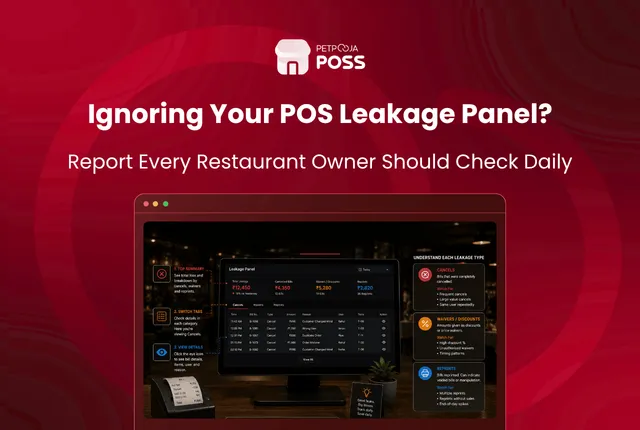
How to Read Your POS Leakage Panel: Cancels, Waivers, Reprints
Your POS Leakage panel is one screen that gathers the 3 actions most tied to lost revenue: cancelled and modified KOTs, waived and modified bills, and reprints. Each one is logged against the biller who did it. Reading it well is about spotting a pattern, not punishing a single cancel. Most of what shows up
Avani JoshiPractical guides for your business, in your inbox.
New articles, free tools and templates for restaurants, retail and growing businesses. No spam, unsubscribe anytime.