
Petpooja POSS
Billing, KOT, inventory and Swiggy/Zomato sync.
698 articles · page 6 of 47More guides
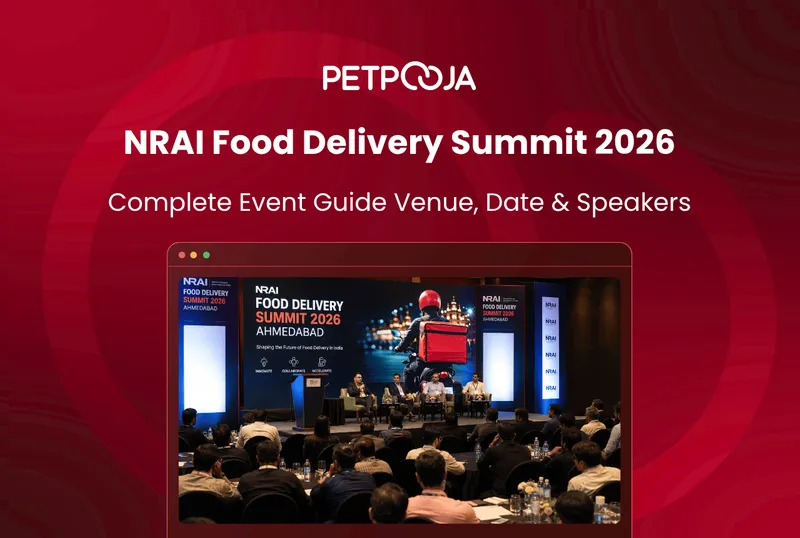
NRAI Food Delivery Summit 2026 Ahmedabad: Venue & Speakers
The NRAI Food Delivery Summit returns for its fifth edition on Thursday, 20 August 2026, from 9:00 AM, at The Forum Hotel & Convention, Shela, Ahmedabad. It is an initiative of the NRAI Ahmedabad Chapter, with Petpooja as the presenting partner. The theme is Delivering Growth Through Technology. NRAI expects 5,000+ restaurant owners from 30+
AJ Avani Joshi3 Aug 2026
Petpooja Ask Me Anything: The Restaurant AI Assistant in POSS
Ask Me Anything is a restaurant AI assistant built into Petpooja POSS. You type a question in plain English, such as “what were my top-selling items yesterday?”, and it answers from your own outlet’s billing data. It is a Petpooja feature, not something every restaurant POS offers. Most owners already have that answer sitting in
AI Sales Forecasting for Restaurants: A Practical Guide
Most restaurant waste starts with a guess. You prep for a busy night that stays quiet. Or you run short on a slow day that surprises you. Either way, the money leaks. AI sales forecasting attacks that guess. It reads your own past sales and predicts what tomorrow will look like, so prep, stock and
7 Kitchen Success Metrics Every Restaurant Should Track
A professional kitchen can feel busy and still lose money. The pans are full, the tickets are flying, and yet the month ends thinner than it should. Kitchen success metrics are the numbers that tell you what is really happening behind the noise, so you fix the leak instead of guessing at it. The short
How Petpooja’s AI Features Help Restaurants Decide Better
Every restaurant decision runs on numbers: what to buy, what to charge, what to cut. The trouble is that those numbers are usually stale or scattered, so the call gets made on gut feel. Petpooja’s AI features attack that exact gap. They clean up the inputs, so the decision on top rests on real data.
AI in Restaurant Management: 10 Practical Use Cases
Ask most restaurant owners about AI and they picture robots carrying plates. The reality is quieter and far more useful. Across the 1,00,000+ restaurants that run on Petpooja POSS, the AI that earns its keep is the kind nobody notices. It is a forecast that gets the prep order right, a scan that reads an
How to Use AI for Menu Engineering in Restaurants
Most menus carry a few dishes that quietly lose money and a few that could earn far more. Menu engineering is the method that finds them. It sorts every dish by two things, how often it sells and how much profit it makes, then tells you what to do with each one. The maths is
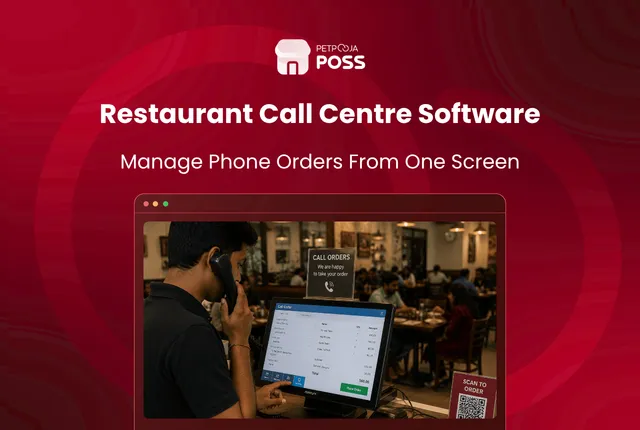
Restaurant Call Centre Software: Phone Orders From One Screen
A restaurant call centre module is a web application where one team takes phone orders for every outlet you run. The agent answers the call, picks the outlet, types the order, and it prints in that outlet’s kitchen. Your biller at the counter never touches it. Petpooja POSS handles billing for more than 1,00,000 restaurants,
 Sahil Shah
Restaurant Gift Cards: How to Run a Programme From Your POS
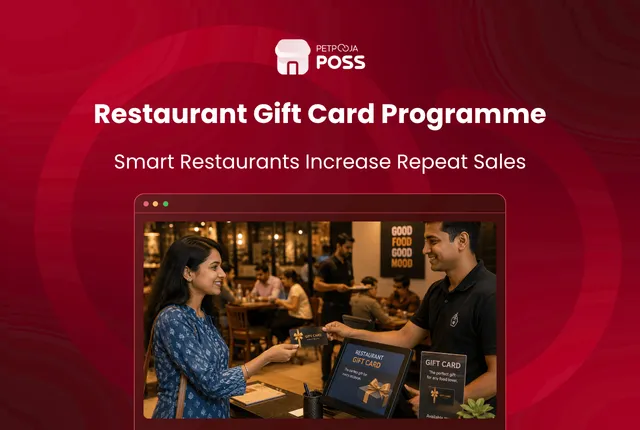
A restaurant gift card is prepaid money. Someone pays you today, and the guest eats later. The balance sits in your POS as a payment method. The bill settles against it just as it would against cash or a card. Petpooja POSS runs billing for more than 1,00,000 restaurants, and gift cards are handled inside
Avani Joshi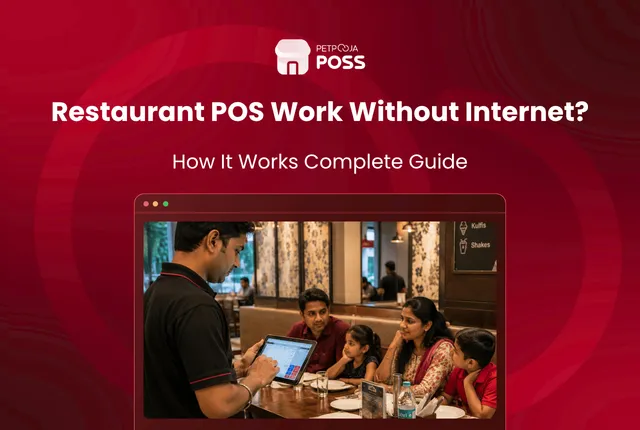
Does Your Restaurant POS Work Without Internet?
Most restaurant POS systems keep billing without internet. Of the four Petpooja POS types, three carry on for up to 5 days offline and sync once the line returns. POS Lite is the exception, running entirely on the cloud with no local copy behind it. The part you need during service keeps working: billing, KOT
Avani Joshi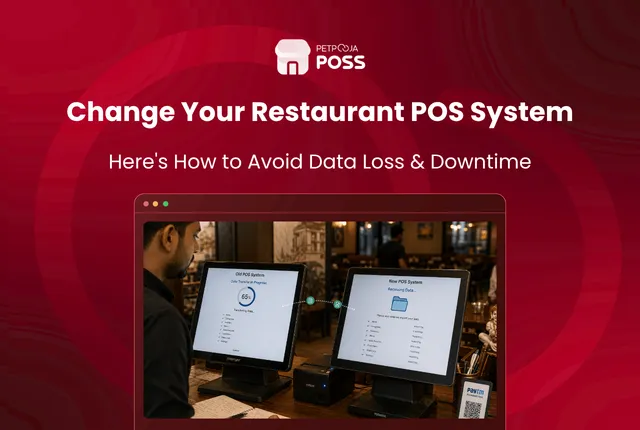
How to Switch Your Restaurant POS Without Losing Data
You will not lose your menu or your customer list when you switch a restaurant POS. What restaurants lose is sales history. That sits in the old vendor’s database in their own format, and stops being yours the day the account closes. The rule is simple: take your exports with the old account still live,
Avani Joshi
How to Split a Restaurant Bill & Merge Tables Without Errors
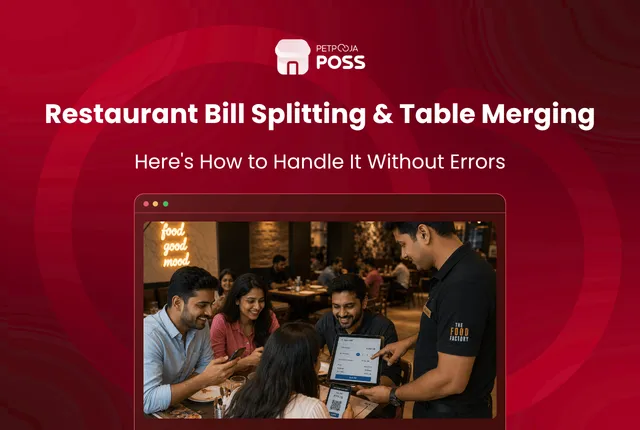
Splitting a restaurant bill means dividing one table’s order into separate bills so each guest pays their own share. Most restaurant POS systems do this three ways: by percentage for equal shares, by price so each guest pays for what they ordered, or by proportion when a few dishes are shared. The errors rarely come
Avani Joshi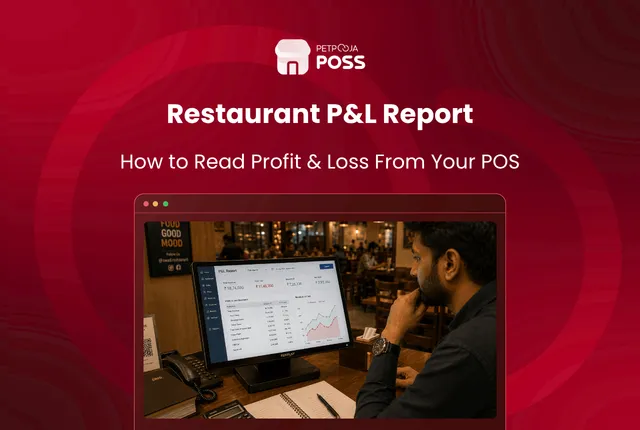
How to Read Your Restaurant P&L Straight From Your POS
Your restaurant profit and loss report is simple at heart: it lists your sales for a period, subtracts your costs, and shows the profit left over. The useful part is that your POS already holds most of the top of it, so the report is half-built before you start. Every sale, discount and tax your
Avani Joshi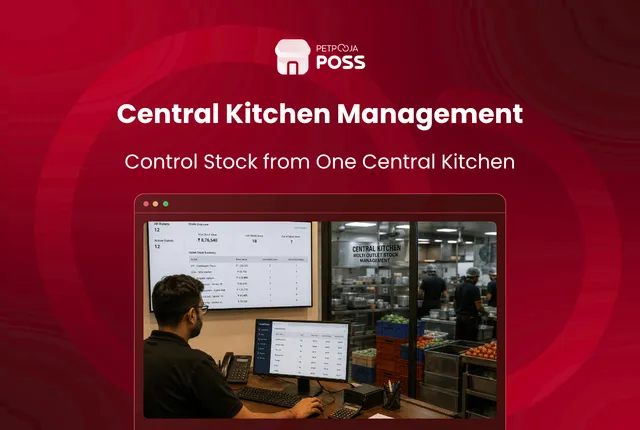
Central Kitchen Management: Multi-Outlet Stock Guide
Central kitchen management is how a food brand runs one large kitchen that buys, preps and supplies stock to all its outlets, while the point-of-sale system tracks every item that moves. The outlets stop buying and prepping on their own and pull what they need from the centre instead. The point is control. One place
Avani Joshi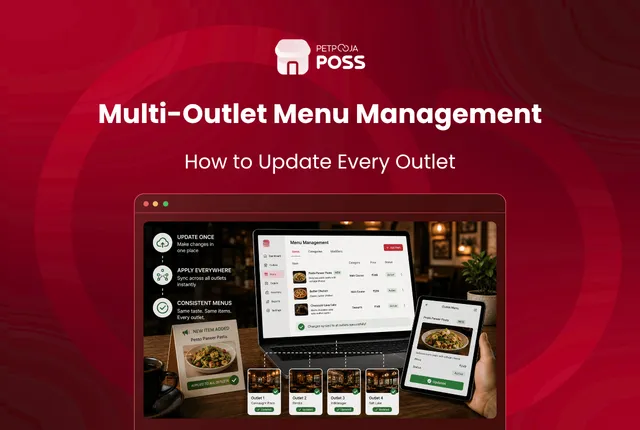
Multi-Outlet Menu Management: How to Update Every Outlet
Running one menu across ten outlets by hand does not scale. Someone opens each outlet’s account, retypes the same price, and misses one. A week later a guest in the newest outlet pays ₹20 less than a guest across town for the same biryani. The fix is a head office menu. You make the change
Avani JoshiPractical guides for your business, in your inbox.
New articles, free tools and templates for restaurants, retail and growing businesses. No spam, unsubscribe anytime.