
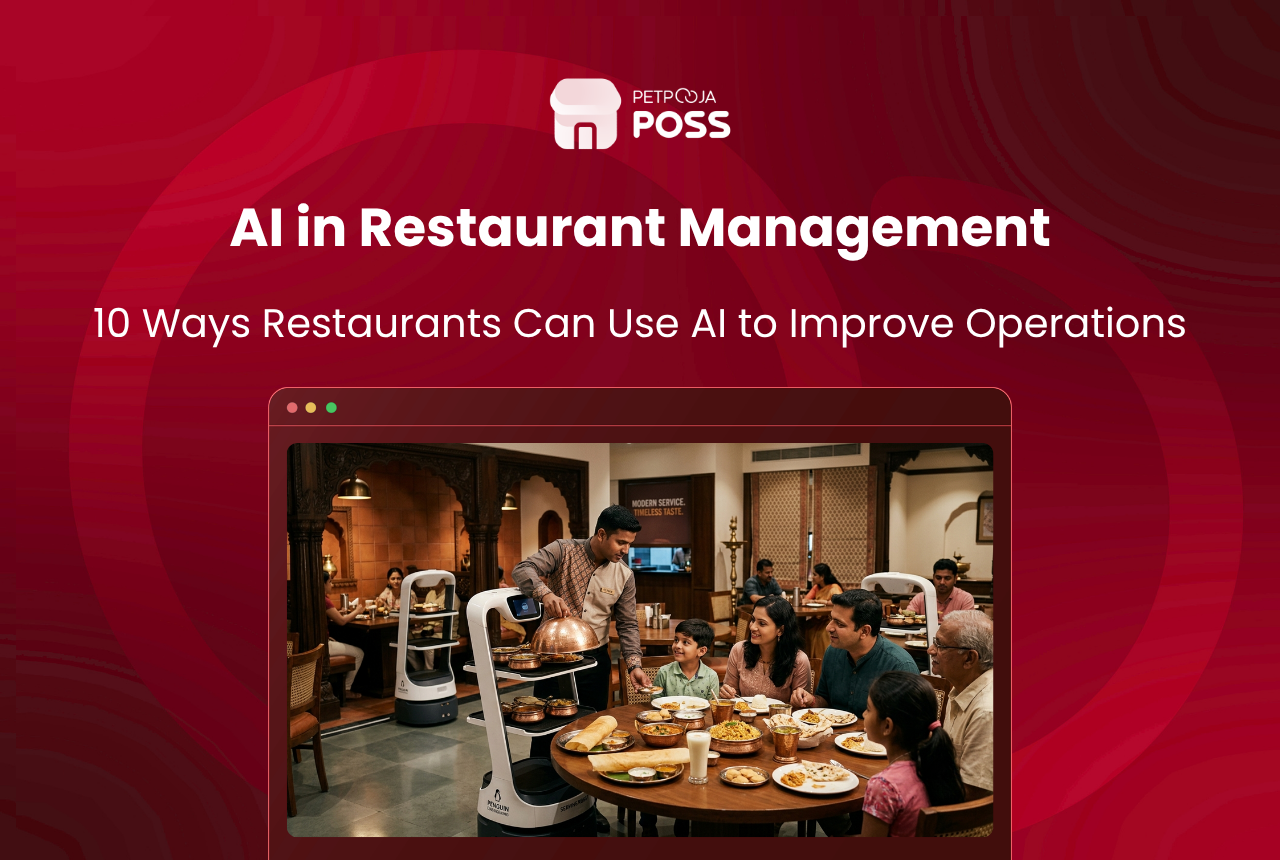
Ask most restaurant owners about AI and they picture robots carrying plates. The reality is quieter and far more useful. Across the 1,00,000+ restaurants that run on Petpooja POSS, the AI that earns its keep is the kind nobody notices. It is a forecast that gets the prep order right, a scan that reads an invoice, a match that catches a short payout.
AI in restaurant management simply means software that learns from your own data and does the slow, repeat work for you. It reads patterns in sales, stock, orders and reviews, then flags what needs a decision. You still make the call. The tool just clears the busywork off your plate first.
This guide walks through 10 real use cases you can act on, most of them already sitting inside tools you may own. None of it needs a data-science team, just software that reads the numbers you already keep.
Key Takeaways
- AI in restaurants is mostly quiet back-office help, not robots: forecasting, stock alerts and payout matching.
- Most use cases run on the POS or app you already have, with no new hardware.
- Small outlets gain as much as chains, because the tools sit inside everyday software.
- Start with sales data and invoice scanning, then add the rest as you grow.
Why AI Matters for Restaurants Right Now
India’s food services market was valued at ₹5,69,487 crore in FY24, per the NRAI India Food Services Report 2024. It is projected to reach ₹7,76,511 crore by FY28. More outlets, more delivery and thinner margins mean more data than any owner can read by hand.
That is the gap AI fills. It does not add a new job to your day. It reads the numbers you already collect and tells you where to look. That is why even single outlets in places like Aundh or Koramangala now lean on it. For the wider shift behind these tools, see our overview on AI for restaurants.
1. Forecasting Demand So Prep Matches the Day
Demand forecasting is the plainest AI win. The software reads months of your own bills and spots the pattern by day, weather and season. From that, it predicts how much of each dish you will sell tomorrow.
That turns prep from a guess into a number. A kitchen that knows Friday pulls more biryani than Tuesday preps to that, not to a hunch. Less runs out, less gets binned, and the chef stops over-ordering “just in case”.
Festivals and long weekends are where it earns its keep. Ordering for a Diwali rush by gut feel either leaves gaps on the shelf or a fridge full of stock that spoils by Monday. A forecast built on the same week last year gives the kitchen a starting number to adjust from.
2. Cutting Food Waste Before It Hits the Bin
Food waste is a national problem. Indian households alone throw away about 55 kg of food per person each year, per the UN Food Waste Index Report 2024. Restaurants add their own share, and most of it starts in the store.
AI trims your share by linking recipes to sales. When it knows the food cost of each dish and how fast items move, it flags stock about to expire and ingredients you keep over-buying. Pair that with a food waste cost calculator to size the leak, and read our guide to restaurant waste management for the fixes.
3. Making Menu Decisions From Real Sales
Picture a cafe in Vastrapur sitting on 60 dishes, unsure which ones earn and which just fill the card (an example, not a real outlet). AI settles that argument with data.
It sorts every item by how often it sells and how much it makes. Then it shows you four groups: the stars, the fillers, the quiet earners and the dead weight. From there you promote, re-price or cut. None of that needs a spreadsheet of your own. The POS already holds every bill, so the sort runs on data you have collected since day one. Our walkthrough on how to use your POS sales report shows the method step by step.
4. Reading Invoices Without Typing Them
Here is a use case that pays back on day one. Photograph a supplier invoice and AI reads the line items, rates and totals straight into your system, no manual entry.
For a busy outlet taking 30 or 40 vendor bills a week, that removes hours of typing and the errors that come with it. It can also flag a duplicate bill before you pay it twice. This is what powers tools like Petpooja Purchase Manager, where a photo becomes a clean purchase entry that updates stock on its own.
5. Matching Online Orders to Payouts
Anyone running delivery at volume knows the pain: hundreds of orders, a settlement statement to tie back to them, and no time to check each line by hand. Differences go unchecked simply because nobody can reconcile thousands of orders manually.
AI does that matching in the background. It lines each order against the payout, flags the gaps, and turns a week of spreadsheet work into a report you scan in minutes. The gaps are rarely huge on any single order. It is the steady drip of small unexplained differences across a whole month that adds up. Catching it is one of the quietest ways to plug restaurant revenue leakage.
6. Voice Ordering and Self-Service Kiosks
Front-of-house AI shows up here. Instead of every order passing through a biller, guests speak or tap their own order and it drops straight into the kitchen queue.
At a busy QSR counter, a self-ordering kiosk shortens the line and frees staff for service rather than data entry. A voice ordering kiosk does the same for drive-through and high-volume formats, taking the order accurately even in a noisy room.
There is a quieter benefit too. A kiosk never forgets to ask about a side or a drink, so the average bill often nudges up without a hard sell. It also keeps the queue moving at peak, which is where walkouts usually start.
7. Chatbots for Bookings and Common Questions
Most guest messages ask the same handful of things: are you open, do you deliver here, is a table free at 8. A chatbot answers those instantly, at any hour, so the phone stops pulling staff off the floor.
The value is not clever conversation. It is that plain, repeat questions get handled on their own, and only the genuine ones reach a person. In India that helps across languages too. A guest can ask in Hindi or Tamil and still get a clear reply. For a small team, that alone clears a real chunk of the day.
8. Personalised Offers and Loyalty
AI reads what a guest usually buys and nudges the offer that fits. A regular who orders filter coffee every second morning is a different target from a weekend family table, and the same blanket SMS wastes both.
Say a diner hits their tenth visit this month (an example): the system can trigger a reward tied to what they actually order, not a generic discount. The offer can also land where the guest already is. A message on WhatsApp or at the billing counter reaches them faster than a printed coupon they will never carry. That is how a modern loyalty program lifts repeat visits without you watching every account.
9. Smarter Staff Rosters
Overstaff a slow Monday and you burn wages. Understaff a festival rush and service falls apart. AI reads your sales pattern and suggests how many hands each shift really needs.
We see this most in outlets that grew fast. Take a chain that went from 8 to 22 staff in a single quarter and lost the plot on scheduling (an example). Forecast-led rosters put the right cover on the right shift. That protects both the wage bill and the guest experience.
It works the other way in a lull as well. A rainy Tuesday afternoon in Pune rarely needs a full floor, and the roster can trim a shift before the wage bill runs ahead of the sales (an example).
10. Reading Reviews and Feedback at Scale
Catch a problem in the reviews before it spreads. AI groups hundreds of ratings and comments by theme. A pattern like “slow service on weekends” or “cold delivery in Salt Lake” then surfaces on its own, not as a stray complaint you missed.
That gives you a ranked list of what to fix first, drawn from what guests actually said. Instead of reading every review, you read the summary and act on the top three issues.
It also watches the trend, not just the day. If mentions of slow service climb week on week, that shows up early, while one bad night gets its proper weight and no more. Your time goes to the pattern that is actually growing.
How to Start Without Overhauling Everything
You do not need all 10 on day one. Start with what your POS already collects, then layer the rest as the outlet grows.
| Ready to use today | Still maturing for most outlets |
|---|---|
| Demand forecasting from sales history | Fully automated dynamic pricing |
| Invoice and purchase scanning | Kitchen robots and cooking automation |
| Payout reconciliation | Predictive equipment maintenance |
| Loyalty and menu analysis | Voice bots for full conversations |
Turn on the reports and forecasts first, since they cost nothing extra and pay back fast. A daily sales report is a fair place to begin. From there, add invoice scanning, then reconciliation, then the guest-facing pieces when footfall justifies them.
One caution before you lean on any of it. AI is only as good as the data you feed it. Keep your menu, recipes and item codes clean and up to date. Feed it a messy master and the forecasts drift, so the groundwork matters as much as the tool.
Conclusion
AI in restaurant management is not a single gadget you buy. It is a set of quiet helpers already stitched into modern restaurant software. Each one takes a slow, repeat job off your hands, so you spend more time on food and guests.
Pick one use case that hurts most today, whether that is waste, payouts or purchase entry, and switch it on. Most of these tools live inside a good POS. A platform like Petpooja POSS is the simplest place to see them working on your own numbers.
Frequently Asked Questions
No. Most small outlets already use AI without naming it. Sales forecasts, invoice scanning and payout matching sit inside everyday restaurant software, so a single cafe gets the same tools a chain does, with no data-science team needed.
Usually not. Most of these use cases run on the POS, app or dashboard you already have. A kiosk or kitchen screen is extra hardware, but forecasting, stock alerts, invoice scanning and review analysis need only the software and a phone camera.
No. AI handles the counting and matching that eats staff time, so people spend more of the shift on guests and food. The final call on a menu change, a refund or a hire still needs a human who knows the outlet.
Start with what your POS already collects. Turn on the sales report and demand forecast, then add invoice scanning so purchase entries stop being typed by hand. Both need no new hardware and pay back time within the first month.
It depends on the vendor, not the AI. Pick a provider that states where your data sits and who can see it, and read the data-export terms before you sign. Reputable restaurant platforms let you pull your own bills and reports at any time.








