
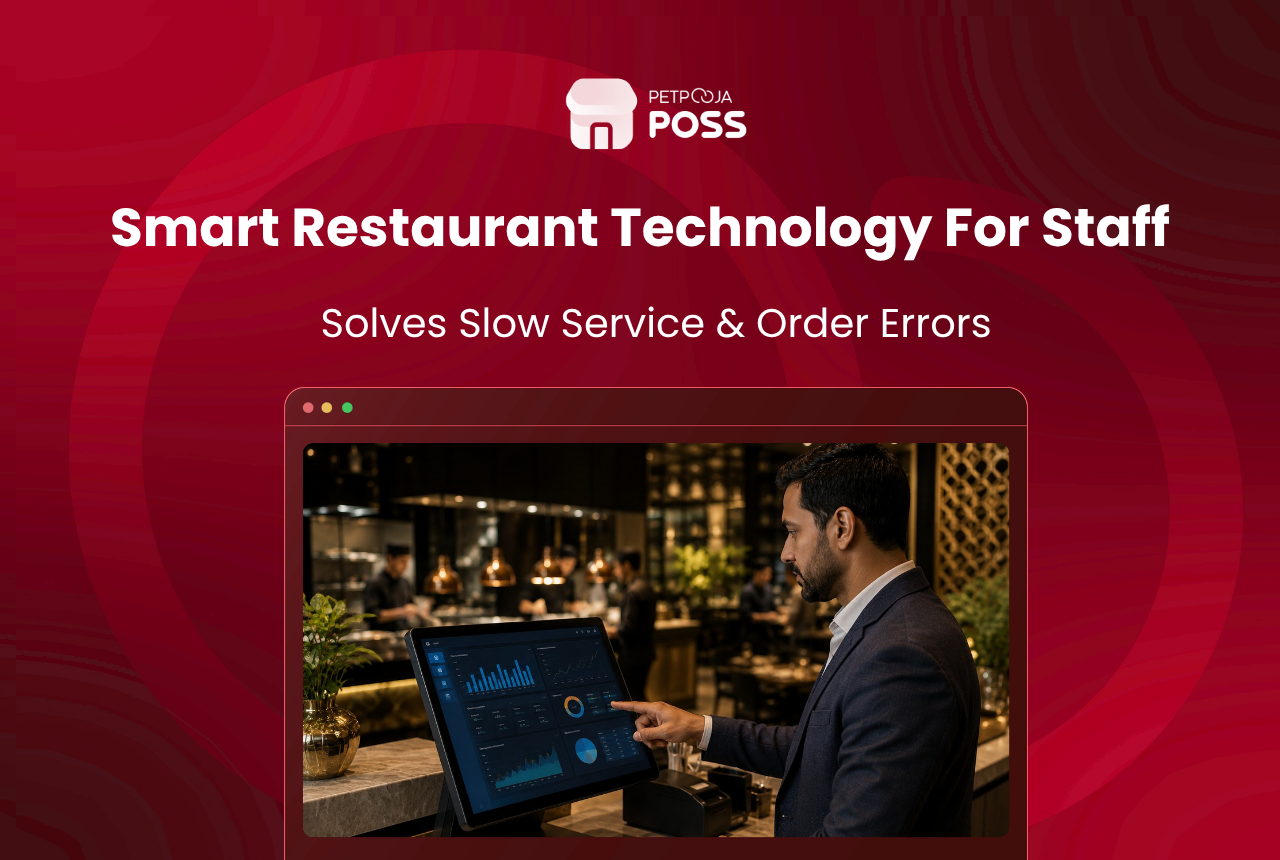
Restaurant technology is any digital tool that replaces a manual step in how a restaurant takes orders, prepares food, or serves guests. Three tools matter more than all the rest combined: a cloud POS, a captain ordering app, and a kitchen display screen. Get those running first.
A POS handles your billing and inventory. The captain app puts order-taking on a tablet so your waiter never walks to the billing counter to relay a KOT. And the kitchen display replaces paper slips with a colour-coded screen your chef can read from across the room.
That trio covers billing, floor service, and kitchen coordination. Everything else you hear about, kiosks, table buzzers, loyalty wallets, feedback tablets, those are add-ons. Good add-ons, yes, but add-ons that pay off only after the first three are running without daily hiccups.
This post gives you a priority order. Not a product catalogue. Each tool already has its own dedicated blog linked below.
Key Takeaways
- Three foundational tools come first: cloud POS, captain ordering app, kitchen display system
- Second-layer tech (kiosks, loyalty wallets, feedback apps) earns its cost only after the first three are stable
- A 20-seater cafe in Indira Nagar and a 120-cover banquet hall in Pimpri should not adopt the same tools in the same order
- India’s QSR market is projected to reach $47.28 billion by 2031
- Unused technology is wasted money; do not buy what your team cannot operate
Which Tech Solves Your Biggest Problem Right Now?
India’s QSR market stood at $27.80 billion in 2025 and is forecast to hit $47.28 billion by 2031, growing at 9.26% CAGR. Digital tools are pushing much of that growth. But knowing the market is growing does not tell a restaurant owner in Salt Lake, Kolkata whether to buy a kiosk or a KDS first.
Wrong question: “What restaurant technology exists?” Right question: “What is costing me the most money this month?”
If the answer is wrong orders reaching the kitchen, you need a captain app and a KDS. If it is guests leaving because nobody noticed they wanted the bill, a wireless calling device fixes that specific gap. If you are losing ₹14,500 a month to inventory mismatch between what the kitchen used and what the register recorded, your POS is either missing or misconfigured.
At Petpooja, we work with 1,00,000+ restaurants. The pattern repeats across cities: owners who pick tools based on their worst operational leak see returns within the first billing cycle. Owners who adopt five tools on the same Tuesday in March end up with three screens nobody looks at.
What Are the Three Tools Every Restaurant Needs First?
Every restaurant, regardless of format, needs these. Cloud-based POS systems now account for over 56% of the global restaurant technology market (Business Research Insights, 2026), and the shift is just as visible in India. A 12-seater momos counter in Aundh, Pune needs them just as much as a 90-cover North Indian thali chain in Surat.
Cloud POS. Think of this as the central nervous system. Bills, inventory, Swiggy and Zomato orders, GST reports, staff-wise sales, everything runs through it. Without a POS, every other tool you buy is a standalone gadget with no data flowing between them. Petpooja POSS is one option built for Indian restaurant workflows, but the principle holds regardless of which system you pick: POS first, always.
Captain ordering app. Your waiter punches the order on a tablet at the table. The KOT hits the kitchen printer in under 4 seconds. No walking back to the billing counter, no miscommunication, no “I thought you said paneer not chicken” disputes at 9 PM on a Friday. Read more about how the Captain App changes service flow.
Kitchen display system. Paper KOTs get lost behind the tandoor. They smudge when the gravy station splashes. They pile up during a rush and the chef picks the wrong one. A screen on the kitchen wall fixes all three problems at once, with each order colour-coded by how long it has been waiting. Here is a detailed look at why your restaurant needs a KDS.
Which Tools Should You Add After the Basics Are Stable?
Once your billing, ordering, and kitchen workflow run without someone shouting “where is the KOT for table 6?” every night, you can look at the next set.
| Tool | Best For | Skip If |
|---|---|---|
| Wireless calling device | Dine-in restaurants with 40+ covers where guests struggle to get staff attention | Your outlet is a cloud kitchen or a small QSR with counter service only |
| Self-ordering kiosk | QSRs, food courts, canteens with high footfall and repetitive orders | You seat fewer than 30 covers and most orders come through a waiter |
| Token management screen | Outlets doing 40%+ revenue from delivery and takeaway | Your delivery volume is negligible |
The kiosk market alone generated $1.62 billion in India in 2024 and is growing at 11.1% CAGR, so the business case is real. But a kiosk in a 15-seater family restaurant in Bopal, Ahmedabad? That is ₹80,000+ sitting unused next to the entrance.
For specs on the wireless calling device, read the product introduction post. For kiosks, see our piece on the future of self-ordering kiosks in India.
When Should You Invest in Loyalty and Feedback Tools?
Loyalty wallets and feedback apps do not fix broken operations. They amplify what is already working. Rolling out a loyalty programme when your kitchen still mixes up orders is like painting the walls of a house with a leaking roof.
Adopt these after 3 to 6 months of stable service. The right loyalty programme for your restaurant type depends heavily on whether you run a fine dine, a QSR, or a delivery-heavy cloud kitchen, and each model has a different point structure, redemption flow, and cost.
Feedback apps work the same way. Collecting NPS scores is pointless if nobody reads the dashboard on Monday morning. A biryani outlet in Electronic City, Bangalore installed a feedback tablet in February 2026 and gathered 400+ responses in the first month. But the owner only checked the dashboard once, in March. The data sat unused because the kitchen and billing workflows were still absorbing changes from the POS rollout two months earlier. Sequence matters more than speed.
How Do You Match Tools to Your Restaurant Format?
| Your Situation | First Priority | Second Priority | Skip for Now |
|---|---|---|---|
| Fine dine, 60+ covers, dine-in focused | POS + Captain App + KDS | Wireless calling device | Kiosk |
| Cloud kitchen, zero dine-in | POS + Token management + Online ordering widget | KDS for kitchen efficiency | Captain app, calling device |
| QSR, high counter traffic | POS + Kiosk + KDS | Token management | Calling device, feedback app |
| Family restaurant, 30-40 covers | POS + Captain App | KDS | Kiosk, loyalty wallet (wait 6 months) |
For example, a 40-cover biryani restaurant in Habsiguda, Hyderabad doing 60% dine-in and 40% Swiggy orders would start with a cloud POS that has aggregator integration, then add the Captain App within the first month. A kiosk or loyalty wallet can wait until Q3.
Compare that to a 10-outlet QSR chain in Ahmedabad averaging ₹8,700 daily revenue per branch. Counter-service dominates their model. A kiosk and token management screen will produce faster returns than a calling device, because most guests never sit at a table.
What Mistakes Waste Your Restaurant Tech Budget?
At Petpooja, we have onboarded thousands of outlets across India since 2012. These mistakes come up again and again, usually within the first 60 days of a new setup.
No training budget, just hardware. A KDS mounted in the kitchen does nothing if your chef still reads paper KOTs because nobody showed him the screen layout. We run a hands-on walkthrough during the first day of every setup. Budget 2 to 3 days of training per tool. Run a mock service before going live with real orders.
POS comes last instead of first. Some owners buy a kiosk or a calling device before even setting up their POS. The result: the kiosk collects orders but cannot send them to the kitchen. The calling device buzzes but nobody knows which table maps to which bill. Without a POS at the centre, nothing talks to anything else.
All tools at once. A restaurant in Navrangpura, Ahmedabad tried rolling out POS, Captain App, KDS, and a kiosk on the same Monday in January 2026. By Wednesday, the floor staff was overwhelmed and they went back to paper KOTs for two weeks. One tool per month is the pace most teams absorb without breaking their existing service rhythm.
Conclusion
Your staff needs three tools before anything else: a cloud POS, a captain ordering app, and a kitchen display system. Those three cover the billing-to-kitchen pipeline. Add growth tools like kiosks and calling devices once the basics are stable, and hold off on loyalty and feedback until your operations run without daily fires. The Asia Pacific KDS market is growing at 9.2% CAGR through 2033, a sign that digital kitchen workflows are becoming table stakes, not luxury upgrades.
For setup details on any add-on, visit the Petpooja POSS page or call +91-9104369797.
Frequently Asked Questions
Not even close. Three tools handle 80% of the work: POS, Captain App, KDS. The remaining six are situational. A cloud kitchen has zero use for a calling device. A 15-seater cafe does not need a kiosk. Pick based on your format and your pain point, not a feature brochure.
POS with Swiggy and Zomato integration, a token management screen so delivery riders stop asking “is my order ready?”, and an online ordering widget if you want direct orders without aggregator commissions. Table-side tools are irrelevant here.
POS and Captain App: 1 to 3 days during live service, because the interface mirrors your existing order-taking flow. KDS takes a bit longer since it changes the kitchen’s muscle memory. Kiosks need almost no staff training since the guest operates them.
Depends on your order pattern. If you seat fewer than 30 and most orders come through a waiter, a kiosk will sit idle. But if you run a counter-service QSR in a mall food court doing 200+ orders a day, the kiosk pays for itself within weeks by cutting queue times and freeing up your counter staff for other work.
With Petpooja POSS, yes. Every add-on, whether it is a kiosk, KDS, calling device, or loyalty wallet, plugs into the same account. No data migration, no separate login. You activate each one when you are ready, not when a salesperson tells you to.








