
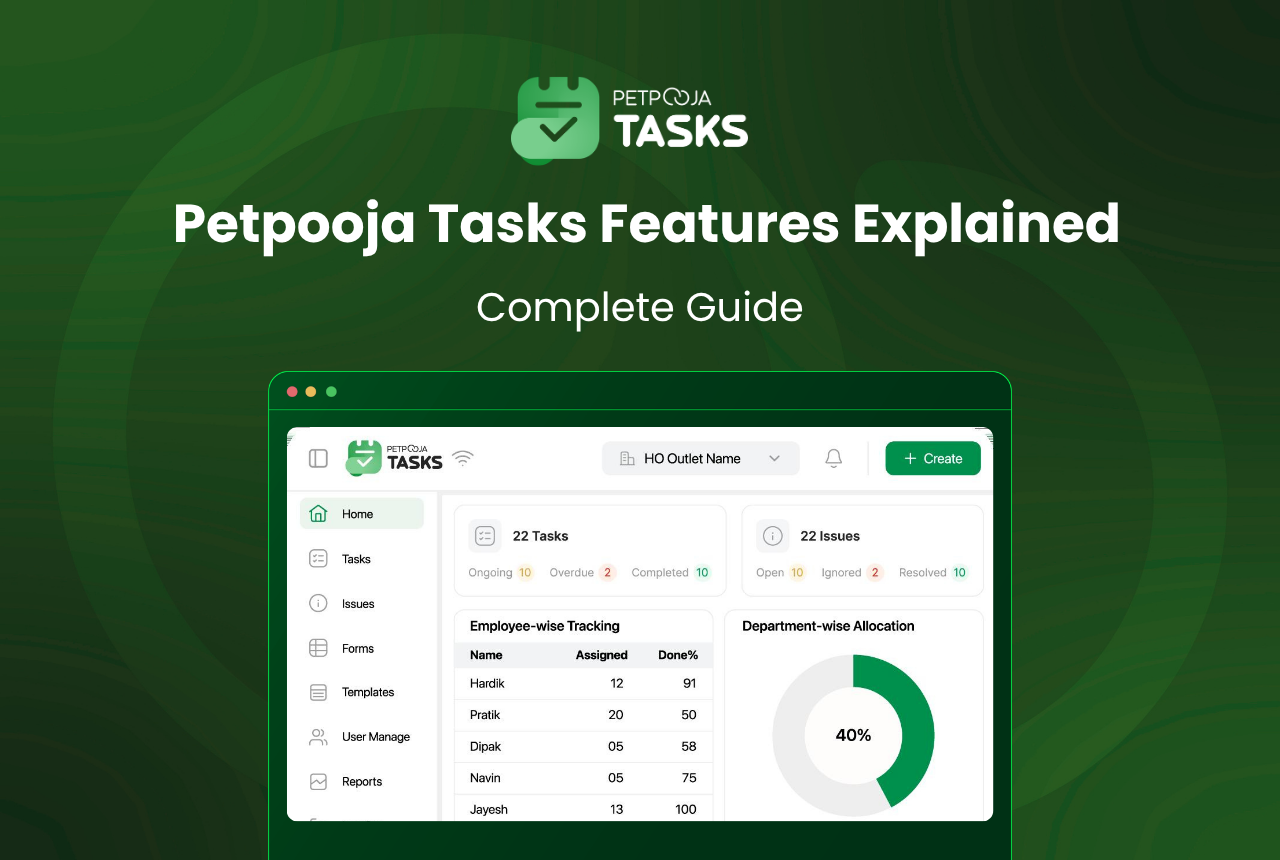
Petpooja Tasks isn’t just another to-do list app. It’s built around seven core feature groups: structured task creation with SOPs, automated WhatsApp reminders, AI-powered verification, geofencing, a live tracking dashboard, detailed reporting, and multi-branch controls with regional language support. 5,000+ Indian businesses already rely on these features to run daily operations.
India’s MSME sector now has over 7.30 crore registered enterprises, contributing 30.1% to the country’s GDP (PIB, Ministry of MSME, 2025). Most of them still coordinate work through WhatsApp messages and verbal instructions. That’s the gap this tool was designed to close.
If you want a broader overview of the product before diving into features, start with what Petpooja Tasks is and who it’s built for. For a walkthrough of the actual workflow, here’s how Petpooja Tasks works step by step.
Key Takeaways
- Seven feature groups cover everything from task creation to branch-level performance reports
- India’s workforce engagement dropped to just 19% in 2025, down from 24% the year before (ADP Research, 2025), making structured task management more urgent than ever
- AI verification checks photo and video proof so managers don’t have to inspect every job manually
- WhatsApp alerts hit 95-98% open rates vs roughly 20% for email, which is why the platform uses them as the primary notification channel
What Does Task Creation Look Like?
Most task management apps let you type a title and set a due date. That’s not enough when you’ve got 30 staff across three outlets, each needing step-by-step instructions for different jobs.
In Petpooja Tasks, every assignment comes with structure. You write detailed instructions, attach SOPs or reference files, set start and end deadlines, and add checklists for complex work. Your Bandra branch manager and your Andheri branch manager see the exact same standard for “morning opening checklist.” No room for interpretation.
The part that saves the most time? Dependent workflows. You chain jobs together so one only unlocks after the previous one wraps up. A kitchen deep-clean can’t start until the inventory count is submitted. Cross-team assignments work the same way: multiple departments, multiple locations, one screen.
You can also set any job to repeat daily, weekly, or monthly. Build your opening checklist once. It shows up every morning without anyone having to create it again.
How Do Automated Reminders and Scheduling Work?
India has 532 million WhatsApp users, making it the platform’s largest market globally (Backlinko, 2026). WhatsApp Business messages hit open rates of 95-98%, compared to roughly 20% for email. That’s why Petpooja Tasks sends its automated reminders through WhatsApp, not just in-app notifications.
When does the system ping someone? Four triggers:
- A new job gets assigned to them
- Their deadline is approaching
- Something’s overdue
- A job’s been marked complete
No manager involved, no phone calls and no “bhai, woh task ho gaya kya?” messages in the group chat.
We’ve watched operations heads go from spending two hours every morning chasing updates to wrapping it up in 15 minutes flat. The system does the nagging. Managers focus on the exceptions.
For businesses also dealing with high staff turnover, cutting down on micromanagement helps with retaining staff longer.
How Does AI Verify That Work’s Actually Done?
India leads global AI adoption: 92% of Indian workers use AI tools multiple times per week, according to a BCG survey of 13,000 employees across 15 countries (BCG, 2025). Petpooja Tasks puts this AI-readiness to practical use with built-in verification.
Here’s what happens. Your staff finishes a cleaning job and uploads a photo. The AI compares that image against the original task requirements. Meets the standard? Auto-verified. Looks off? Gets flagged for the manager to check manually.
This matters most at scale. If you run 10 outlets, you can’t drive to each one and inspect the floor. The AI handles routine quality checks. You deal with what it flags.
It also catches a problem most owners don’t notice until it’s too late: staff marking jobs as “done” without actually doing them. When the system demands photo or video proof and AI checks that proof, there’s nowhere to hide.
What Does Geofencing Actually Do?
For businesses with field teams or multiple branches, getting the work done isn’t the only concern. It needs to happen at the right place. A cleaning audit for your Koramangala outlet shouldn’t be ticked off from someone’s home in Whitefield.
Smart geofencing draws virtual boundaries around your locations. Employees can only mark a job complete when they’re physically standing inside the designated zone. You can also restrict app login access by location for tighter control.
On top of geofencing, every completed job gets geo-tagged, recording exactly where it was finished. Useful for field visits, inspections, and audits where you need location proof alongside the work itself.
We’ve talked to business owners who discovered their staff had been marking jobs done remotely for weeks. Nobody noticed until a customer complained. Geofencing closes that loophole permanently.
How Do the Dashboard and Reports Work?
The global task management software market is growing at 13.1% CAGR, with the SME segment expanding even faster at 16.89% (Mordor Intelligence, 2025). What’s driving that? SME owners want visibility without chasing people for updates.
The centralised dashboard puts everything on one screen: pending jobs, in-progress work, completed items with verification status, overdue stuff that needs attention, and workload distribution across teams and branches. Live. Updated in real time.
But the real value comes from reporting. The platform generates:
| Report Type | What It Tells You |
|---|---|
| Employee-wise performance | Who’s consistent, who’s slipping, who needs support |
| Task-wise breakdowns | Which specific jobs fail or get delayed most often |
| Branch-level comparisons | Which outlets are underperforming relative to others |
| Monthly summaries | Trends over time: improving, flat, or declining |
In our experience, the branch-level comparison alone has helped multi-outlet businesses standardise operations within weeks. You go from “I think our Vashi branch is struggling” to “Vashi’s audit completion rate is 62% while the rest average 89%.” Hard to argue with that.
How Does It Handle Multiple Branches, Languages, and Roles?
98% of Indian internet users access content in Indic languages, and 57% of urban users prefer regional language content over English (IAMAI and Kantar, 2025). Your ground-level staff in Surat, Chennai, or Lucknow shouldn’t struggle with an English-only interface.
Petpooja Tasks supports 7 regional languages: Hindi, English, Malayalam, Tamil, Telugu, Gujarati, and more. Your warehouse supervisor in Ahmedabad sees instructions in Gujarati. Your kitchen staff in Chennai sees them in Tamil. Same job, same standard, different language.
Role-based access keeps things clean. Staff see only their assigned jobs. Managers get the operational overview. Owners see everything across all branches. Sensitive data stays controlled.
And you can manage unlimited branches and team members from a single dashboard. No extra charges per location. Whether you’re running 3 outlets or 30, the setup stays the same.
Petpooja Tasks vs. Generic Task Management Tools
| Feature | Generic Tools (Trello, Asana) | Petpooja Tasks |
|---|---|---|
| Built for | Global tech teams, product sprints | Indian SMEs, ground-level ops |
| AI verification | Not available | Photo/video proof checked by AI |
| Geofencing | Not available | Location-locked task completion |
| WhatsApp alerts | Not available | Native WhatsApp notifications |
| Templates | Generic project templates | 150+ industry-specific templates |
| Languages | English (primarily) | 7 regional Indian languages |
| Setup | Complex onboarding | Self-onboarding via Google or email |
| Pricing per branch | Often per-seat pricing | Unlimited branches and members |
The difference isn’t one feature. It’s that this tool was built for how Indian SMEs actually operate: WhatsApp-first communication, ground-level staff across multiple cities, and operations that need location-level control rather than Kanban boards.
Frequently Asked Questions
Most apps stop at task creation and status tracking. Petpooja Tasks adds AI-powered verification, geofencing, WhatsApp-native reminders, 150+ templates, and branch-level reporting. It’s built for Indian SME operations, not tech team project management. Over 5,000+ businesses in India use it daily.
Yes. You create the job once with full instructions and set it to repeat daily, weekly, or monthly. The system generates it automatically on schedule. No need to rebuild the same checklist every morning.
Absolutely. You define geo-fenced zones around any location: outlets, warehouses, client sites, or field areas. Employees must be physically present inside the zone to mark work complete. Every submission also gets geo-tagged for location verification.
No. You can add unlimited branches and team members from a single dashboard at no extra charge. Whether you manage 3 outlets or 50, the pricing stays the same.
Yes. The platform supports Hindi, Tamil, Telugu, Malayalam, Gujarati, English, and more. Staff see instructions and the interface in the language they’re most comfortable with, which improves adoption and reduces execution errors.








