
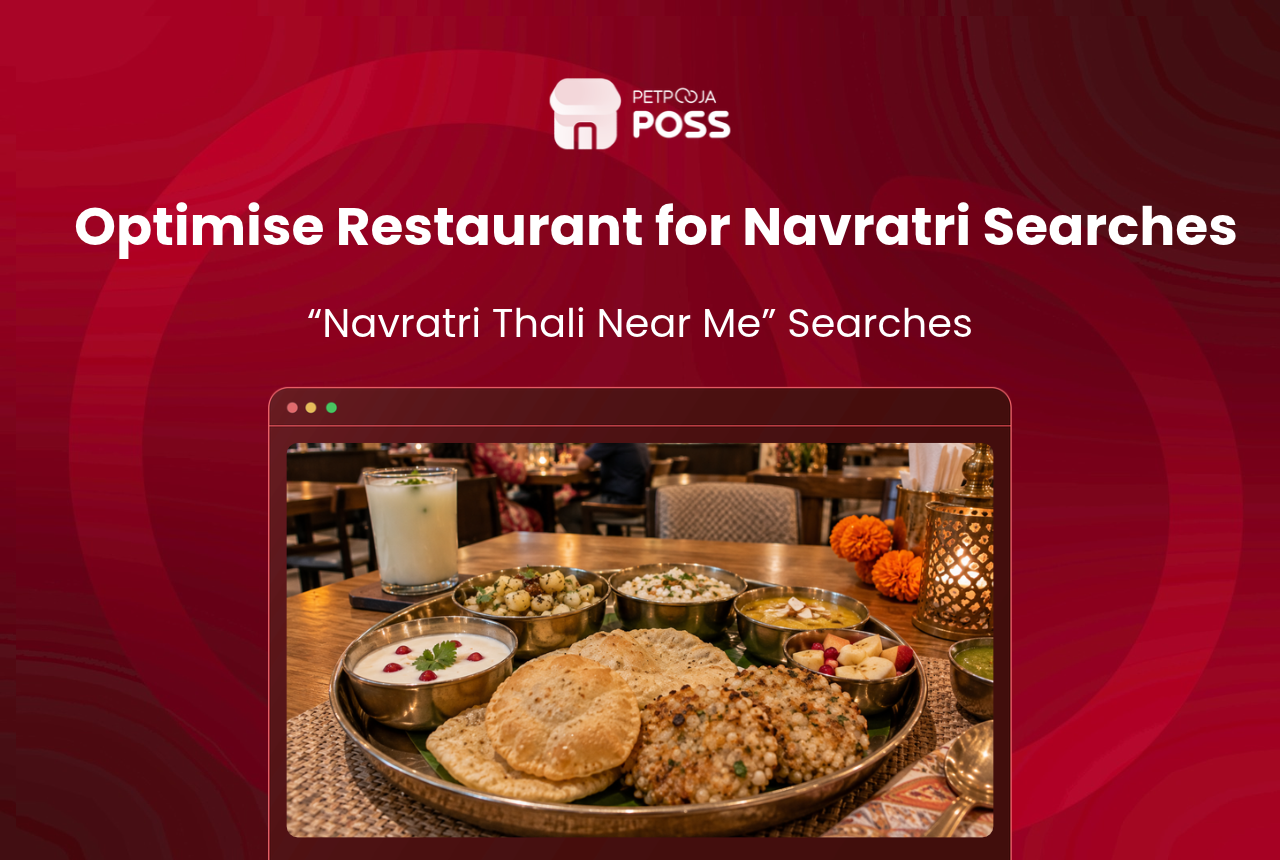
How does a restaurant show up when a guest searches “navratri thali near me”? Google picks the results partly on how well your Google Business Profile matches the search. So start with a vrat dish on your profile, named the way guests search. Correct festive hours and good reviews help too.
Guests search this way almost only during the festival. During Sharad Navratri in September 2025, “navratri thali near me” was searched about 14,800 times in India. In most other months it was under 200.
You cannot change how far a guest is from your door. You can change how well your profile matches the search.
This post covers six steps to get into those results, when guests search, how Google picks the results, and the mistakes that keep a listing out.
Key Takeaways
- Navratri thali searches happen almost only during the festival. A listing fixed after it starts misses most of them.
- A thali that is not on your Google profile, under the name guests type, gives Google much less to match.
- You cannot pay for a better spot or for reviews. Asking happy guests is the honest way to get more.
6 Steps to Show Up in Navratri Thali Near Me Searches
These six steps get your restaurant ready for Navratri thali near me searches, in the order to do them. Start about a week before Navratri, because some changes take days to appear.
1. Add the vrat thali to your Google menu
Google’s menu editor lets a food business list dishes on its Business Profile, with a name, description, price and photo. You can group them into sections, so make one section called “Navratri Vrat Menu”.
Changes can take 24 to 48 hours to show on Google Maps and Search. Add the menu at least two days before Navratri starts, not on the first evening.
2. Name each dish the way guests search
A dish called “Chef’s Festive Special” matches nothing a guest types. “Navratri Vrat Thali” or “Farali Thali” matches what guests type, such as “navratri thali near me”.
Take a family restaurant in Navrangpura, Ahmedabad (an example). It lists “Navratri Vrat Thali” at ₹349 and “Sabudana Khichdi” at ₹180, each with a photo. A menu pricing calculator helps you set the thali price.
Google also shows popular dishes on a restaurant’s profile. Guests can add dish names, but names you add get priority over theirs. Google aims to post these within a few days and does not guarantee it, so add yours early.
3. Set special hours for garba nights
If you stay open late for garba, tell Google. Say a thali restaurant near a garba ground in Alkapuri, Vadodara, closes at 1 am instead of 11 pm for the nine nights (an example). Special hours are for days when your timings change, such as holidays or special events.
When you update them, Google shows guests a message that your hours were recently changed. A guest finishing garba at midnight wants proof you are still open before walking over.
4. Post your Navratri offer with dates
Google lets you publish three kinds of Business Profile posts: an update, an offer or an event. An offer post needs a title, dates and a time, and can carry a coupon code such as VRAT10 (an example).
Set the offer’s dates to the nine nights of Navratri. Use an offer post, not an update post, for this. An update does not need dates, and Google only archives posts without a date range after 6 months.
For offer ideas, see our Navratri menu ideas.
5. Ask for reviews, but never pay for them
Google says more reviews and good ratings can help your local ranking. Navratri also brings guests who may never have eaten with you. Ask them at the table or when you hand over the bill. Reply to every review, good or bad. Our guide to bad restaurant reviews covers the hard ones.
Do not offer a discount in exchange for a review. Google’s rules for Maps reviews ban reviews posted because of payment, discounts or free goods and services. Google removes them. A guest feedback form lets you hear complaints before they reach Google.
6. Put ordering one tap from the listing
A guest who finds your thali on Google may want it delivered. Google’s menu editor page from step 1 also covers adding a menu link to your profile. Point that link at a page where guests can order.
That page can be your own website. A restaurant website from Petpooja sends website orders straight into your POS. A WhatsApp menu card works too if you take orders on chat.
What I would set up first. I would give each vrat dish one name. I would use it in the billing software, on the kitchen order ticket (KOT), on the website and on Google. Then the item report after Navratri shows how each vrat dish sold.
When Do Guests Search for Navratri Thali Near Me?
Guests search for a Navratri thali near them in two short bursts a year, one for each Navratri. This section shows the numbers month by month and what they mean for when you update your listing.
The figures below are monthly Google searches in India, from Google Ads data pulled through DataForSEO on 9 October 2026.
| Search Guests Typed | Sep 2025 (Navratri) | Mar 2026 (Chaitra Navratri) | Aug 2026 | Lowest Monthly Figure |
|---|---|---|---|---|
| navratri thali near me | 14,800 | 9,900 | 110 | 30 |
| navratri food near me | 6,600 | 5,400 | 70 | 10 |
| vrat thali near me | 5,400 | 4,400 | 2,400 | 170 |
| farali food near me | 9,900 | 9,900 | 40,500 | 4,400 |
The Navratri searches fall away almost as soon as the festival ends. “navratri thali near me” dropped from 14,800 in September 2025 to 390 in October. Navratri falls in October this year, so the 2026 burst moves to October.
The vrat and farali searches behave differently. “vrat thali near me” climbed from 390 in July 2026 to 2,400 in August. “farali food near me” never fell below 4,400 a month, and it hit 40,500 in August 2026. So a farali section on your listing keeps earning searches long after Navratri ends.
How Does Google Pick Results for Navratri Thali Near Me?
Google ranks restaurants in a “near me” search on three things. Google’s guide to local ranking names them as relevance, distance and prominence.
- Relevance is how well your profile matches the search. Google says complete and detailed information helps here. For a restaurant, that includes your menu, dish names and hours.
- Distance is how far you are from the guest. You cannot change it.
- Prominence is how well known you are. Google says more reviews and positive ratings can help.
Google also states there is no way to pay for a better local ranking. So the six steps above work on what you can change. Steps 1 to 5 work on your profile and reviews. Step 6 turns a guest who finds you into an order.
Navratri Thali Near Me Listing Mistakes to Avoid
A few listing mistakes keep restaurants out of Navratri thali near me results, even with a good thali on the menu. These are the ones to check before the first night.
- Adding “Navratri Thali” to your business name. Google’s profile guidelines say the name must match your real-world name. Extra words are not allowed and can get the profile suspended.
- Updating Google on the first night. Menu changes take up to 48 hours, and popular dish names can take a few days.
- Hours on Google that do not match the door. A guest who walks over at midnight and finds the shutter down will not come back.
- Posting the Navratri offer as an update. An update post does not need dates, so it can stay up until Google archives it at 6 months. Guests could still see a Navratri offer in March.
Conclusion
Guests search for a Navratri thali near them in a short burst. The restaurants with a matching vrat dish on their Google profile give themselves the best chance of showing up.
Put the vrat thali on your Google menu under the name guests type. Set your garba-night hours, post your offer with dates, and ask guests for reviews. Do it about a week before Navratri.
When the searches turn into orders, the dish names on Google should match the ones you bill. Keeping the vrat menu the same in your restaurant POS shows you how each vrat dish sold over the nine nights.
Frequently Asked Questions
Create and verify a Business Profile first. Google’s help page on adding a profile says guests can find you on Search and Maps once you add and verify it. So do this before you start on the menu.
Yes, with conditions. Google’s profile guidelines allow delivery-only brands that have their own branded packaging and their own website. They must add service areas and hide their address.








