
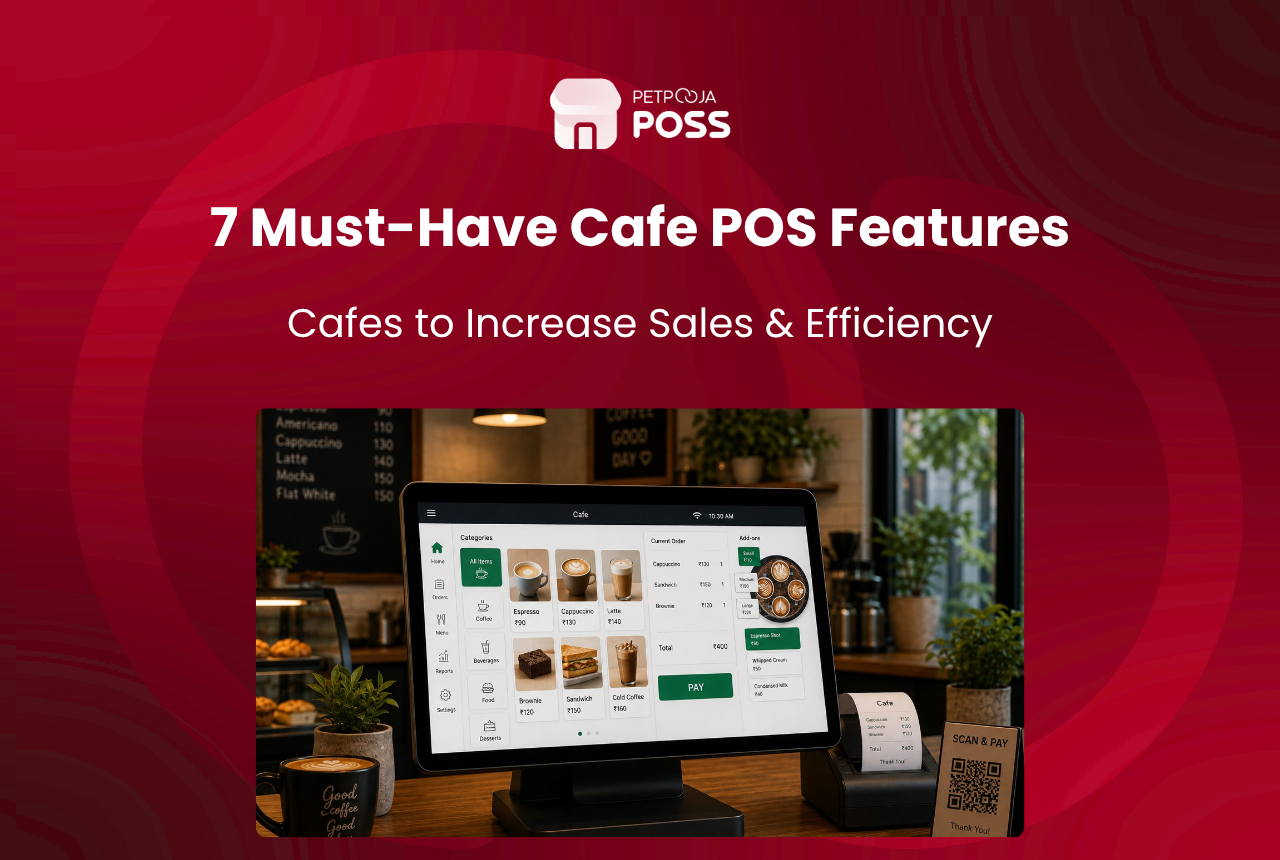
A good POS system does not just print bills. It tracks what sells, flags what does not, manages your stock in real time, and gives you the data to make sharper pricing calls. If your cafe still treats the POS as a glorified cash register, you are leaving money on the table.
India’s cafe and bar market touched USD 18.83 billion in 2025, growing at 8.92% CAGR. That growth brings more competition, especially in Tier 2 cities like Indore, Jaipur, and Coimbatore where new cafes open every week. The ones that pull ahead are not always the ones with the fanciest interiors. They are the ones running tighter operations behind the counter.
This blog covers seven POS features that directly affect your cafe’s revenue, with real examples of how each one works in day-to-day operations.
Key Takeaways
- Fast billing cuts queue times during peak hours and stops walkouts before they happen
- Real-time inventory prevents embarrassing “out of stock” moments and reduces waste by 12-18%
- Aggregator integration brings Swiggy and Zomato orders into one screen, ending missed-order chaos
- CRM and loyalty tools turn one-time visitors into regulars who spend 20-30% more per visit
- Sales reports show you exactly which items to promote, which to drop, and when to run offers
- UPI and digital payments are now expected by 87% of urban customers, not just preferred
1. How Does Fast Billing Keep Your Cafe Queue Moving?
A cafe in Indiranagar, Bangalore, loses roughly ₹4,700 in walkouts every Saturday evening because billing takes too long during the 6-8 PM rush. That is not a made-up number. At Petpooja we have seen this pattern across dozens of high-footfall cafes where the billing terminal becomes the bottleneck.
Your POS should handle the full billing cycle in under 45 seconds: item selection, add-ons, discount application, KOT generation, split bills, and receipt printing. If your staff fumbles through three screens to apply a 10% weekday offer, the system is slowing you down.
Look for a POS that supports shortcut keys, quick-search menus, and one-tap combo selections. During a February 2026 audit of our cafe clients, outlets using shortcut-based billing saw a 22% drop in average bill time. That translates directly into more customers served per hour, which is the single biggest lever for cafe revenue growth.
Indian cafes lose an estimated ₹4,700 per peak evening in customer walkouts caused by slow billing. POS systems with shortcut-based billing reduced average bill time by 22% across Petpooja’s cafe client base in a February 2026 audit, translating directly into higher throughput per hour during rush periods.
2. Why Does Real-Time Inventory Tracking Prevent Stockouts?
Nothing kills a customer’s mood faster than ordering a cold brew and hearing “sorry, we’re out.” Worse, it usually happens because nobody checked the stock sheet that morning.
A POS with recipe-level inventory tracking deducts ingredients from stock the moment an order is placed. So if your hazelnut latte uses 30ml of hazelnut syrup per cup, the system knows you have enough for exactly 47 more cups before you run dry. It sends a low-stock alert at a threshold you set, say 15 cups, giving you time to reorder before the weekend rush.
Across 1,00,000+ restaurants on Petpooja POSS, we notice that outlets using real-time inventory tracking reduce food waste by 12-18% in the first quarter itself. For a mid-sized cafe in Aundh, Pune spending ₹1,85,000 on monthly raw materials, that is ₹22,200 to ₹33,300 saved every month without changing a single menu item.
Cafes using recipe-level POS inventory tracking reduce food waste by 12-18% in the first quarter, per Petpooja data across 1,00,000+ Indian outlets. For a mid-sized cafe spending ₹1,85,000 monthly on raw materials, that represents ₹22,200 to ₹33,300 in monthly savings without changing the menu.
3. Why Should Your POS Integrate Swiggy and Zomato Orders?
If your cafe runs on Swiggy, Zomato, and maybe your own website, you know the pain: three tablets, three logins, and the constant fear of missing an order during a rush. A missed order does not just cost you the ₹350 on that bill. It costs you the customer who ordered, and the time the kitchen never got back.
A POS that pulls all aggregator orders into a single screen fixes this entirely. Every order, whether it comes from Swiggy, Zomato, or a walk-in, hits the same KOT printer. Your kitchen does not need to check multiple devices. Your staff does not need to manually punch online orders into the billing system.
The reconciliation side matters too. What comes off a delivery order is set out in your own partner agreement, and the only way to know it matched is to check the statement against your own order records. A cafe chain in Baner, Pune runs that check weekly off POS reports rather than at month-end, which is when a difference is still worth raising. Read more about how POS automation drives growth for multi-channel outlets.
A cafe chain in Baner, Pune reconciles a quarter of delivery orders against POS records rather than taking the statement on trust. Aggregator integration pulls Swiggy, Zomato, and walk-in orders into a single KOT screen, so an order is far less likely to sit unnoticed on a tablet nobody is watching.
4. How Do CRM and Loyalty Features Turn Visitors Into Regulars?
Acquiring a new cafe customer costs five to seven times more than retaining an existing one. Yet most cafes spend 90% of their marketing budget on acquisition (Instagram ads, influencer visits, launch offers) and almost nothing on retention.
Your POS already captures the data you need: order history, visit frequency, average spend, preferred items. The question is whether it does anything useful with that data. A good CRM module lets you:
- Send a birthday discount to a customer who visits twice a month
- Flag customers who have not visited in 30 days and trigger a “we miss you” WhatsApp message
- Identify your top 50 spenders and offer them early access to a new menu launch
At Petpooja, our loyalty module shows that cafes running even a basic points-based loyalty programme see a 20-30% increase in repeat-visit frequency within six months. A speciality coffee shop in Jubilee Hills, Hyderabad saw their loyalty members spend ₹2,140 per month on average versus ₹1,380 from non-members. That is a 55% higher lifetime value from the same customer pool.
Cafes running points-based loyalty programmes through their POS see a 20-30% increase in repeat-visit frequency within six months, per Petpooja’s loyalty module data. A speciality coffee shop in Jubilee Hills, Hyderabad reported loyalty members spending ₹2,140 monthly versus ₹1,380 from non-members, a 55% higher lifetime value.
5. Does Your POS Support UPI and Digital Payments?
India’s UPI ecosystem processed 21.63 billion transactions in December 2025 alone, and 87% of urban food outlets now accept digital payments (per the Mordor Intelligence report cited earlier) as a default. If your POS does not support UPI, card, and wallet payments natively, you are actively turning away customers who do not carry cash.
But payment support is not just about acceptance. Your POS should auto-reconcile digital payments against bank settlements daily. Manual reconciliation across UPI, cards, and cash creates accounting gaps that compound over weeks. By March 2026, cafes using auto-reconciliation on Petpooja reported closing their daily books 40 minutes faster than those doing it by hand.
The split-bill feature matters here too. Groups of four friends splitting a ₹1,860 cafe bill across three UPI apps and one card should not take your cashier five minutes. The POS should handle mixed-mode payments in a single transaction flow.
India’s UPI processed 21.63 billion transactions in December 2025, and 87% of urban food outlets now accept digital payments as standard. Cafes using POS auto-reconciliation for UPI, card, and cash settlements reported closing daily books 40 minutes faster by March 2026 compared to manual matching.
6. Which POS Sales Reports Should a Cafe Owner Track?
Your POS generates data every single day: which items sell, at what time, on which days, at what margin. Most cafe owners glance at daily revenue and move on. That is like checking your car’s speedometer but never looking at the fuel gauge.
The reports that actually move the needle are:
| Report | What It Tells You | Action You Take |
|---|---|---|
| Item-wise sales | Top 10 and bottom 10 menu items by volume and value | Drop or rework low performers, promote high-margin winners |
| Hourly sales | Revenue by time slot across the week | Staff better during peak hours, run offers during slow slots |
| Discount analysis | How much revenue you gave away and which offers drove actual footfall | Kill discounts that attract deal-hunters but not repeat visitors |
| Cancellation report | Most cancelled items and reasons | Fix kitchen issues or remove problem items from menu |
| Staff performance | Bills processed per server per shift | Reward top performers, train lagging staff |
A cafe owner in Viman Nagar, Pune told us she discovered that her ₹149 “all-day breakfast combo” was the highest volume item but the lowest margin one, just ₹11 profit per plate after food cost. She repriced it to ₹179 in April 2026 and saw zero drop in orders. That single insight from a POS report added ₹27,000 to her monthly bottom line. Understanding your billing software features is the first step to using them well.
A cafe owner in Viman Nagar, Pune discovered her ₹149 breakfast combo had just ₹11 profit per plate through POS item-wise reporting. Repricing to ₹179 in April 2026 produced zero order decline and added ₹27,000 to monthly profit, a single data insight from the five daily reports every cafe owner should track.
7. How Can a POS Collect Customer Feedback at the Counter?
Most customers will not open Google Maps to leave a review unless the experience was either outstanding or terrible. The vast middle, your regular visitors who are mostly satisfied, stay silent. That silence is a blind spot.
A POS with built-in feedback lets you capture ratings right at the billing counter, through a QR code on the receipt, a quick link via WhatsApp, or a prompt on the customer-facing display. The data flows straight into your dashboard, not into a third-party app you forget to check.
What makes this valuable is the pattern detection. If three customers in a week mention slow service between 1 PM and 3 PM, that is a staffing problem during the post-lunch shift. If your new matcha latte gets a 3.2 average rating while the classic filter coffee sits at 4.7, you know where to invest your menu development energy. For more on tackling common cafe management problems, the operational playbook matters as much as the menu.
POS-integrated feedback collection through QR codes and WhatsApp links captures responses from the silent majority of satisfied customers who would never leave a Google review. Pattern detection across responses identifies recurring issues, such as slow service during specific shifts, that aggregate review platforms miss entirely.
Conclusion
Running a profitable cafe in 2026 means doing more with the same counter space, the same staff count, and the same 14-hour operating window. The POS is the one tool that touches every part of that equation: billing speed, stock accuracy, aggregator management, customer retention, payment handling, reporting, and feedback.
India’s coffee shop market is growing at 11.14% CAGR and is expected to cross USD 1.15 billion by 2034. Independent outlets still hold 76% of the market (Mordor Intelligence), which means owner-operators who invest in the right tech will outrun well-funded chains that move slower. The World Coffee Portal projects India will surpass 6,110 branded coffee outlets by 2026, and most of that growth comes from independent operators, not chains.
If you are planning to open or scale your cafe, start by auditing what your POS can actually do. Chances are, you are using 30% of its features and leaving the rest untouched. Petpooja POSS is built for exactly this, with billing, inventory, CRM, aggregator integration, and reports in a single system used by 1,00,000+ outlets across India.
Frequently Asked Questions
Fast billing and real-time inventory tracking should be your first priorities. A new cafe in Whitefield, Bangalore or Wakad, Pune will burn through stock unpredictably in the first three months. Having recipe-level tracking from day one prevents over-ordering and waste before you understand your demand patterns.
It pulls orders from all aggregator platforms into a single dashboard, so your kitchen works from one screen instead of juggling multiple tablets. The POS also gives you an order-level record to check the payout statement against, so a difference shows up while it is still recent enough to raise.
Yes. Smaller cafes actually benefit more because one wrong stock order or one missed peak-hour pattern hits your margins harder when your revenue base is smaller. A 20-cover cafe in Malleshwaram, Bangalore running on manual billing is leaving money on the table that a basic POS would catch in week one.
Every modern POS supports UPI alongside cards and wallets. The real value is in auto-reconciliation. Instead of matching UPI credits in your bank statement against your sales register each night, the POS does it for you and flags mismatches on the spot.
Start with three: item-wise sales (what sold today and at what margin), hourly revenue (which time slots performed well), and cancellation reports (what got returned and why). These three reports take five minutes to review and will shape better decisions about staffing, menu placement, and offers within the first month.








Very nice blog. keep posting regularly and i am interested in the field of POS in odoo.