
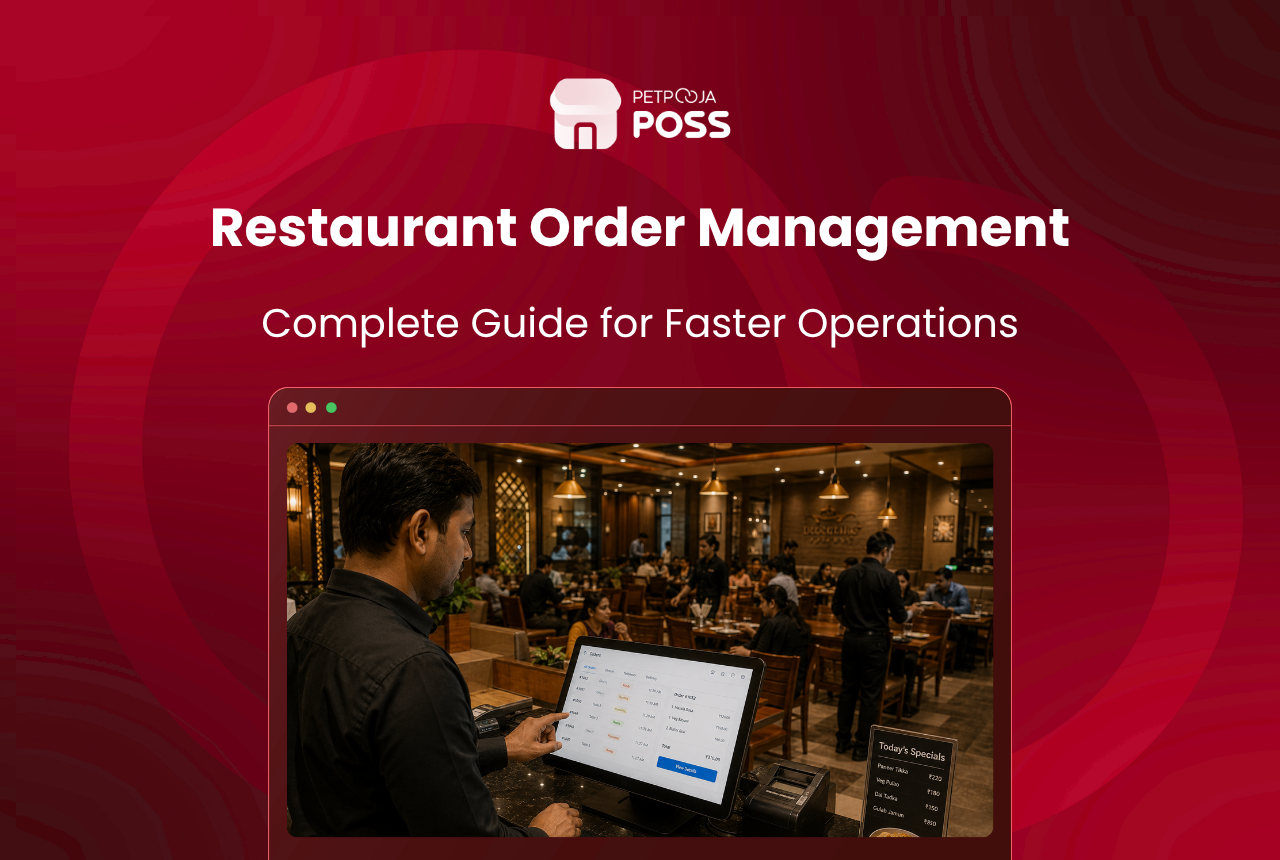
You manage restaurant orders without chaos by replacing paper chits and verbal relays with a digital system that sends orders from the waiter’s device straight to the kitchen. Captain ordering does exactly this: the waiter punches the order on an Android tablet at the table, a digital KOT reaches the kitchen printer or display in seconds, and no one walks to the billing counter between courses.
The rest of this post covers where order chaos actually starts, what it costs you in real rupees, and how captain ordering plugs each gap.
Key Takeaways
- Order chaos in Indian restaurants starts at three points: the waiter’s notepad, the walk to the billing counter, and the kitchen handoff
- Food wastage from wrong orders and remakes erodes 4-10% of revenue in food service businesses (RestaurantIndia.in, 2025)
- Captain ordering removes all three failure points by sending a digital KOT from the table to the correct kitchen station in under 5 seconds
- The system works offline for up to 5 days, runs on any Android device, and most staff learn it in one or two shifts
Where Does Order Chaos Start?
Order chaos is not one big problem. It is three small breakdowns happening back to back, dozens of times every service.
Breakdown 1: The waiter’s notepad. A waiter at a 60-cover restaurant in Maninagar, Ahmedabad takes orders from 10 tables during the 8 PM rush. By Table 6, the handwriting on the chit is a scrawl. “Paneer” looks like “Prawns.” “No onion” gets missed entirely. The kitchen reads what it can and guesses the rest.
Breakdown 2: The walk to the billing counter. After writing the order, the waiter walks to the POS terminal at the counter. This takes 30 to 90 seconds per trip depending on the floor layout. During peak hours, two or three waiters queue at the same terminal. While they wait, tables sit idle and guests get restless.
Breakdown 3: The kitchen handoff. The billing counter punches the KOT and sends it to the kitchen. But if the restaurant has multiple stations (tandoor, Chinese, bar), someone at the pass needs to read the KOT and verbally split it across stations. This is where “Table 9’s dal makhani” ends up at the Chinese station and comes back 4 minutes later.
Each breakdown adds time, adds error risk, and stacks on top of the previous one. By the time the dish reaches the guest, three separate people have interpreted the same order, each with a chance of getting it wrong.
What Does Order Chaos Actually Cost?
The damage is not just a few wrong dishes. It hits revenue, waste, and repeat visits.
According to RestaurantIndia, food wastage from operational issues erodes 4-10% of revenue in food service businesses. A portion of that comes directly from remakes triggered by wrong orders, missed modifiers, and KOTs that reach the wrong station.
For example, consider a casual dining restaurant in Bopal, Ahmedabad doing ₹8,00,000 in monthly revenue. At 5% wastage, that is ₹40,000 a month going into the bin. Not all of it is order-related, but even a third of it (₹13,300) adds up to over ₹1,59,000 a year.
You can check where your restaurant stands with the free table turnover rate calculator. Beyond waste, there is the service time penalty. A waiter who walks to the billing counter 40 times in an evening spends roughly 45 minutes just on those trips. That is 45 minutes not spent attending to guests, clearing tables, or taking the next order. Across three waiters, the restaurant loses over 2 hours of productive floor time every night.
How Does Captain Ordering Fix Each Breakdown?
Captain ordering is not a new concept, but the way it addresses each of the three breakdowns above is specific and measurable. The chart below maps each breakdown to what captain ordering replaces it with.
Fix for Breakdown 1: No more paper chits. The captain taps items on the app screen instead of writing them. The menu is pre-loaded with categories, item names, and modifiers (“no onion”, “extra cheese”, “half plate”). The order is unambiguous before it leaves the table. Petpooja’s captain app also includes an AI recommendation engine that suggests upsell items based on what the guest has already ordered.
Fix for Breakdown 2: No more walking to the counter. The order fires from the captain’s device directly to the POS and the kitchen. The waiter stays on the floor. No queuing at the billing terminal, no idle tables, no restless guests.
Fix for Breakdown 3: Station-wise KOT routing. The KOT does not land as one single ticket for someone at the pass to split verbally. The system routes each item to the correct kitchen station based on pre-configured item-to-station mapping. The dal makhani goes to the Indian station printer. The hakka noodles go to the Chinese station. The mojito goes to the bar. No verbal relay, no misrouting.
Every KOT modification (cancelled item, quantity change, table move) is logged with the staff member’s name and a timestamp. This feeds into a leakage panel on the POS dashboard, giving owners visibility into cancelled orders, reprinted bills, and unusual modifications that might signal theft or recurring errors. If your kitchen does not have a documented process for handling KOTs across stations, our restaurant kitchen SOP checklist covers the full workflow.
What Happens During Peak Hours?
Peak hour is where order chaos goes from annoying to expensive. Between 7:30 PM and 9:30 PM on a Friday, a family restaurant in Kothrud, Pune might push 90 covers through a 40-seat dining room. Without captain ordering, the floor looks like this:
- 3 waiters writing orders on paper, each making 12-15 trips to the billing counter
- 1 billing terminal with a queue of 2 waiters at any given time
- The kitchen receiving KOTs in bursts (5 at once, then nothing for 3 minutes, then 4 more)
With captain ordering, the same rush looks different. Each waiter takes orders on their device and the KOT reaches the kitchen within seconds. The kitchen receives orders in a steady flow instead of bursts. The billing terminal is free for walk-in takeaway orders.
The result is not just fewer errors. It is a more even workload distribution across the kitchen, which means food comes out faster and more consistently. At Petpooja, we see this pattern across 1,00,000+ restaurant outlets using POSS: the shift from paper to digital KOTs smooths out the peak-hour spike in kitchen load, and the first visible impact is a drop in order return rates.
Does It Work When the Internet Drops?
Yes. This is a common concern for restaurants in Tier-2 and Tier-3 cities where Wi-Fi drops during rain or peak network hours. A well-built captain app works offline, stores orders locally on the device, and syncs everything to the POS once the connection returns. Petpooja’s Captain App supports up to 5 days of offline operation before a sync is required.
One thing to keep in mind: captain ordering apps run on Android devices only and work with desktop-class POS types like Electron POS or Local POS. They are not compatible with Lite or basic Android POS setups. If you are unsure which POS type you run, check with your provider before purchasing devices.
How Do You Set Up Captain Ordering at Your Restaurant?
The setup is short. Most restaurants go live within a day.
- Confirm POS compatibility. Captain ordering works as an add-on to your existing POS. In Petpooja’s lineup, it requires Electron POS or Local POS. If your current system does not support it, it may be time to evaluate your restaurant management system.
- Get Android devices. Any Android phone or tablet with a stable Wi-Fi connection works. For a 40-cover restaurant, two devices are enough. For a 100-cover fine dine, plan for one device per captain on the busiest shift.
- Map your menu and stations. Load your full menu with categories, prices, images, and modifiers. Then configure item-to-station mapping so KOTs route correctly. If your menu pricing needs a review, the free menu pricing calculator can help.
- Train and run parallel. Staff pick up the app in one or two shifts. Run paper KOTs alongside digital for three to four days as a safety net, then switch fully.
If you also want guests to place orders from their own phones, QR-based scan and order complements captain ordering well. Many restaurants run both: captain ordering for full-service tables and scan-and-order for high-turnover casual seating.
Conclusion
Order chaos in Indian restaurants comes from three predictable breakdowns: the waiter’s handwriting, the walk to the counter, and the verbal kitchen handoff. Captain ordering fixes all three by putting a digital device in the waiter’s hand and routing KOTs directly to the correct kitchen station. The setup takes a day, the staff learn it in a shift or two, and the impact on wrong orders and kitchen flow shows up within the first couple of weeks.
Frequently Asked Questions
The waiter selects items from a pre-loaded digital menu with modifiers like “no garlic” or “extra spicy” built in. The order goes to the kitchen as a typed KOT, not a handwritten chit. There is no interpretation step, which is where most errors happen during busy service.
The captain app handles dine-in orders from the floor. Online orders from Swiggy, Zomato, and other aggregators land on the POS through a separate consolidated screen. Both channels feed into the same kitchen queue, so the kitchen works off one unified order flow.
The captain can modify the KOT from the device. The change fires to the kitchen immediately with a modification tag showing what was added, removed, or changed. Every modification is logged with the captain’s name and timestamp for audit purposes.
No. A 20-cover cafe in Indiranagar, Bangalore benefits just as much as a 100-cover fine dine in Banjara Hills, Hyderabad. The setup scales with your cover count: one device per active waiter on the busiest shift. Even a single-device setup removes the paper-to-counter walk.
Captain ordering is waiter-driven: the staff member takes the order on their device. Scan and order is guest-driven: the customer scans a QR code and orders from their own phone. Captain ordering suits full-service dining where guests expect a waiter. Scan and order works better for casual, self-service formats.








