
Introduction
For small business owners, handling staff time management is likely a daily task.
In a retail shop, some workers come early in the morning. Others come later in the day. Restaurants work in a similar way. Some staff work in the morning. Others work in the afternoon or evening. In warehouses or factories, workers may even switch between day shifts and night shifts.
Every type of business has its own challenges. But they all need the same thing: a leave-and-attendance management system to track who is working and when.
At first, managing this process may look so easy.
Many managers write schedules in a notebook or diary. Some use an Excel sheet. Others share shift schedules in WhatsApp groups.
This works when the team is small. But things change as the team grows.
A shift gets updated, but one employee doesn’t see it. Two people arrive for the same role. Someone works extra hours, but there’s no record of it.
Slowly, small scheduling problems begin to create bigger issues. Attendance becomes harder to track, and payroll calculations become stressful at the end of the month.
This is where a shift tracker becomes useful.
Moving from managing schedules across various platforms to a dedicated shift management platform, a business can organise employee shifts, manage work durations, and track attendance all within a single software application.
For many small businesses, this simple change makes daily operations much easier and transparent.
What is a Shift Tracker?
A shift tracker is a software tool that helps businesses manage employee work schedules, assign shifts, and track working hours. It allows managers to organise shifts, monitor attendance, record overtime, and connect work hours with payroll calculations.
Let’s take a simple example.
Suppose a restaurant that runs three shifts every day: morning, afternoon, and night. The manager has to decide who works each shift and ensure enough staff are available during busy hours.
Without a proper system, schedules are usually updated each week manually. But with shift tracking software, the process becomes much easier.
Managers can quickly assign shifts, and employees can check their schedules without having to ask every day.
Most shift trackers allow managers to:
- Assign shifts to employees
- View daily or weekly schedule
- Track working hours
- Monitor overtime
- Update schedules when needed
Because the system connects with attendance data, it also simplifies monitoring employee start and end times for their working hours.
This aids in maintaining punctual attendance tracking and payroll more reliably.
Why Small Businesses Need a Shift Tracker
Many small businesses still manage shifts manually, and while this works in the beginning, it often becomes difficult later.
Scheduling becomes complicated
Work schedules change often. Retail stores need more employees during weekends or sales. Restaurants may require extra staff during dinner hours.
When shifts are managed manually, updating schedules can take time. And sometimes mistakes happen.
Two employees might be scheduled for the same task, while another shift remains uncovered.
Over time becomes harder to manage
On hectic schedules, staff might extend beyond their routine hours. Inaccurate recording of extra time can lead to payroll issues and cause mistrust and misunderstandings between the employee and the owner, but a shift tracker system automatically records working hours, making overtime easier to track.
Attendance and shifts don’t always match
Another common issue is when attendance records don’t match the shift schedule.
For example, someone may mark attendance even though they were not scheduled for that shift. Or an employee may be scheduled but never show up.
A shift management system helps managers see exactly who worked and when.
Payroll calculations become stressful
Employee salaries often depend on several factors such as working hours, overtime, and leave.
If shift data is incomplete or inaccurate, payroll calculations become difficult.
Numerous contemporary HR platforms now integrate shift scheduling, attendance management, and payroll management into a single system or software. This helps businesses prevent mistakes and save time.
Key Features of a Shift Tracker

Most shift tracking software includes several features that make employee management easier.
Shift scheduling
Managers can quickly create schedules and assign shifts. If something changes, the schedule can be updated instantly.
Attendance tracking
Employees can mark their attendance using biometric devices, mobile apps, or web-based systems.
Managers can easily see who is present, late, or absent.
Overtime tracking
The system automatically records additional working hours. This helps ensure overtime calculations are accurate.
Real-time dashboard
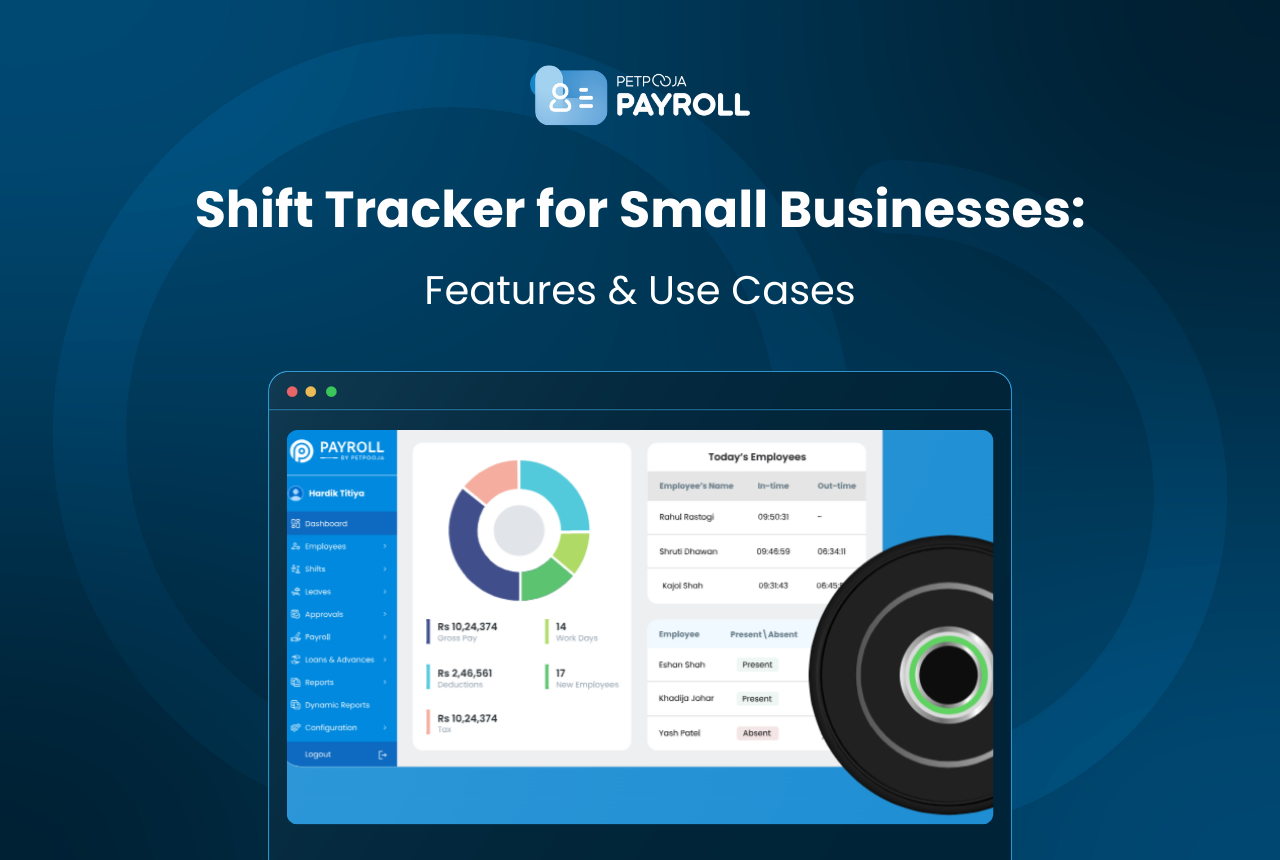
Managers can view shift schedules, attendance data, and employee availability from one dashboard.
Payroll integration
Some shift trackers connect directly with payroll systems. This allows working hours and overtime data to be used automatically during salary calculations.
Multi-location support
For businesses with multiple branches, shift trackers make it easier to manage employees across different locations.
Benefits of Using a Shift Tracker
For small businesses, a shift tracker can make daily workforce management much simpler.
Managers spend less time adjusting schedules. Employees know their shifts in advance. Attendance records become clearer, and payroll errors become less common.
A shift tracker also helps businesses:
- Reduce scheduling mistakes
- Track overtime more accurately
- Improve payroll accuracy
- Monitor employee schedules easily
Because everything is stored in one place, managers get better visibility of their workforce.
Use Cases of Shift Tracker for Small Businesses
Many industries rely heavily on shift-based work.
Retail stores
Retail businesses often need flexible schedules because many employees work on an hourly basis, depending on customer traffic. During busy hours or festive seasons, more staff may be required.
A shift tracker helps managers easily adjust schedules.
Restaurants and cafes
Restaurant and coffee businesses generally run several shifts throughout the day and have different peak hours, so a shift tracker helps managers ensure enough staff are available during peak hours.
Manufacturing businesses

Factories possibly run day and night shifts. Using a shift tracker helps supervisors monitor working hours and manage workers more effectively, so they can pay them accordingly for their overtime and all.
Warehouses and logistics
Warehouses frequently operate late shifts to handle deliveries and inventory. Shift trackers help schedule workers and track attendance more easily.
Manual Shift Tracking vs Shift Tracker
| Factor | Manual Method | Shift Tracker |
| Scheduling | Excel or registers | Automated scheduling |
| Attendance tracking | Manual checking | Automatic tracking |
| Overtime tracking | Difficult | Recorded automatically |
| Schedule updates | Time-consuming | Quick updates |
| Payroll accuracy | Often inconsistent | More reliable |
While manual approaches can be sufficient for 3-4 employee teams, adopting a shift management software proves considerably more effective as businesses expand.
Conclusion
For a small business, handling rotational shifts manually often seems doable. A notebook, a spreadsheet, or even a WhatsApp message might be sufficient. However, as the employee grows, complications begin to arise. Shifts alter, someone forgets to revise the timetable, or overtime hours are missed in tracking.
That’s where a shift tracker or shift tracking system helps. It organises schedules, attendance, and working hours on the job in a single system and dashboard, so owners/managers avoid compiling data from separate platforms such as WhatsApp, diaries, and verbal conversations.
For small to mid-sized businesses, this can significantly ease daily operations. Fewer scheduling mix-ups, clearer records, no more misunderstandings, and lower pressure when processing the salary at month-end.
And as the team grows or shifts become more complicated, having a simple system to manage everything just makes life easier.
Frequently Asked Questions
Small businesses often run on different shifts. A shift tracker helps plan employee schedules, track working hours, and avoid payroll mistakes. It also saves time for managers.
Yes. Many modern systems connect shift tracking with payroll. This implies that the salary calculation automatically utilises overtime, work hours, and leave data.
Yes. Retail stores and restaurants often run in multiple shifts. A shift tracker helps managers schedule employees and make sure enough staff are available during busy hours.
Yes. Many shift-tracking systems allow employees to view their shift schedules and mark attendance via a mobile app.
A shift tracker records working hours and overtime automatically. This ensures payroll calculations are based on accurate data.
Yes. Many HR systems for small businesses include shift tracking, attendance management, leave tracking, and payroll on a single platform.








