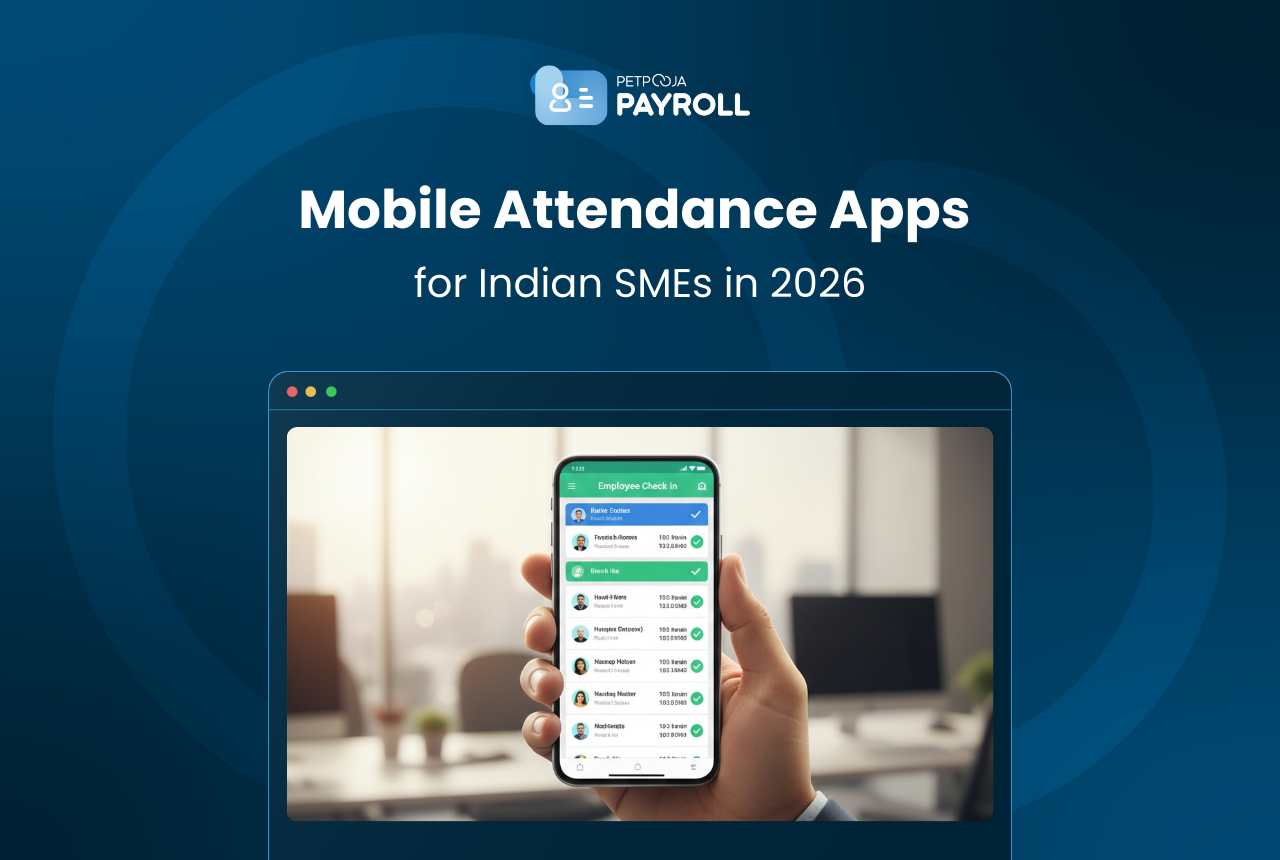
Attendance management is no longer limited to registers or basic punch machines. Today, Indian SMEs rely on mobile apps to track check-ins, manage shifts, and maintain real-time visibility of their workforce.
As businesses grow or operate across multiple locations, attendance accuracy becomes essential. Manual processes can quickly lead to payroll confusion and unnecessary administrative work. The India payroll market is projected to grow steadily as SMEs adopt digital systems to improve compliance and reduce operational errors, reflecting the increasing importance of integrated attendance and payroll tools.
In this blog, we explore how leading mobile attendance apps used by Indian SMEs in 2026 manage attendance, what features they offer, and how they support day-to-day operations.
1. Petpooja Payroll Attendance (Admin App)
| Key attendance features (Admin App) | How it helps SMEs |
| Review & Approve Attendance | Managers can review and approve employee check-ins and corrections. |
| Edit & Correct Attendance Records | Admins can adjust logs for missed punches or exceptions. |
| Attendance Dashboard | Provides a summary of attendance status across the workforce. |
| Leave Approval | Managers can approve or reject leave requests submitted by employees. |
| Reporting & Export | Admins can generate attendance summaries and export reports for analysis. |
Limitations
- Attendance functions are integrated with payroll; it is not a standalone attendance tool.
- Advanced verification (AI face recognition / strong geo-fencing) is limited.


2. Petpooja Payroll Attendance (Employee App)
| Key attendance features (Employee App) | How it helps SMEs |
| Mobile Punch In / Punch Out | Employees can mark attendance via the mobile app. |
| View Attendance Calendar | Staff can see their own history, including absences and weekly offs. |
| Apply for Leave | Employees can request leave directly from the app. |
| Regularisation Requests | Staff can request correction of missed punches. |
| Notification Alerts | Employees receive updates on approved or rejected attendance/leave. |
Limitations
- Attendance history is view-only; detailed analytics require admin access.
- Same verification limits (face/geo) apply unless used with external hardware.

3. PagarBook
| Key attendance features (mobile) | How it helps SMEs |
| Mobile Punch-in / Punch-out | Simple attendance marking via smartphone. |
| GPS & Selfie Verification | Adds basic location and photo checks during attendance. |
| Working Hours Tracking | Automatically records total working hours. |
| Manual Attendance (App/Web) | Allows manual attendance entry when needed. |
| Multiple Admin Access | Enables attendance tracking by multiple admins. |
| Real-Time Punch Alerts | Sends instant check-in notifications to managers/owners. |
Limitations
- Some users report GPS inaccuracy and technical issues.
- Interfaces may feel crowded due to combined payroll and bookkeeping features.
- Reporting depth is moderate rather than advanced.

4. PagarGuru
| Key attendance features (mobile) | How it helps SMEs |
| GeoSelfie Attendance | Verifies location during punch-in. |
| AI FaceScan Attendance | Prevents proxy attendance through facial recognition. |
| Manual Attendance (App/Web) | Allows controlled manual check-ins when required. |
| Shift Rule Configuration | Supports late marks, half days and absence rules. |
Limitations
- Reports of server downtime affecting reliability.
- Break-time configuration flexibility may be limited.
- Stability should be tested before full deployment.

5. Tankhwa Patra
| Key attendance features (mobile) | How it helps SMEs |
| Basic Punch-in / Punch-out | Simple mobile attendance logging. |
| Attendance Record Visibility | Employees can review their attendance history. |
| Schedule Integration | Links attendance with task and schedule tracking. |
Limitations
- Limited automation and verification features.
- Basic reporting and analytics.
- Data privacy concerns are mentioned in public reviews.

6. SalaryBox
| Key attendance features (mobile) | How it helps SMEs |
| Multi-Mode Attendance Capture | Supports biometric, facial recognition, QR, and geo-fence attendance. |
| AI Face Recognition | Reduces proxy attendance. |
| Geo-Fencing & GPS Tracking | Ensures attendance is marked from approved locations. |
| Attendance Reports & Analytics | Provides detailed logs and downloadable reports. |
| Roster & Shift Management | Supports fixed and flexible shift tracking. |
| Real-Time Attendance Tracking | Enables live workforce visibility. |
| Employee Self-Service | Allows staff to view attendance, apply for leave, and access payslips. |
| Audit Trail & Customisable Policies | Maintains attendance records with policy control and traceability. |
Limitations
- Feature sets may feel extensive for very small teams with simple payroll needs.
- Advanced verification modes require proper device permissions and configuration.
- Because it is cloud-based, stable internet access is important for full functionality.

Final Takeaways for SMEs
Mobile attendance apps are no longer just convenience tools; they directly impact operational clarity and payroll accuracy. The right system should reduce confusion around punch-ins, minimise manual corrections, and give managers clear visibility of their workforce. Growing teams often move towards an integrated payroll system to reduce recurring attendance mismatches as operations become more complex.
There is no single “best” attendance app for every SME. The right choice depends on how your team works. If you manage shift-based or field staff, stronger verification such as geo-fencing or face recognition, may be important. If your team operates from a fixed location, a simpler mobile punch system may be sufficient.
Before deciding, SMEs should focus on three things: reliability, verification strength and ease of use. Choosing carefully today can prevent recurring attendance issues as your business grows.
Frequently Asked Questions
SMEs should look for reliable punch-in options (GPS, selfie or biometric), shift management, real-time dashboards and clear reporting. The aim is to reduce manual corrections and improve accuracy.
Yes. GPS and selfie-based attendance works well for field and hybrid teams, as it verifies both location and identity during check-in.
They reduce manual corrections. Instead of fixing missed punches and arguing over hours worked, managers get clearer records and real-time visibility.
GPS helps confirm location, but it does not fully prevent proxy marking. Combining GPS with selfie or facial recognition provides stronger verification.
Not necessarily. More features do not always mean a better fit. If your operations are simple, a lightweight solution may be easier to manage.