


Introduction
Payroll often depends on more than fixed salaries. In many organisations, salary calculations are linked to attendance records, leave approvals, shift timings, and overtime hours.
When these records are handled in different systems, payroll processing can become difficult. Managers may need to verify attendance data before generating salary reports.
Petpooja Payroll connects attendance tracking with payroll processing. Instead of managing attendance and payroll separately, businesses can handle both within the same system.
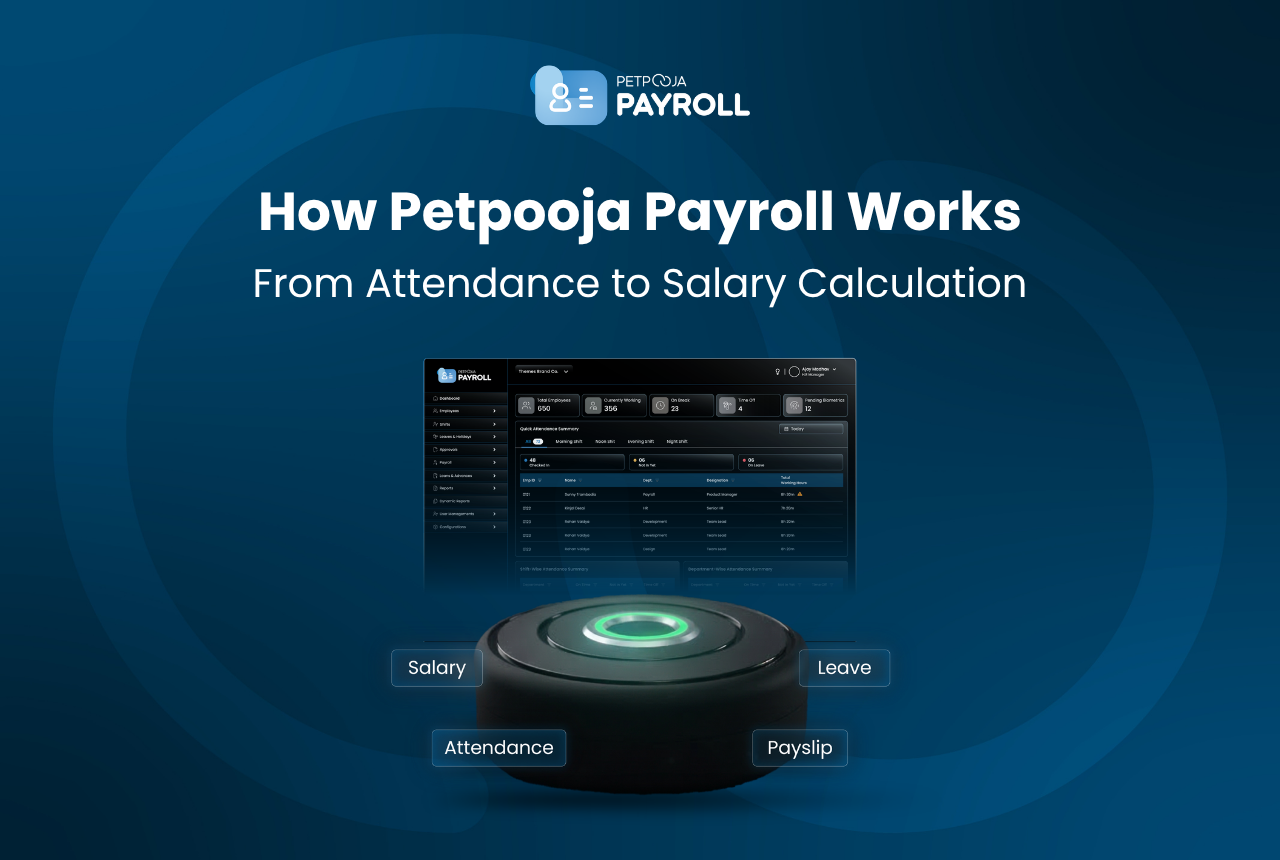
The system combines attendance hardware devices, payroll software, and mobile applications to manage employee attendance and salary calculations in one workflow.
The Role of Attendance in Payroll Processing
Attendance plays a major role in payroll calculations. In many businesses, the number of days an employee works directly affects salary calculations.
Payroll processing usually depends on records such as:
- Attendance entries
- Leave approvals
- Shift schedules
- Overtime hours
If these records are incorrect or incomplete, payroll calculations may also become inaccurate.
For example, a missed attendance punch may reduce the number of payable working days. Similarly, overtime hours may increase the final salary amount.
This is why many businesses prefer payroll systems that connect attendance tracking directly with payroll calculations.
Petpooja Payroll follows this approach by using attendance data as the base for salary processing.
The Petpooja Payroll Workflow
Petpooja Payroll follows a structured workflow where employee attendance becomes the starting point for payroll processing. Instead of collecting attendance records separately at the end of the month, the system captures and processes attendance continuously.
This workflow connects attendance devices, payroll software, and reporting tools so that businesses can move from attendance capture to salary calculation in a more organised way.
Step 1: Employee Attendance Capture
The first stage of the workflow is attendance capture. Employees mark their attendance when they enter or leave the workplace.
Businesses can record attendance using different methods such as:
- Biometric device (fingerprint scanning)
- Biometric Plus device
- Face scanner device (facial recognition)
- Mobile attendance through the employee app
When an employee marks attendance, the system records the exact check-in and check-out time.
Because biometric identifiers are unique, the chances of proxy attendance are reduced.
Example attendance record:
| Employee | Check-in | Check-out | Method |
| Rahul | 09:05 | 18:02 | Fingerprint |
| Meena | 08:57 | 17:55 | Face recognition |
| Arjun | 09:10 | 18:12 | Fingerprint |
These attendance records are stored automatically in the system and become the base data for the next stage of the payroll process.
Step 2: Attendance Data Synchronisation
After attendance is captured, the next stage is data synchronisation. The attendance records from devices are transferred to the payroll system so they can be processed further.
This usually happens automatically once the device is connected to the system. The attendance data is stored in the software where managers can view daily attendance records.
The system typically records information such as:
- employee name or ID
- check-in time
- check-out time
- attendance method used
For example, a synchronised attendance record may appear like this:
| Employee | Date | Check-in | Check-out |
| Rahul | 12 Feb | 09:05 | 18:02 |
| Meena | 12 Feb | 08:57 | 17:55 |
| Arjun | 12 Feb | 09:10 | 18:12 |
Once attendance data is synchronised, managers can review the records before payroll processing begins.
These records then move to the next stage of the workflow where the system processes attendance details such as shifts, leave entries, and overtime hours.
Step 3: Attendance Processing
Once attendance data is synchronised, the system begins processing the records. This stage checks how each attendance entry should be counted before payroll calculations begin.
During this step, the system evaluates several attendance-related details such as:
- shift timings
- approved leave records
- overtime hours
- late arrivals or early exits
These details help determine how many working hours or working days should be considered for payroll.
For example, if an employee works beyond their regular shift, the extra time may be recorded as overtime. If an employee takes approved leave, those days may be counted differently depending on company policies.
Example attendance processing summary:
| Employee | Working Days | Leave Days | Overtime Hours |
| Rahul | 26 | 2 | 4 |
| Meena | 27 | 1 | 2 |
| Arjun | 25 | 3 | 0 |
Once attendance records are processed, the system prepares the data required for salary calculations.
This processed attendance information is then used in the final stage of the workflow.
Step 4: Payroll Calculation
After attendance data is processed, the system moves to payroll calculation. At this stage, the processed attendance records are used to determine the final salary for each employee.
Payroll calculations usually consider several inputs such as:
- total working days
- number of days present
- approved leave days
- overtime hours
- salary structure
A commonly used payroll formula is:
Payable Salary = (Days Worked ÷ Total Working Days) × Monthly Salary
Example:
| Item | Value |
| Monthly Salary | ₹40,000 |
| Total Working Days | 30 |
| Days Present | 27 |
Calculation:
Payable Salary = (27 ÷ 30) × 40,000 = ₹36,000
Because attendance data has already been processed in earlier stages, payroll calculations can be generated more easily.
Managers can then review payroll summaries and generate salary reports for employees.
Hardware and Software Components of Petpooja Payroll
Petpooja Payroll works through a combination of attendance hardware and payroll software. These components work together so that attendance records can move directly into payroll processing.
Instead of managing attendance and payroll in separate tools, businesses can connect these systems within the same setup.
The Petpooja Payroll system typically includes the following components.
Attendance Hardware Devices
Attendance devices are used to capture employee check-in and check-out records. These devices verify the identity of the employee before recording attendance.
Businesses can use devices such as:
- Biometric device for fingerprint attendance
- Biometric Plus device for upgraded biometric scanning
- Face scanner device for facial recognition attendance
Once attendance is recorded on the device, the data is transferred to the payroll system for further processing.
Web Payroll Dashboard
The web dashboard is the main interface used by business owners or administrators to manage payroll operations.
Through the dashboard, businesses can:
- Manage employee records
- Review attendance data
- Process payroll calculations
- Generate payroll reports and payslips
This dashboard becomes the central workspace for payroll management.
Owner Mobile App
The owner mobile application allows business owners to monitor workforce activity without accessing the full web dashboard.
Through the mobile app, owners can:
- Review attendance summaries
- Monitor employee attendance activity
- Receive notifications related to attendance records
The mobile app is mainly used for quick monitoring and updates.
Employee Mobile App
Employees can access payroll and attendance information through the employee mobile application.
Using the app, employees can:
- Check their attendance records
- View salary payslips
- Apply for leave
- Review their attendance calendar
This helps employees stay updated about their payroll information without needing to contact HR or management.
Industries That Use Petpooja Payroll
Payroll challenges are not limited to a single type of business. Many industries need a structured way to track employee attendance and calculate salaries accurately.
Based on customer usage data, Petpooja Payroll is used across several sectors in India. These organisations often manage multiple employees, shifts, or locations, which makes attendance tracking and payroll processing more complex.
Some of the industries where Petpooja Payroll is commonly used include:
- Manufacturing businesse
- Corporate offices and service companies
- Hospitality establishments such as restaurants and hotels
- Retail outlets and stores
- Educational institutions
- Healthcare organisations and clinics
- Automobile businesses
- Real estate companies
- Trading and distribution businesses
Customer data also shows that businesses using the system typically manage teams with an average employee count of around 44 people.
In addition, many organisations operate from multiple locations, which increases the need for a system that can centralise attendance records and payroll calculations.
By connecting attendance devices with payroll software, businesses across these industries can maintain more consistent records for workforce management and salary processing.
When Businesses Should Consider Petpooja Payroll
Many businesses begin payroll management with simple tools such as registers or spreadsheets. This approach may work when the team is small, but as employee numbers increase, payroll preparation can become harder to manage.
At that stage, businesses often start looking for a payroll system that connects attendance records with salary calculations.
Businesses may consider Petpooja Payroll in situations such as:
- Growing employee teams where manual attendance tracking becomes difficult
- Attendance devices already in use such as biometric or face recognition machines
- Multiple shifts or work schedules that require organised tracking
- Multiple branches or locations where attendance data needs to be centralised
- Frequent payroll adjustments caused by attendance errors or manual calculations
For example, a company with several branches may find that collecting attendance data from different locations takes time each month. When attendance devices are connected to a payroll system, those records can be viewed from a single dashboard.
Similarly, businesses that rely on attendance data to calculate salaries may benefit from systems that automatically process attendance records during payroll preparation.
As teams grow and payroll processes become more detailed, systems like Petpooja Payroll help businesses manage attendance records and payroll calculations within one connected workflow.
Conclusion
Payroll management becomes more complicated as businesses grow. Attendance records, leave entries, overtime hours, and salary calculations all need to work together for payroll to remain accurate.
Petpooja Payroll connects attendance tracking with payroll processing through a combination of attendance hardware and payroll software. Attendance devices record employee working hours, and the payroll system uses those records to generate salary calculations.
For businesses that rely on attendance data to process salaries, using a connected payroll system can help maintain more organised records and reduce the effort required during payroll preparation.
Frequently Asked Questions
Petpooja Payroll is a payroll and attendance management system that connects attendance hardware devices with payroll software. Businesses can record employee attendance and process payroll calculations through the same platform.
Petpooja Payroll calculates salaries using attendance and workforce records such as working days, leave entries, overtime hours, and defined salary structures. The system processes these records and generates payroll calculations based on the available data.
Yes. Petpooja Payroll supports multiple attendance devices, including biometric fingerprint scanners, biometric plus devices, and face scanner machines. These devices capture employee attendance and sync the records with the payroll system.
Yes. Employees can view their attendance records, salary payslips, and leave details through the employee mobile application. This allows employees to track their attendance and payroll information directly.
Yes. Petpooja Payroll is used by small and medium-sized businesses that need to track employee attendance and process payroll calculations. The system is often used by organisations that manage shift-based work or operate from multiple locations.
No. The platform focuses on payroll calculation and attendance tracking. Salary transfers are usually processed through the business’s banking system after payroll reports are generated.


